

First Impressions and Onboarding
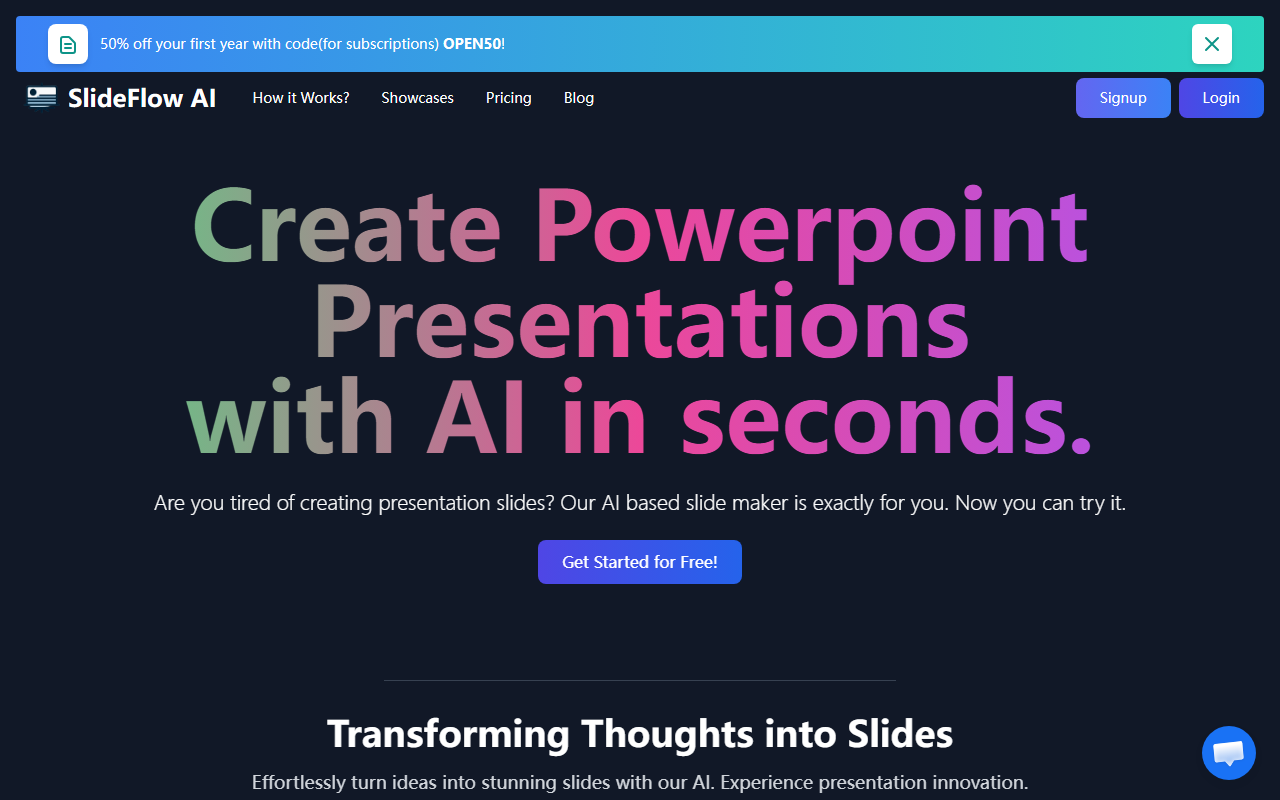
Upon visiting slideflow.io, the landing page wastes no time pushing a 50% discount code (OPEN50) for subscriptions. The interface is clean and modern, with a clear CTA to “Get Started for Free.” I signed up without providing a credit card — the 30-day free trial is genuinely no-strings-attached. The dashboard is straightforward: a text box where you type or paste your content, then click to generate. For my test, I entered a short outline about remote work trends. The AI processed it in under 10 seconds and produced a 4-slide deck. The free “Starter Pack” includes 40 AI Magic Writer credits, 1 presentation, 2000 characters per input, and a maximum of 4 slides. Storage is limited to 72 hours — fine for a quick export but not for long-term projects.
How SlideFlow Handles Presentation Creation
The Magic Editor allows you to refine generated content using the Magic Writer feature, which can expand or rephrase text. You can also swap background images from a library of content-related visuals. In my test, the backgrounds were relevant but stock-like — no custom image uploads or advanced design tweaks. The output includes slide titles, bullet points, and matching imagery. However, the character cap is restrictive: even the paid tiers max out at 5000 characters per presentation, which is roughly one dense slide deck. Slide count is also capped at 9 slides for paid users. Export is available, but there’s no mention of PowerPoint file format — I received a PPTX download without issues. One notable strength is the support for 85+ languages, making it genuinely global. But there’s no option to add charts, tables, or animations; this tool is purely for text-and-image slides.
Pricing and Market Positioning
SlideFlow uses a hybrid model: a free basic tier, then pay-as-you-go packs for presentations. The free tier gives one presentation (4 slides) with 2000 characters and 72-hour storage. Paid packs start at $1.49 for 1 presentation (up to 9 slides, 5000 characters, 7-day storage). The “Most popular” 3-presentation pack costs $3.49 total ($1.16 each), and the 5-pack is $4.99 ($0.99 each). There is no monthly subscription clearly listed beyond these packs — the “subscription” label on the pricing table seems to refer to the free starter pack. This makes SlideFlow a low-commitment tool for one-off decks. Competitors like Tome or Gamma offer richer interactivity and AI narration but come with steeper learning curves and monthly subscriptions. SlideFlow’s advantage is simplicity: paste text, get slides. Its major limitation is the lack of design flexibility — no custom fonts, no slide master control, and no collaborative features. Storage time is short (7 days max), which may frustrate users who need to revisit decks later.
SlideFlow is best suited for students, marketers, or anyone needing a quick draft of a presentation from raw text. Professionals who require polished, data-heavy decks with custom branding should look elsewhere. If you value speed over fine-grained control, this tool delivers. Visit SlideFlow at https://slideflow.io/ to explore it yourself.













Comments