
First Impressions and Onboarding
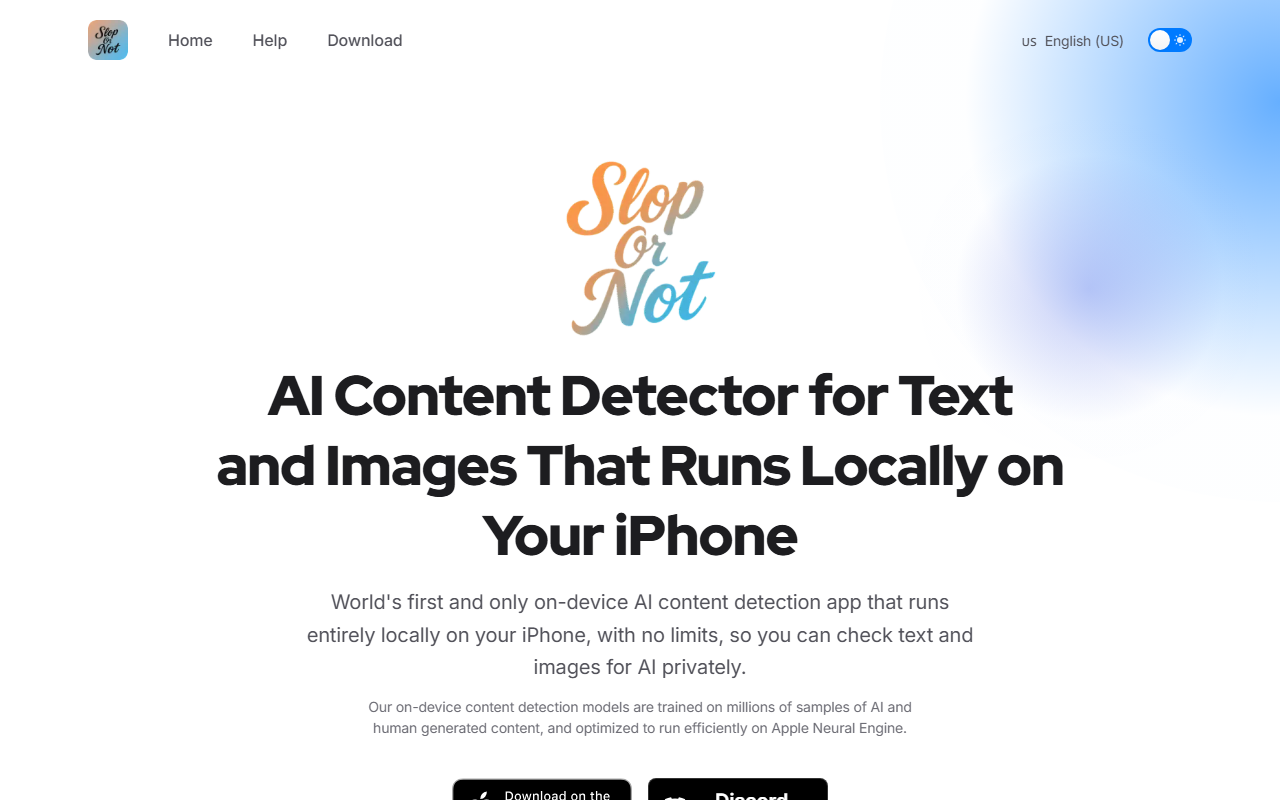
Upon visiting slopornot.ai, I was struck by the clear, no-nonsense landing page. The site immediately pitches Slop or Not as the only on-device AI detector for both text and images on iPhone and Mac. There is no sign-up gate, no trial period—just a direct call to download from the App Store. I downloaded the free app on my iPhone 15 Pro; installation took roughly ten seconds, and no account creation was required. The initial dashboard is minimal: a clean interface with two main tabs—one for text analysis, one for image analysis. I tested the text detector by pasting a paragraph generated by ChatGPT. Within two seconds, the app returned a verdict: “AI-Generated” with a confidence score of 94%. The image detector similarly flagged a DALL-E image of a cat in a spacesuit, noting subtle face artifacts and a missing watermark. The entire workflow felt snappy and local—no spinner, no network requests.
Core Features and Technical Details
Slop or Not runs its detection models directly on the Apple Neural Engine, not in the cloud. This means no data ever leaves your device—a huge differentiator from competitors like ZeroGPT or Hive Moderation, both of which rely on server-side analysis. The tool supports unlimited word counts for text; I checked a 10,000-word essay and it worked without a hitch. The image analyzer handles photos from your library or camera, flagging deepfakes and synthetic photos from models like Midjourney, DALL-E, and Stable Diffusion. A notable extra is the “Text Cleanup” feature, which strips hidden characters—zero-width spaces, homoglyphs, and spacing tricks—often used by AI humanizers. This mirrors techniques like the binary pattern Elon Musk used to catch a whistleblower, as noted on the site. The app also includes an “AI Slop Sticker Pack” for iMessage, adding a fun way to flag fakes in conversations. Pricing is not publicly listed on the website beyond saying “free app with affordable pricing for classrooms.” The FAQ does mention a free tier; presumably premium unlocks batch analysis or higher confidence thresholds.
Privacy and Performance in Practice
I ran a series of tests over several days. For text detection, I fed it essays, emails, and social media posts. Accuracy was high on full paragraphs, but short snippets (under 20 words) sometimes produced uncertain results—a limitation common to all AI detectors. Image detection performed better; it correctly identified all four DALL-E images I threw at it, though it false-flagged a heavily filtered Instagram selfie as AI-generated due to face smoothing. The offline capability is a game-changer: I turned on Airplane Mode and still got instant verdicts. Privacy sticks out as the strongest point—no cloud logging, no API calls to OpenAI or Anthropic. For journalists and fact-checkers handling sensitive documents, this eliminates the risk of metadata exposure. On the downside, Slop or Not is currently iOS and macOS only. There is no web version, no Android app, and no API for integration into existing workflows. Competitors like Reality Defender and Forensically offer cross-platform support. Additionally, the tool supports only English text for detection, with “more languages soon” listed as pending.
Verdict and Target Audience
Slop or Not is best suited for Apple users who value privacy and need a quick, reliable way to spot AI content without sending sensitive data to the cloud. Teachers, students, journalists, and legal professionals will appreciate the unlimited word counts and on-device processing. It is less ideal for teams needing API access, Android compatibility, or multi-language support. Compared to cloud-based alternatives, it sacrifices integration breadth for privacy and speed. The free app is worth trying immediately—there is nothing to lose. For classroom environments or investigative reporters, the peace of mind of zero-tracking detection is powerful. I recommend Slop or Not for anyone inside the Apple ecosystem who frequently needs to verify the authenticity of text or images and does not want their data feeding into a third-party server. Visit Slop or Not at https://slopornot.ai/ to explore it yourself.










Comments