

First Impressions: Onboarding and Interface
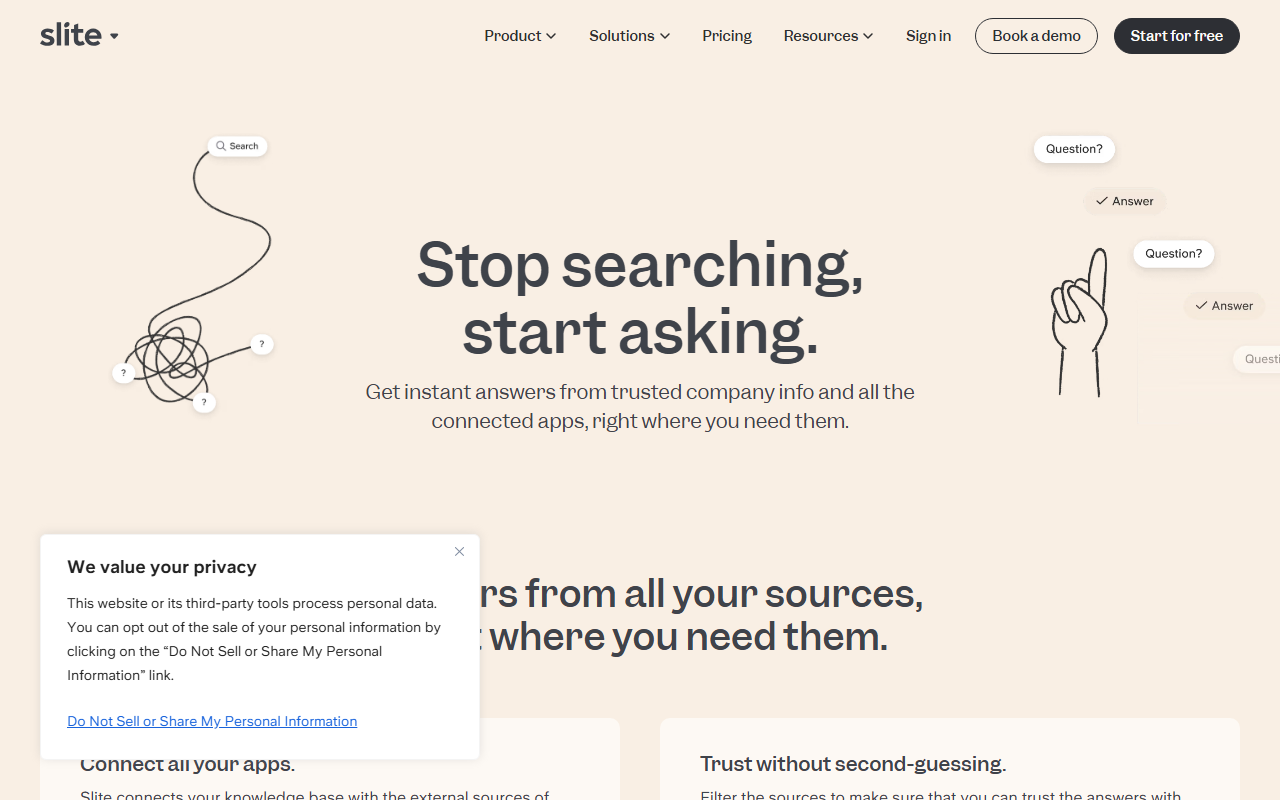
Upon visiting Slite's website, I was immediately drawn to the clean, modern design. The messaging is clear: help knowledge thrive rather than die. Signing up for the free tier was straightforward—just an email, and I was inside. The onboarding flow is notably smooth. A guided tour highlights key areas: a document editor that feels minimal but powerful, a left sidebar for navigation, and a prominent search bar labeled “Ask.” The interface is intuitive; even new users can start creating docs within minutes. The editor supports markdown-like shortcuts, rich formatting, and nesting of documents. I tested the document template gallery—it's extensive, covering engineering, HR, operations, and more. Creating a technical documentation template was a breeze. The overall UX prioritizes simplicity, which is refreshing compared to bloated alternatives.
Core Features: Docs, AI Ask, and Knowledge Suite
Slite's core is its knowledge base, but the standout feature is Ask, an AI that answers questions using your verified documents. I tested Ask with a sample knowledge base of about 20 documents covering product specs and onboarding. Asking “What is the onboarding process for new engineers?” returned a concise answer with links to specific docs. The AI respects user permissions, only surfacing content the asker has access to. This is crucial for team security. Additionally, the Knowledge Suite plan extends Ask beyond Slite to search across all integrated tools like Slack and Google Drive, using Super's search technology. This is a powerful differentiator. Other features include document verification with automated reminders (to keep content current), bulk knowledge management operations, and ownership transfer when team members leave—practical for reducing stale information. Integration setup is simple; I connected Slack and Google Drive within a few clicks.
Pricing and Alternatives
Slite does not publicly list fixed pricing tiers for its paid plans. The website only offers “Start for free” and “Book a demo” for team or enterprise plans. Based on the feature descriptions, there is likely a Pro plan with Ask included and an Enterprise plan with SSO, SCIM, advanced analytics, HIPAA compliance, and dedicated support. For pricing specifics, you must contact their sales team. In the market, Slite competes with tools like Confluence (more enterprise, complex), Notion (all-in-one workspace), and Tettra (simpler knowledge base). Unlike Notion, Slite focuses exclusively on knowledge management, which reduces feature bloat. Compared to Confluence, Slite feels far more user-friendly but may lack advanced permissions and customization for large enterprises. Also, tools like Guru offer similar AI-question answering but with a different pricing model. Slite's strength is its elegant design and AI that is deeply integrated from day one.
Final Verdict and Recommendations
After spending significant time with Slite, I can confidently say it is one of the most pleasant knowledge base tools I have used. The AI Ask feature genuinely reduces time spent searching, and the document health features help teams maintain quality. Strengths include exceptional UI/UX, strong AI integration, and useful governance tools. Real limitations: the AI's scope is limited to your documents (though the Knowledge Suite extends it), and pricing is opaque, which may frustrate budget-conscious teams. Also, for very large enterprises with complex compliance needs, Confluence or SharePoint might still be necessary. Who should try Slite? Medium-sized teams (10-500 people) who value clean documentation and want AI-powered search without heavy setup. Also great for startups and remote teams. Who should skip? Teams needing a full project management workspace (consider Notion) or those with rigid enterprise requirements that demand on-premise hosting. Overall, Slite is a worthy investment for improving team knowledge sharing.
Visit Slite at https://slite.com/ to explore it yourself.










Comments