

First Impressions and Onboarding
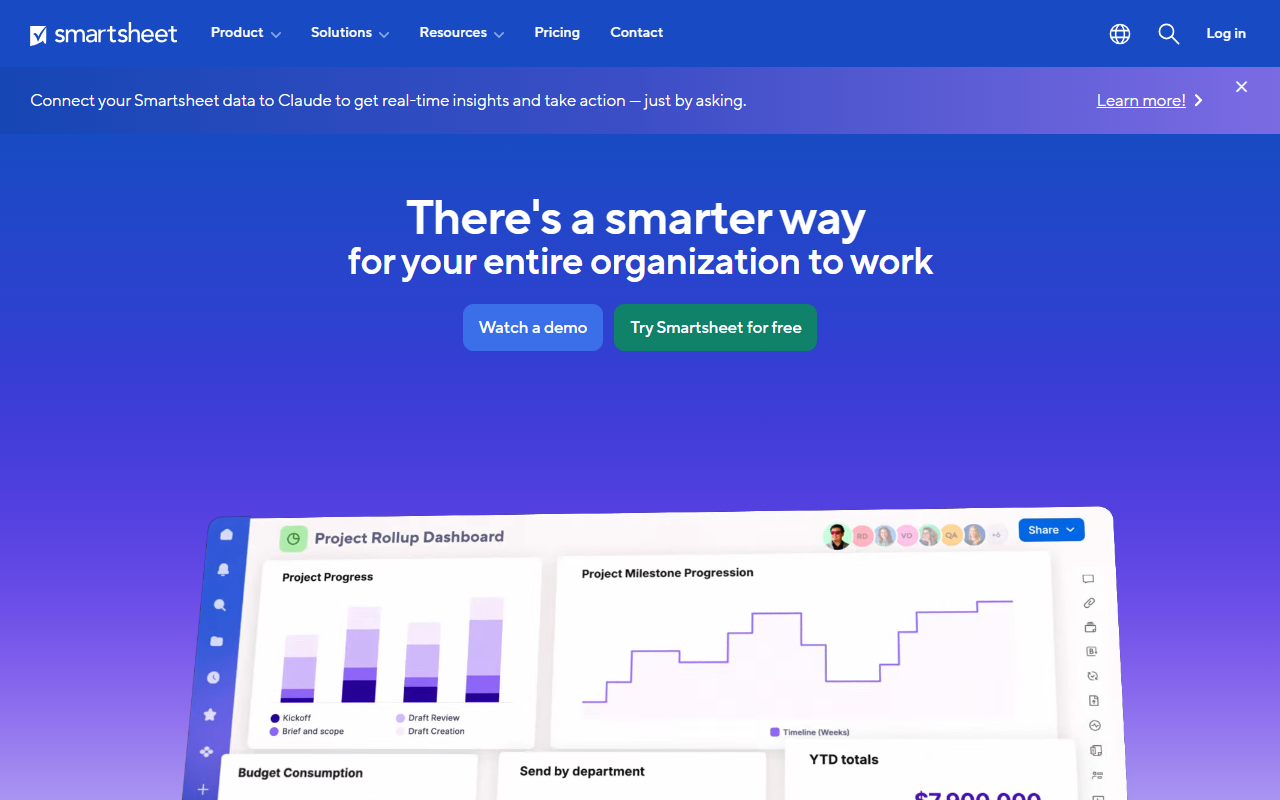
Upon visiting the Smartsheet website, I was immediately struck by the emphasis on AI as a core component. The landing page promotes an “Intelligent Work Management platform with AI at its core,” which sets high expectations. The dashboard, after signing up for the free trial, presents a familiar spreadsheet-like interface but with powerful project management overlays. The onboarding flow is smooth, guiding users through creating a sheet, adding columns, and setting up automations. I tested the free tier and found that basic features like Gantt charts, Kanban boards, and dashboards are readily available, though AI-driven insights require a paid plan.
Capabilities and Technical Depth
Smartsheet is far more than a simple spreadsheet tool. It leverages AI to provide personalized insights, deeper analysis, and tailored solutions. According to the site, its AI vision includes making work management a “superpower” by helping teams tackle challenges without needing to be experts. The platform supports project and portfolio management, resource planning, milestone tracking, workload balancing, and centralized intake workflows. Integrations are extensive, connecting with popular apps to keep work in sync. While the specific AI models or technologies are not disclosed on the public site, the tool clearly focuses on automating repetitive tasks and offering predictive insights. Notably, Smartsheet claims that over 85% of Fortune 500 companies trust the platform. Pricing is not publicly listed on the website, but the free trial is available. Enterprise plans typically include advanced security, automation, and API access.
Market Position and Alternatives
Smartsheet competes directly with tools like Asana, Monday.com, and Microsoft Project. Unlike Asana, which emphasizes simplicity and task management, Smartsheet offers a robust spreadsheet foundation that appeals to users who prefer familiar data layouts. Compared to Monday.com, Smartsheet's AI features appear more integrated into portfolio and client delivery workflows. The tool is best suited for organizations that need a scalable platform for complex projects, especially those in IT, operations, and client delivery. Smaller teams or those looking for a lightweight task manager might find it overwhelming. The website highlights customer stories from McLaren Racing, Roche, Uber, and DIRECTV, demonstrating its credibility in high-stakes environments.
Strengths, Limitations, and Final Verdict
Smartsheet's greatest strength is its ability to combine the familiarity of spreadsheets with powerful project management and AI capabilities. The AI-driven insights are genuinely useful for resource forecasting and risk mitigation. The platform's integrations and enterprise-grade security are also notable. However, a significant limitation is the lack of transparent pricing; potential users must contact sales to get a quote, which can be a barrier for small businesses or freelancers. Additionally, the interface, while powerful, can have a steeper learning curve compared to more minimalist tools. For teams already comfortable with Excel or Google Sheets, Smartsheet is an excellent upgrade. I recommend it for medium to large enterprises, project management offices, and operations teams that need to manage complex workflows across departments. Individual users or very small teams should consider simpler alternatives first. Visit Smartsheet at https://smartsheet.com/ to explore it yourself.













Comments