

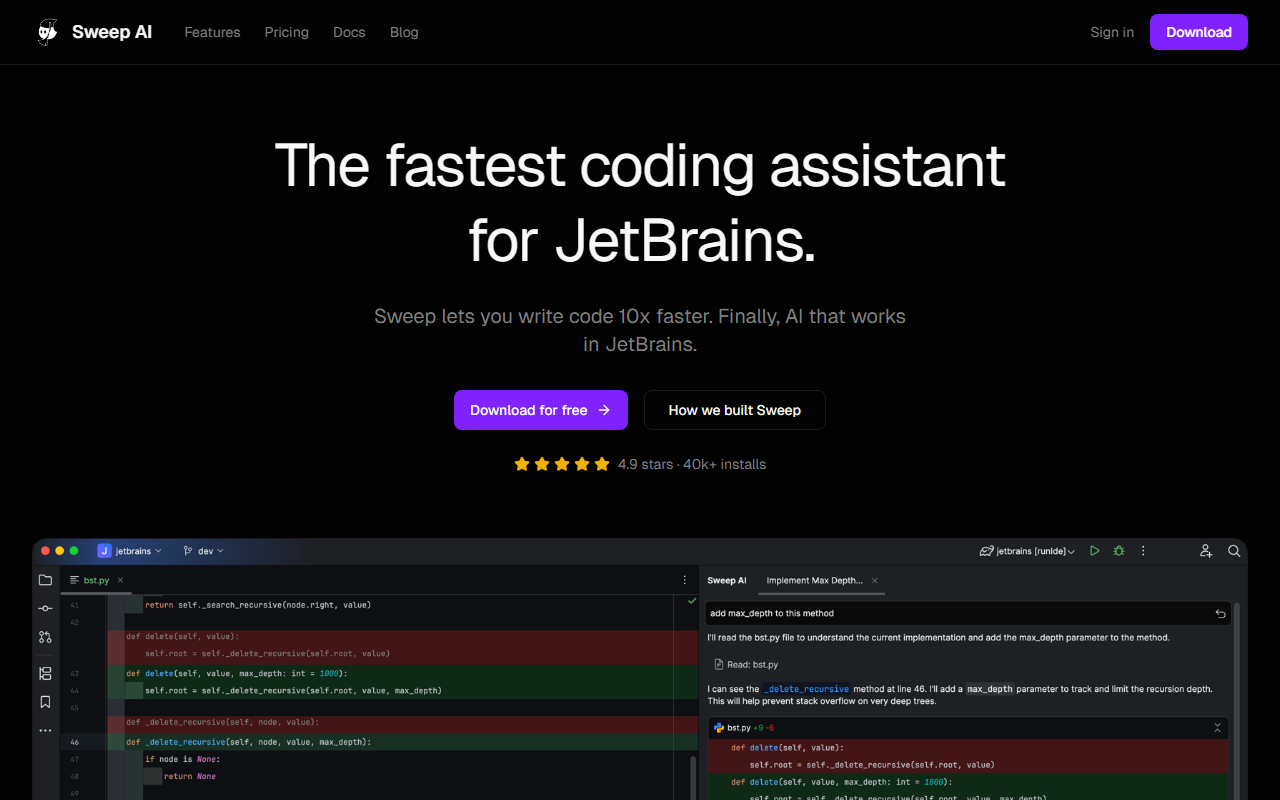
First Impressions and Setup
Upon visiting Sweep's website, I was immediately impressed by the clarity of its value proposition: an AI coding assistant built specifically for JetBrains IDEs. The download button is prominent, and the site emphasizes a 4.9-star rating with over 40,000 installs. I installed the plugin from the JetBrains Marketplace without any hiccups—it's a straightforward plug-and-play experience. The dashboard within IntelliJ IDEA (my test IDE) shows a small toolbar with options for autocomplete and the AI agent. The onboarding flow is minimal; a brief tooltip explains the Tab autocomplete feature.
Core Features and Technology
Sweep relies on its own large language models (LLMs) to deliver low-latency code suggestions and an AI agent that can perform complex tasks like codebase indexing, context-aware edits, and even web searches. The service is SOC 2 compliant and advertises zero data retention, addressing a key privacy concern for enterprise developers. The two flagship features are the Tab autocomplete (a custom model that predicts the next few lines of code in milliseconds) and the AI Agent, which can refactor code, generate docstrings, or answer questions about your project. During testing, I asked the agent to “add a logging middleware to the Flask app,” and it correctly identified the relevant files and inserted code that matched my project's existing patterns. The autocomplete is notably snappy—it feels faster than GitHub Copilot when used inside JetBrains. Sweep also includes code review capabilities and remote MCP server support (with OAuth), as shown in the changelog.
Pricing and Market Positioning
Pricing is not publicly listed on the website. The site offers a “Try for free” download, and there is no visible pricing tier or page beyond that. This suggests Sweep may operate on a freemium model or a subscription that requires contacting sales. For context, competitors like GitHub Copilot (which also now works in JetBrains) charge $10/month for individuals, while Cursor offers a standalone AI-native IDE. Sweep differentiates by being purpose-built for JetBrains users who prefer to stay within their existing IDE. With 40k+ installs and overwhelmingly positive testimonials, it has established strong authority in the niche. However, the lack of transparent pricing could deter some users who need to budget.
Strengths, Limitations, and Verdict
The primary strength of Sweep is its seamless integration with all major JetBrains IDEs (IntelliJ, PyCharm, Android Studio, WebStorm, Rider, etc.) and its impressive speed. The custom LLM delivers context-aware suggestions that genuinely respect your code style. Privacy and security are also standouts, especially for enterprise teams. However, there are limitations: Sweep only works within JetBrains, so developers who switch between editors or prefer standalone AI tools like Cursor will not benefit. Additionally, while the autocomplete is excellent, the AI agent can sometimes misinterpret complex multi-file requests, especially in very large monorepos. I recommend Sweep to any developer heavily invested in the JetBrains ecosystem—particularly those who value deep code understanding and privacy. It's less suitable for casual users or teams that use multiple IDEs. Overall, Sweep delivers on its promise of making AI “work as well in JetBrains as it does anywhere else.” Visit Sweep at https://sweep.dev/ to explore it yourself.













Comments