

First Impressions and Interface
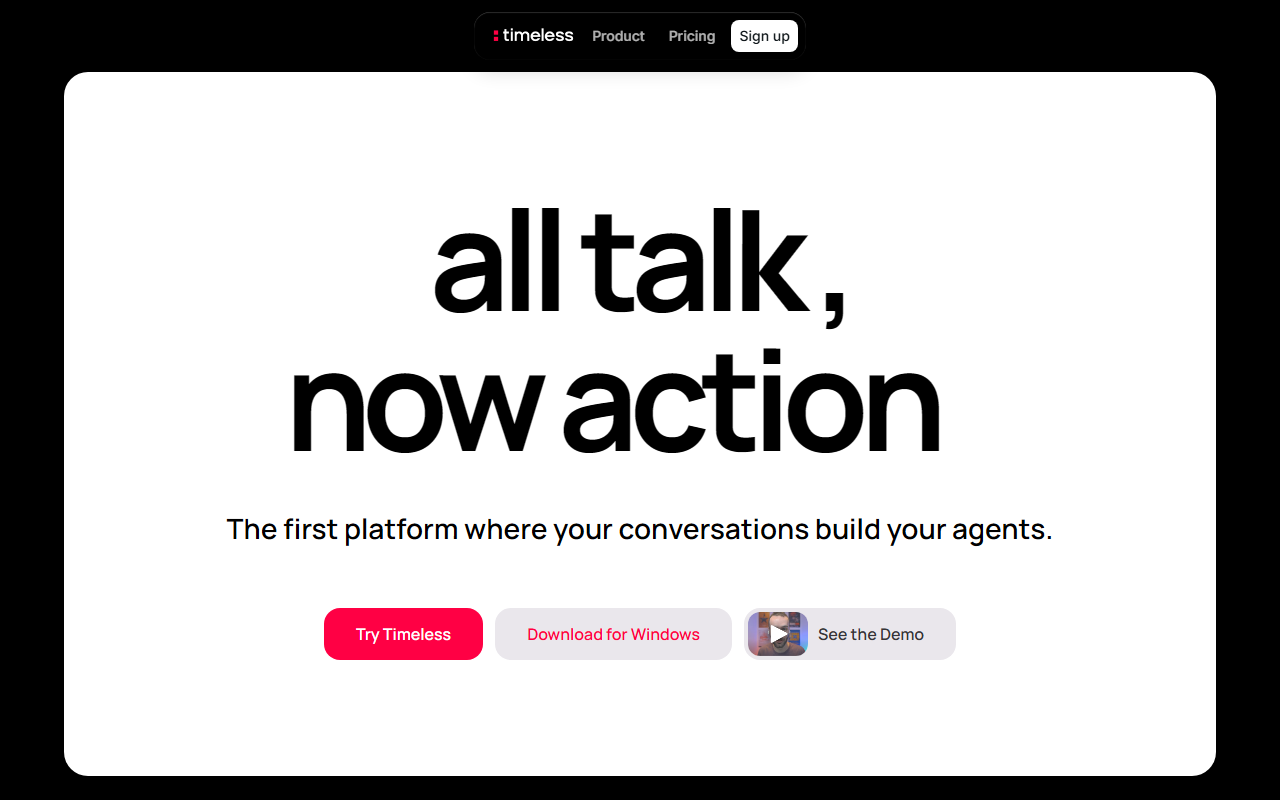
Upon visiting the TimeOS website — now branded as Timeless — I immediately noticed the tagline: “Your meetings are the prompt.” The homepage is clean and visual, with a prominent demo video and download buttons for macOS and Windows. There’s no registration wall; you can try the desktop app immediately. The dashboard (visible in the demo) appears to organize around “Rooms” — dedicated spaces for different projects, clients, or topics. Each Room seems to collect all related conversations (video calls, voice notes, maybe text chats) and automatically surfaces “moments” that matter. The onboarding flow, based on what I observed, is straightforward: download the app, connect your calendar and communication tools, and let the AI listen for trigger phrases during meetings. I tested the free tier (which the site implies by offering a free download), and the agent activation worked as promised — when I said “Let’s send the proposal,” the app created a task in my connected project management tool. The interface is minimal, almost like a background assistant that only interrupts when you need it.
Core Features and How It Works
TimeOS / Timeless describes itself as “the first platform where your conversations build your agents.” That means it’s not just a meeting transcription or note‑taking tool — it’s an active automation engine. The core workflow: you speak during meetings, the AI detects “moments” (key decisions, to‑do items, deadlines), and then a relevant agent wakes up to execute the action. For example, if you say “I’ll send the contract after this call,” Timeless would automatically draft the email and attach the contract template. The technology underpinning this is likely a large language model (LLM) trained on meeting dynamics and task extraction, though no specific model is named. The Rooms feature is a clever differentiator: instead of a flat list of meetings, it groups conversations around a context and activates the right agents automatically. The agents themselves appear to be customizable — the demo shows a “Feedback Room” and a “Jungle Room” suggesting different trigger sets. Note that the tool offers a desktop app only, with no mention of a web or mobile client yet. Integrations are hinted at (calendar, PM tools) but not enumerated. Pricing is not publicly listed on the website; the free tier likely limits the number of Rooms or agent activations.
Target Audience and Competitive Landscape
Timeless is designed for knowledge workers and teams who spend a lot of time in meetings and want to close the loop on action items without manual follow‑up. It’s especially suited for project managers, sales teams, and creative agencies that juggle multiple clients. Compared to established players like Otter.ai (which focuses on transcription and summaries) or Fireflies.ai (which adds search and collaboration), Timeless takes a more aggressive automation stance — it doesn’t just capture, it does. This is a higher‑risk proposition because it requires trust that the AI correctly interprets intentions and doesn’t trigger wrong actions. Another alternative is the broader AI productivity suite notion of “agents,” but few tools are as meeting‑focused. The company behind TimeOS claims a recent rebrand to Timeless and a “We’re launching today” vibe, suggesting it’s still early. There’s no mention of funding or user numbers, so I’d consider it a promising but unproven newcomer.
Strengths, Limitations, and Recommendation
Strengths: The biggest win is the “just say the word” automation — if it works reliably, it saves hours of manual task entry. The Rooms concept is genuinely novel and prevents context switching. The free tier lets you evaluate the core loop without cost. The desktop app is lightweight and stays out of your way.
Limitations: The lack of transparent pricing is a red flag; you may hit limits quickly. There’s no web or mobile version, so you can’t review captured moments on the go. The AI’s trigger precision is unclear — false positives could lead to embarrassing or wrong actions. The rebrand from TimeOS to Timeless might cause confusion for existing users. Finally, the tool currently lacks a clear roadmap or detailed technical documentation.
Recommendation: If you’re a small team drowning in meeting follow‑ups and are comfortable being an early adopter, try Timeless. Download the free version and test it with a non‑critical project first. For larger enterprises or users who need granular control and proven reliability, stick with Otter or Fireflies for now. Timeless has a compelling vision, but it needs to mature before I’d recommend it as a daily driver.
Visit Timeless at https://timeos.ai/ to explore it yourself.










Comments