

First Impressions and Onboarding
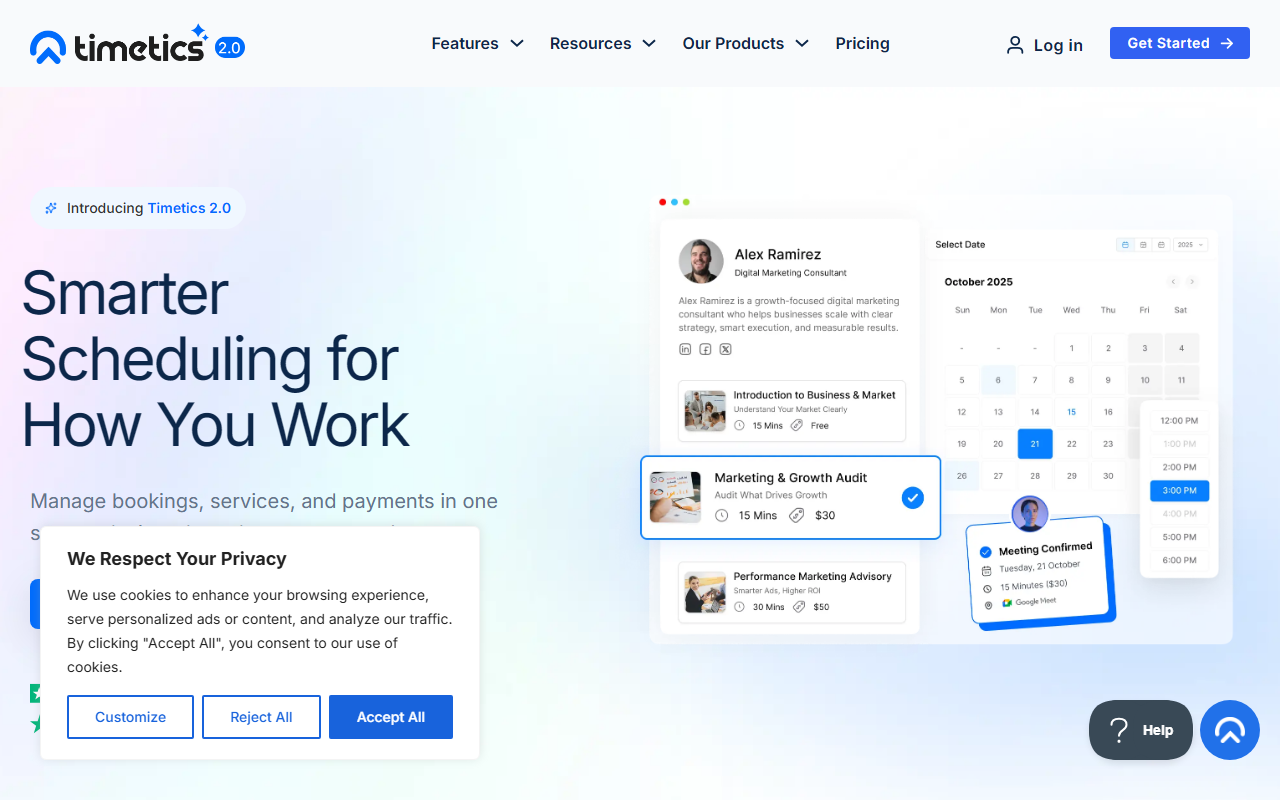
Upon visiting the Timetics website, I was greeted with a clean, modern interface that immediately communicates its purpose: a sales-driven appointment booking system. The tagline "Smarter Scheduling for How You Work" sets the tone. I signed up for the free 14-day trial with no credit card required — a frictionless start. The onboarding wizard walks you through creating your first service, setting availability, and connecting a calendar. The dashboard shows a sidebar with clear sections: Services, Bookings, Clients, Team, and Integrations. I tested adding a consulting service with multiple add-ons (e.g., priority support); the system auto-calculated duration and price. The overall experience felt intuitive, though I noticed a few dropdown menus that could be more responsive.
Core Features and Workflow
Timetics V2 is more than a scheduling link — it's a full operational system. Smart Scheduling allows flexible availability rules, multi-service duration handling, and automatic calendar sync. Services & Payments lets you display pricing, offer add-ons and upgrades, and collect payments upfront. Team & Client Management includes team availability assignment, client profiles with booking history, and internal notes. Automation & Integrations cover email reminders, confirmations, reschedule flows, and 30+ integrations with tools like Google Calendar, Zoom, and Stripe. The booking flow is seamless: client selects a service, adjusts duration, pays, and receives instant sync with the team calendar. I found the white-label capability particularly useful for agency owners wanting to brand the booking page.
Pricing and Market Position
Pricing is not publicly listed on the website, which is a limitation for quick evaluation. The site offers a free 14-day trial and references an AppSumo lifetime deal (likely a one-time purchase). This positions Timetics as a budget-friendly alternative to Calendly or Acuity Scheduling, but with deeper service-oriented features. User reviews on G2 (4.6/5), Trustpilot (4.8/5), and AppSumo (4.6/5) are stellar. A key strength is the unified workflow from booking to payment to follow-up; a key limitation is that some users report limited customization on landing pages. Timetics is best suited for consultants, agency owners, coaches, and service businesses that need structured booking with payments and team coordination. For individuals who only need simple meeting links, Calendly remains a lighter option.
Visit Timetics at https://timetics.ai/ to explore it yourself.







Comments