

A Free, On-Device Voice Dictation App for Mac
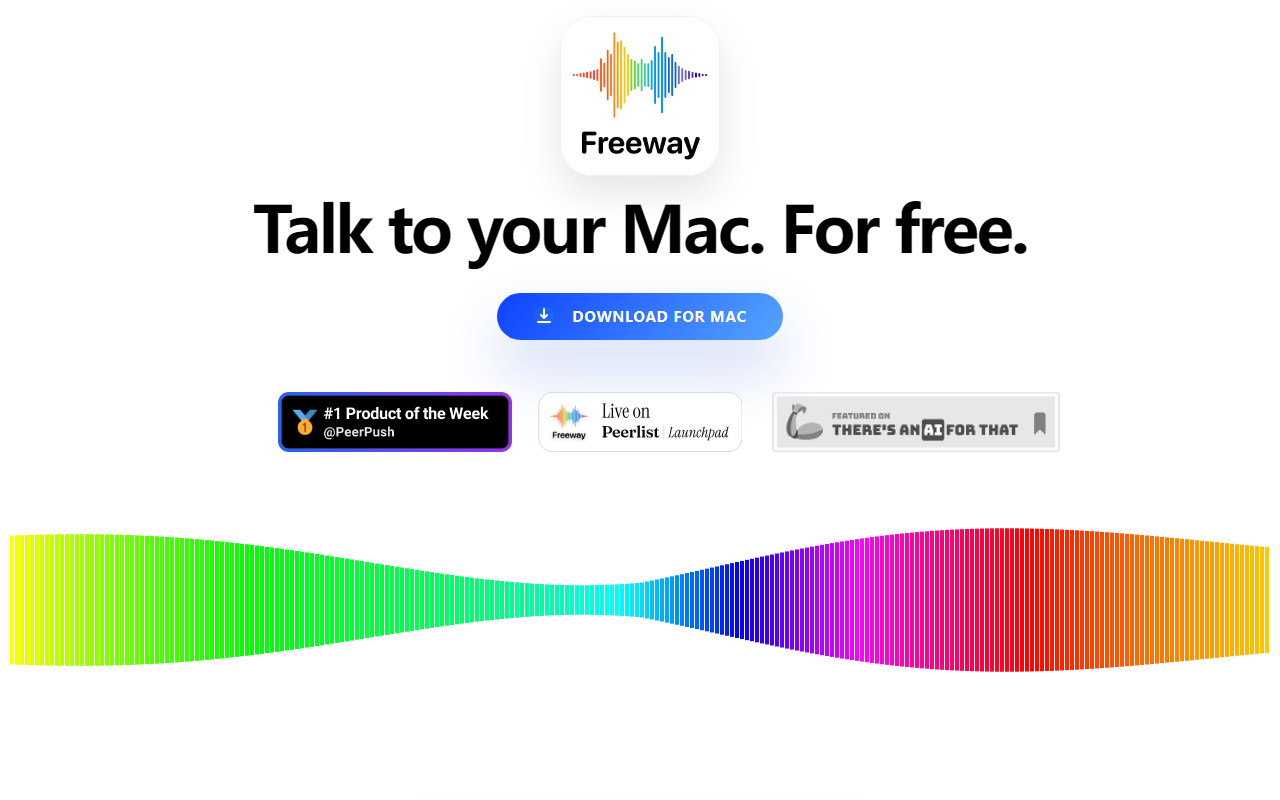
Upon visiting the Freeway website, I was immediately struck by its minimalist pitch: "Talk to your Mac. For free." No sign-up forms, no pricing tiers, just a single download button. Freeway is a macOS app that turns your speech into text with a simple hotkey press-and-hold mechanism. The core promise is that speaking is four times faster than typing, and the app aims to remove friction from writing, messaging, note-taking, and more.
What sets Freeway apart from many competitors is its insistence on being purely local. It uses NVIDIA Parakeet v3, a state-of-the-art multilingual automatic speech recognition model, optimized for Apple Silicon through CoreML. Everything runs on your Mac's Neural Engine—no cloud uploads, no internet required. This means your voice never leaves your device, addressing a major concern for privacy-conscious users. The app claims to work in any app, any website, anywhere the cursor is, which I tested with a quick trial on the free tier (the only tier available).
Experience and Performance
I downloaded Freeway on my M2 MacBook Air and was prompted to enable microphone access and assign a hotkey—I chose Option. Pressing and holding the hotkey started dictation immediately; the app displayed a small floating indicator showing it was listening. I released the key after speaking a short sentence: "The quick brown fox jumps over the lazy dog." The text appeared almost instantaneously in my active text field—Google Docs, in this case. The insertion was seamless, as if I'd typed it myself.
I then tested more complex sentences with punctuation, switching to Spanish mid-session. Freeway correctly identified the language context, though it didn't auto-detect; I had to manually select the language from the menu bar dropdown. Supported languages include Bulgarian, Croatian, Czech, Danish, Dutch, English, Estonian, Finnish, French, German, Greek, Hungarian, Italian, Latvian, Lithuanian, Maltese, Polish, Portuguese, Romanian, Slovak, Slovenian, Spanish, Swedish, Russian, and Ukrainian. Accuracy in English was excellent, with only minor errors on homophones like "there/their"—par for the course with local models. Speed was impressive; the transcription felt near-real-time, likely due to the efficient CoreML deployment.
Unlike cloud-based solutions like Otter.ai or MacWhisper (which offers both local and API options), Freeway has no subscription model and no cloud dependency. However, it lacks many features those tools have: no speaker identification, no searchable transcript archives, no export to SRT or VTT. Freeway is purely a dictation tool, not a full transcription suite. That's fine for its intended use.
Pricing and Privacy
Pricing is straightforward: free. There are no subscriptions, no in-app purchases, and no hidden costs. The website mentions a "$25 FREE" promotional phrase, but clicking through reveals it's simply a marketing hook; the download is entirely gratis. The developer, a small independent team, explicitly states they made it subscription-free to ensure voice technology is accessible to everyone, including children, parents, and grandparents who might not want to manage monthly bills.
Privacy is a cornerstone. Because processing occurs entirely on-device, no audio data leaves your computer. The website emphasizes that nothing is stored, sold, or intercepted. For enterprise users or those handling sensitive information, this is a significant advantage over cloud-based alternatives like Google Docs Voice Typing or Dragon Professional, which require periodic internet connections. Freeway's environmental angle—no cloud GPU energy consumption—is a nice bonus, though not a primary decision factor.
Who Should Use Freeway?
Freeway is best suited for Mac users who need a quick, reliable, and private dictation tool for everyday tasks. Students dictating essays, professionals writing emails, and developers documenting code can all benefit. The lack of subscription and minimal setup make it ideal for families or older users who find typing difficult. However, if you need advanced post-processing, multi-speaker transcription, or integration with cloud services, you should look elsewhere. Competitors like Whisper (via MacWhisper), Otter.ai, or even Apple's built-in dictation (which is less capable and often cloud-dependent) serve different niches.
A genuine limitation: Freeway currently only supports macOS (Apple Silicon and Intel), with no iOS, iPadOS, or Windows version. The single hotkey design, while simple, can conflict with other apps' shortcuts if you're not careful. Also, the lack of auto-punctuation beyond basic capitals and periods meant I had to speak commas and question marks explicitly, which disrupts natural flow. Finally, while 24 languages are supported, there's no real-time language auto-detection—you must switch manually.
Overall, Freeway delivers exactly what it promises: free, fast, private voice dictation on Mac. It's a genuinely useful tool that removes barriers for anyone who prefers speaking over typing. I'd recommend it wholeheartedly for Mac users seeking a no-strings-attached dictation solution. Visit Freeway at https://tryfreeway.com/ to explore it yourself.













Comments