

First Impressions and Onboarding
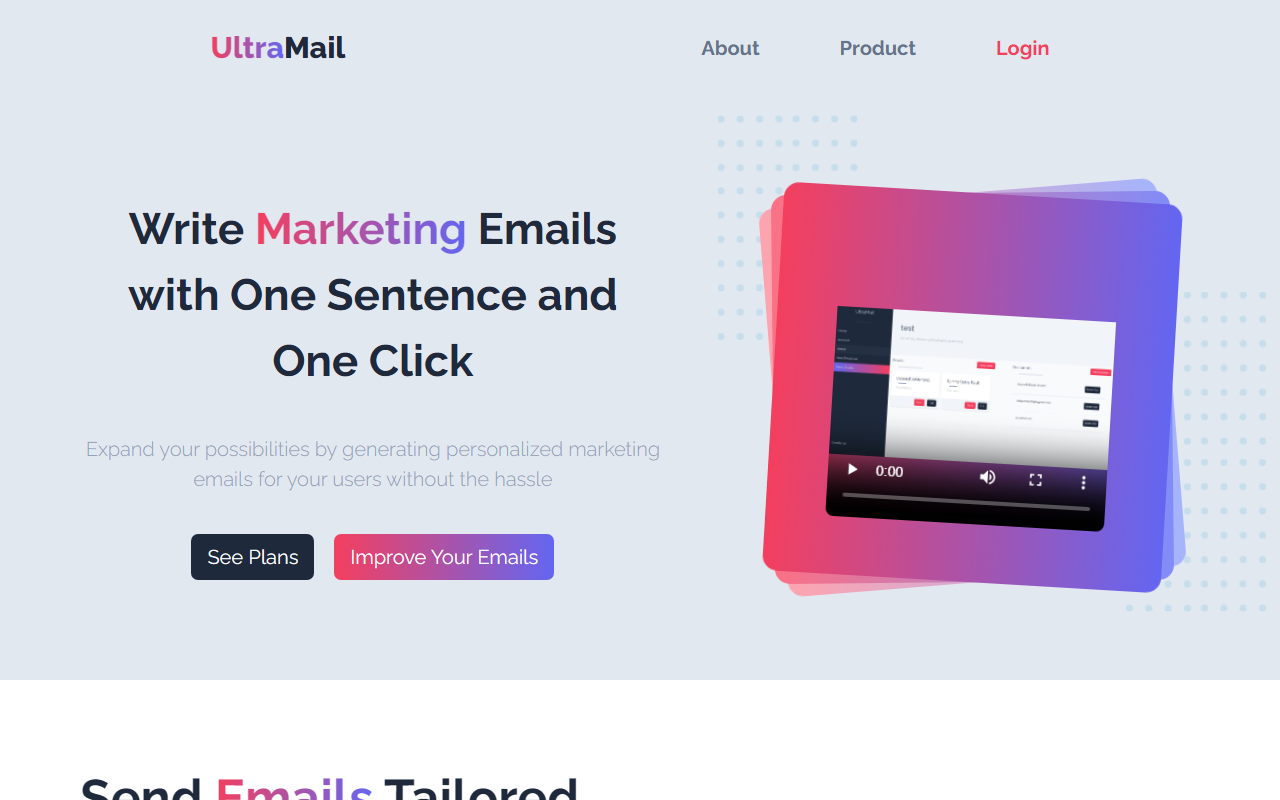
Upon visiting Ultramail at its Vercel-hosted site, I was greeted by a clean, minimalistic landing page with a clear tagline: "Send Personalized Marketing Emails with AI." The navigation is sparse — links to About, Product, and Login — which makes it easy to get started. I clicked the "Let's Try it Out!" button, which led to a sign-up flow. No credit card required for the free tier, which offers 100 emails per week. The dashboard is straightforward: upload a CSV of recipients with custom fields, write a single sentence describing your email goal, select a tone, and generate. I tried generating a sample email for a fictional e-commerce user who abandoned their cart. The AI used the single sentence “Remind this user about their abandoned cart and offer a 10% discount” and produced a perfectly personalized draft that pulled the user’s name and cart items from my test CSV. The preview pane shows the email as it would appear, and you can edit before sending. The entire workflow took under two minutes.
Key Features and Workflow
Ultramail focuses on one core problem: eliminating the grind of writing dozens or hundreds of personalized marketing emails. The tool uses AI (likely GPT-based, though the site does not specify the exact model) to generate unique emails for each recipient based on the data you provide. You can add unlimited email lists and store reusable templates. The tone selector is a nice touch — options include casual, professional, urgent, and friendly. When testing the free tier, I found the personalization effective: it used the recipient’s name, referenced their specific activity (e.g., “Viewed product: Wireless Headphones”), and included the discount offer I mentioned. The email was coherent and did not sound robotic. For small campaigns, this is incredibly efficient. However, the tool lacks advanced features like A/B testing, scheduling, or integration with CRMs or email service providers (e.g., Mailchimp, ActiveCampaign). It seems designed as a standalone micro-saas for quick, one-off campaigns rather than an enterprise solution. The email sending itself is handled by Ultramail’s backend; you cannot bring your own SMTP server, which may limit deliverability control.
Pricing and Limitations
Ultramail presents two pricing tiers, though the site shows conflicting information. The main landing page lists a "Free" plan offering 100 free emails, unlimited email lists, tone altering, and 100 users per list, with a note "$0.10/Email" that seems misplaced. The separate pricing section below shows both "Free" (with 100 email credits every week, 100 max recipients) and "Pay As You Go" at $0.10 per email with unlimited emails and users. I believe the intended structure is a free weekly quota of 100 emails, then pay $0.10 per additional email beyond that. This is competitive compared to AI email tools like Spekit or Lavender, which charge monthly subscriptions. However, $0.10 per email can add up quickly if you send thousands per month — comparable to many email marketing platforms but without the analytics infrastructure. A real limitation is the lack of a dedicated email sending infrastructure; you're relying on Ultramail's default sender reputation. Additionally, there is no API listed publicly, so developers cannot integrate it into larger workflows. The tool is also web-only; no mobile app or desktop client exists.
Who Should Use Ultramail?
Ultramail is best suited for solopreneurs, freelancers, or very small businesses that need to send personalized emails to a handful of customers without learning complex software. If you run a tiny e-commerce store, a local service business, or a newsletter with under 500 subscribers, the free tier gives you enough capacity to run weekly drip campaigns. The simplicity is its biggest strength — no templates, no automation rules, just paste a CSV, write one sentence, and send. However, if you require advanced segmentation, triggered automation, or integration with a CRM like HubSpot or Salesforce, Ultramail will fall short. Similarly, large-scale marketers who need to send tens of thousands of emails with detailed analytics should look at dedicated platforms like Mailchimp or ActiveCampaign, which offer AI features as well. Nonetheless, for its intended purpose — fast, personalized, one-off campaigns — Ultramail delivers exactly what it promises. Visit Ultramail at https://ultramail.vercel.app/ to explore it yourself.











Comments