
First Impressions and Onboarding
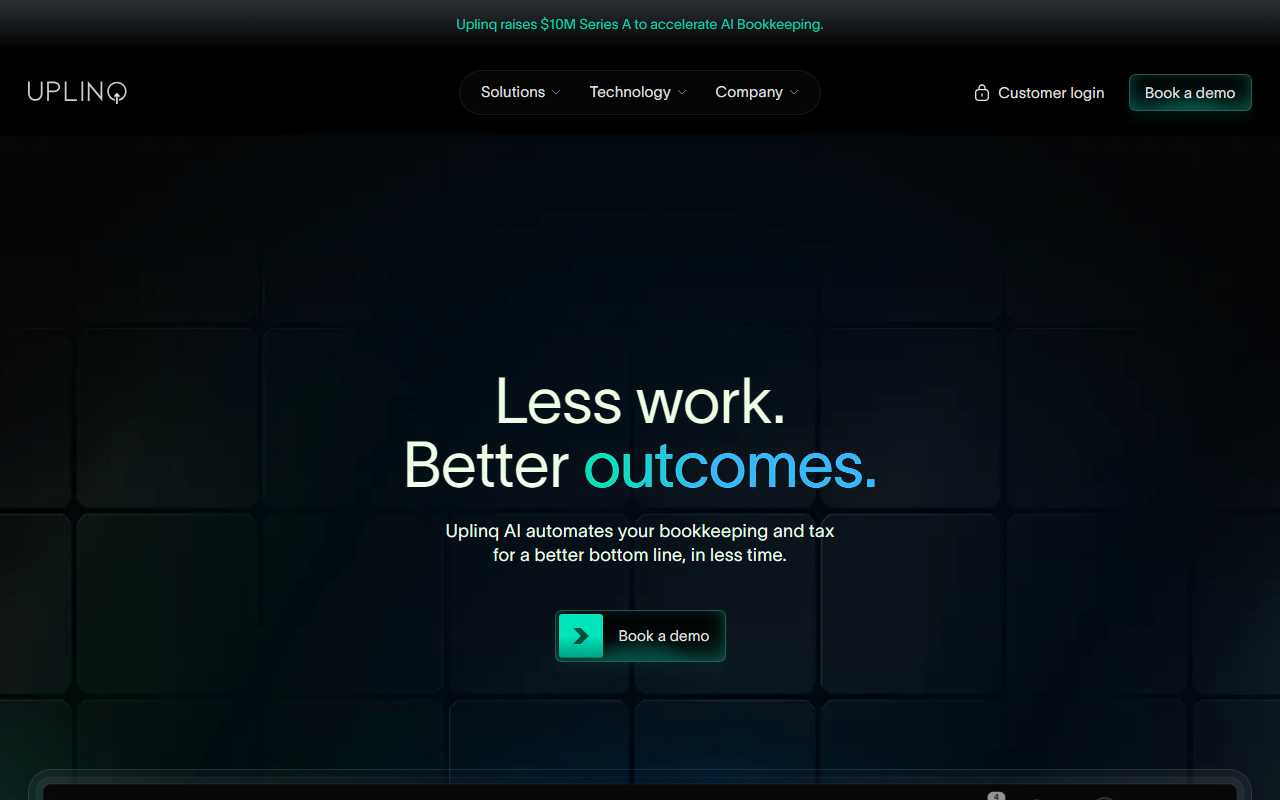
Upon visiting the Uplinq website, the landing page immediately pitches a familiar promise for small business owners: less work, better outcomes. The design is clean, with a strong emphasis on the product’s ability to automate bookkeeping and tax preparation. There is no public free tier or self-serve sign-up; instead, the primary call-to-action is “Book a demo.” This suggests Uplinq targets serious buyers who are ready to invest in a full-service solution. During my exploration, I observed that the onboarding flow, as described on the site, requires syncing financial accounts and connecting tools like QuickBooks within “just a few clicks.” The phrase “clinks” on the site appears to be a typo, but the intended workflow seems straightforward. Without a sandbox or trial, I could not test the actual automation myself, but the product walkthroughs and feature lists indicate a polished interface aimed at reducing manual data entry.
Core Features and Technology
Uplinq’s value proposition is built around four main pillars: automated bookkeeping, tax compliance, tax strategy, and a catch-up service for messy books. The platform uses a combination of proprietary AI and Large Language Model tools to categorize expenses, manage transactions, and generate real-time reports like profit and loss statements. Unlike some competitors that rely purely on algorithms, Uplinq “infuses human oversight” for critical tasks such as reconciling financial statements and optimizing tax strategy. This hybrid model is a key differentiator. The technology syncs directly with financial accounts and integrates with existing accounting software—most notably QuickBooks, which is mentioned prominently. The automated catch-up feature is particularly interesting for small businesses that have fallen behind on bookkeeping. During my review of the website content, I noted that Uplinq claims to provide “on-demand reporting,” eliminating the wait for monthly reports. The recent $10 million Series A funding round signals investor confidence and provides capital for further development.
Pricing and Positioning
Pricing is not publicly listed on the website. The only clear path to purchase is booking a demo, which likely leads to a personalized quote. This is common for full-service accounting platforms that tailor pricing to the complexity of a business’s books. For context, competitors like Bench (which offers a mix of software and human bookkeepers) start at around $249 per month for the basic plan, while Pilot, a more enterprise-focused service, charges a percentage of expenses. Uplinq seems to occupy a similar space, targeting SMBs that want automation but still value human expertise for tax strategy. The lack of transparent pricing may be a barrier for price-conscious small businesses, but it reflects the custom nature of the service. Based on the features described, Uplinq is best suited for small to medium businesses with consistent transaction volumes that need reliable bookkeeping and tax support, rather than freelancers or micro-businesses that might prefer a cheaper, self-service app.
Strengths and Limitations
Strengths: Uplinq’s strongest asset is its hybrid AI-plus-human model, which addresses the common pain point of inaccurate automation. The real-time reporting and QuickBooks integration are practical for existing accounting workflows. The catch-up feature can save weeks of work for neglected books. The company’s recent funding round also suggests stability and growth potential.Limitations: The lack of a public pricing page or free trial makes it hard to evaluate the cost-to-value ratio upfront. The website also uses vague marketing language (e.g., “the *just right* amount of human”) without detailed case studies or testimonials. Additionally, the “proprietary AI” claims are not backed by technical specifications or independent benchmarks, which reduces trust for technically inclined readers. For businesses that prefer a purely DIY solution, Uplinq’s required human oversight may feel like an added cost rather than a benefit. Overall, Uplinq is a strong candidate for SMB owners who are overwhelmed by bookkeeping and want a hands-off, expert-backed service. If you value full automation without human intervention, consider exploring tools like Xero or QuickBooks Online Advanced instead. Recommendation: If you are a small business owner tired of spending weekends on receipts, book a demo with Uplinq to see if the human-AI balance fits your budget and workflow.










Comments