

First Impressions and Onboarding
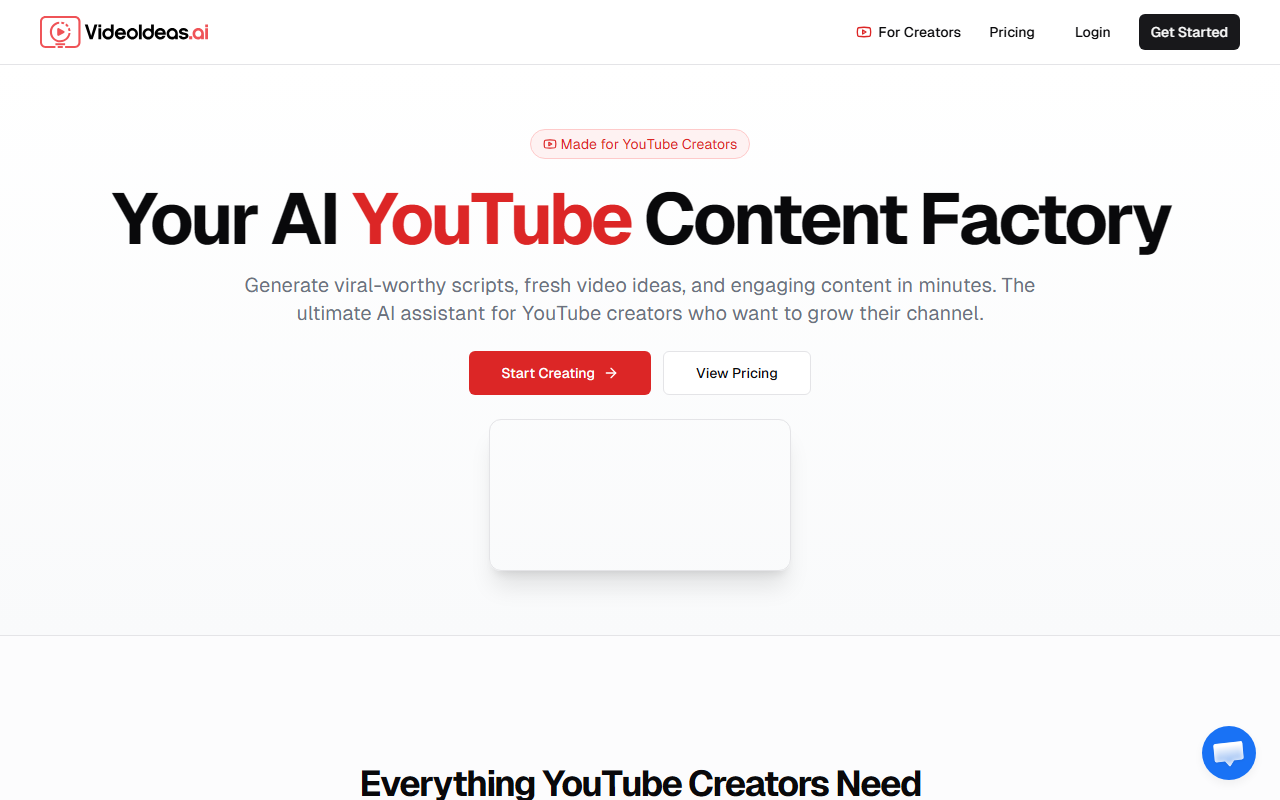
Upon visiting VideoIdeas.ai, I was greeted by a clean, focused landing page that immediately positioned itself as a tool built exclusively for YouTube creators. The headline reads 'Your AI YouTube Content Factory' and the messaging zeroes in on viral-worthy scripts, fresh ideas, and quick turnaround time. The site prominently features a 'Get Started' button and a 'View Pricing' link, though clicking the latter does not reveal tiered pricing—instead, it redirects to a contact or trial start page. As of this review, pricing is not publicly listed on the website, which is a drawback for transparent evaluation. The onboarding flow is minimal: you sign up, choose a content type, and the AI begins generating. No extensive tutorial needed.
Key Features and Workflow
The dashboard (accessible after sign-up) lists six core tools: Full Video Scripts, Channel Analysis, Viral Short-Form Content, Video Ad Scripts, Style Cloning, and Content Strategy. I tested the full script generator by entering a topic in the tech niche. Within 30 seconds, the AI produced a complete, structured script with an engaging hook, main points, and a call-to-action. The script felt tailored for YouTube—shorter sentences, pacing markers, and retention-friendly transitions. The Channel Analysis feature requires connecting your YouTube channel; after authorizing, it analyzed my existing uploads and suggested five new video ideas based on topic gaps and audience interests. The Style Cloning tool is particularly impressive: I pasted a transcript from a popular creator, and the AI returned a script mimicking that creator's tone and pacing. The output was convincing but occasionally overemphasized verbal tics. Overall, the workflow is linear: choose content type, let AI generate, then download or edit in the built-in editor. The editor is basic but functional—no real-time collaboration or version history.
Who Should Use VideoIdeas.ai?
This tool is ideal for solo YouTube creators who spend hours brainstorming and scripting. The AI significantly reduces ideation time and helps overcome writer's block. It is also valuable for agencies managing multiple client channels, as the style cloning and channel analysis can quickly adapt to different brand voices. However, it is less suited for creators who rely on highly personal storytelling or niche humor—the AI's output can feel generic if not heavily edited. Compared to competitors like TubeBuddy (which focuses on SEO and optimization) and Jasper (a general writing AI with YouTube templates), VideoIdeas.ai is more specialized and purpose-built for YouTube workflows. It lacks features like thumbnail generation or A/B testing, so it works best as a complementary tool in a larger content stack.
Final Verdict
VideoIdeas.ai delivers on its promise: it accelerates script creation and idea generation for YouTube channels. The channel analysis and style cloning are standout features that save valuable time. However, the lack of transparent pricing and the occasional generic tone limit its appeal. I recommend this tool for busy creators who need consistent content output and are comfortable refining AI drafts. For those who want a fully automated end-to-end solution, look elsewhere—but for script-first YouTube production, VideoIdeas.ai is a strong, time-saving assistant. Visit VideoIdeas.ai at https://videoideas.ai/ to explore it yourself.













Comments