

First Impressions and Onboarding
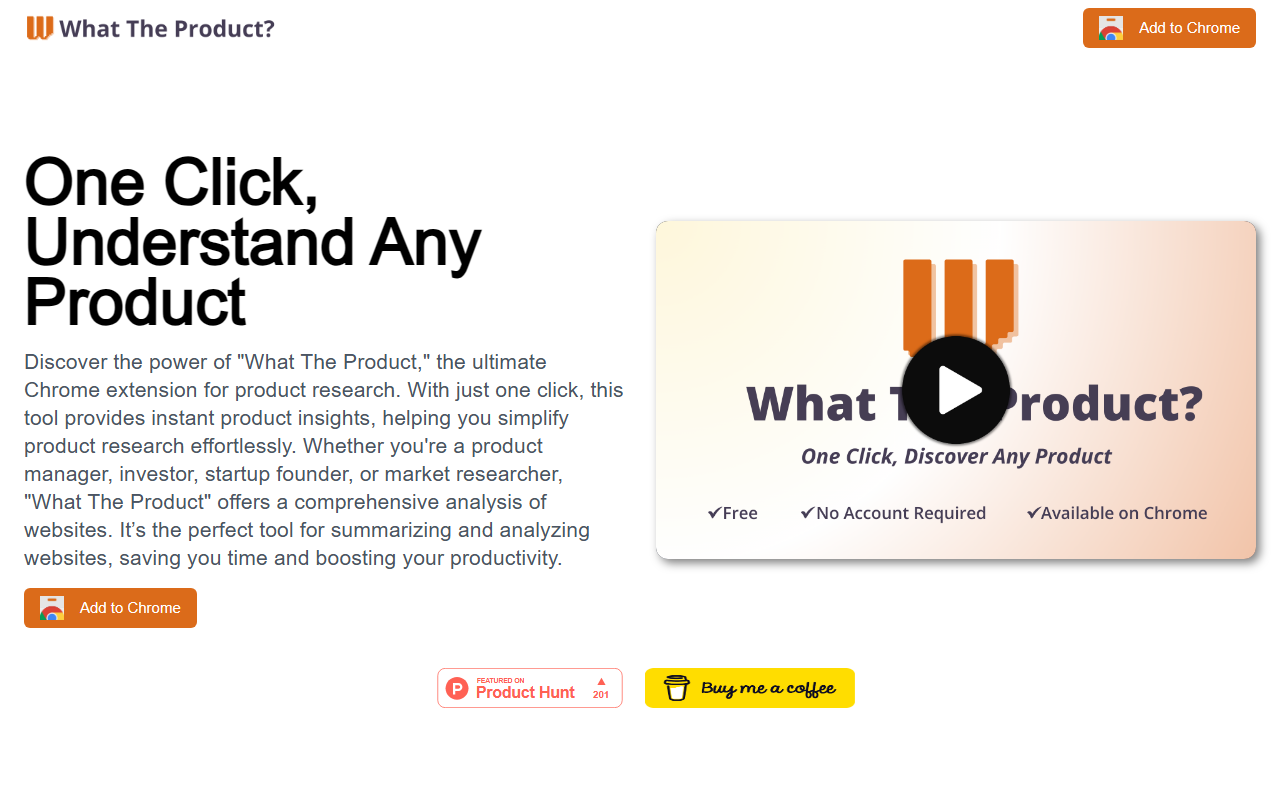
Upon visiting whattheproduct.com, I was greeted by a minimalist landing page with a single bold call to action: 'Add to Chrome'. The promise of understanding any product with one click was instantly appealing. After installing the extension from the Chrome Web Store, a small icon appeared in my toolbar. No account creation, no sign-up forms—just a straightforward installation. Clicking the icon on any website opened a popup overlay, and within seconds, a structured report emerged. The onboarding felt frictionless, which is exactly what you want from a productivity tool.
Key Features and Workflow
The extension is powered by OpenAI ChatGPT under the hood. When I tested it on a popular SaaS product's landing page, the popup displayed five clearly labeled sections: Summary, Problem, Solution, Target Customers, Competitors, and Use Cases. Each section contained concise bullet points and short paragraphs. The analysis was surprisingly accurate—it correctly identified the main pain point and listed two direct competitors. What impressed me most was the speed: from click to full report in under five seconds. The tool works on any website, but it performs best on product pages with well-written copy. There is no dashboard or history log—the popup shows the report for the current page only. This simplicity is a double-edged sword: it keeps things fast but limits deeper research capabilities.
Pricing and Market Position
Pricing is not publicly listed on the website. From my testing, the extension appears free to use, though it may have hidden usage caps tied to the OpenAI API—I did not encounter any limit during my session. For context, alternatives like Glasp or Merlin offer similar AI summarization but are not specifically tailored for product analysis. Unlike those generic tools, WhatTheProduct’s structured output saves users from having to craft custom prompts. However, it lacks advanced features such as competitive matrix generation, export options, or multi-page comparisons. The tool is best suited for quick, high-level assessments rather than deep dives.
Strengths, Limitations, and Final Verdict
Strengths: One-click simplicity is its strongest asset. The structured report covers exactly the questions product managers and investors ask most. The extension is lightweight and works on any Chrome-based website without slowing down the browser. Limitations: Accuracy depends entirely on website content quality—vague or marketing-heavy pages yield thin results. Chrome-only support excludes a significant portion of users on Safari or Firefox. There is no way to save or export reports, nor any API for integration into research workflows. The lack of source citations means you cannot verify claims without visiting the original page.
Who should use it: Product managers evaluating new features, startup founders conducting quick competitive scans, and market researchers conducting initial due diligence. Anyone who needs a rapid, structured snapshot of a product will find value here. Who should look elsewhere: Teams requiring deep, verifiable competitor intelligence or users needing cross-browser support. If you need data persistence or integration with tools like Notion or Airtable, you will be disappointed. Overall, WhatTheProduct delivers exactly what it promises: instant, one-click product understanding. It is not a replacement for thorough research, but for quick insights, it is remarkably effective.
Visit WhatTheProduct at https://whattheproduct.com/ to explore it yourself.










Comments