

First Impressions and Onboarding
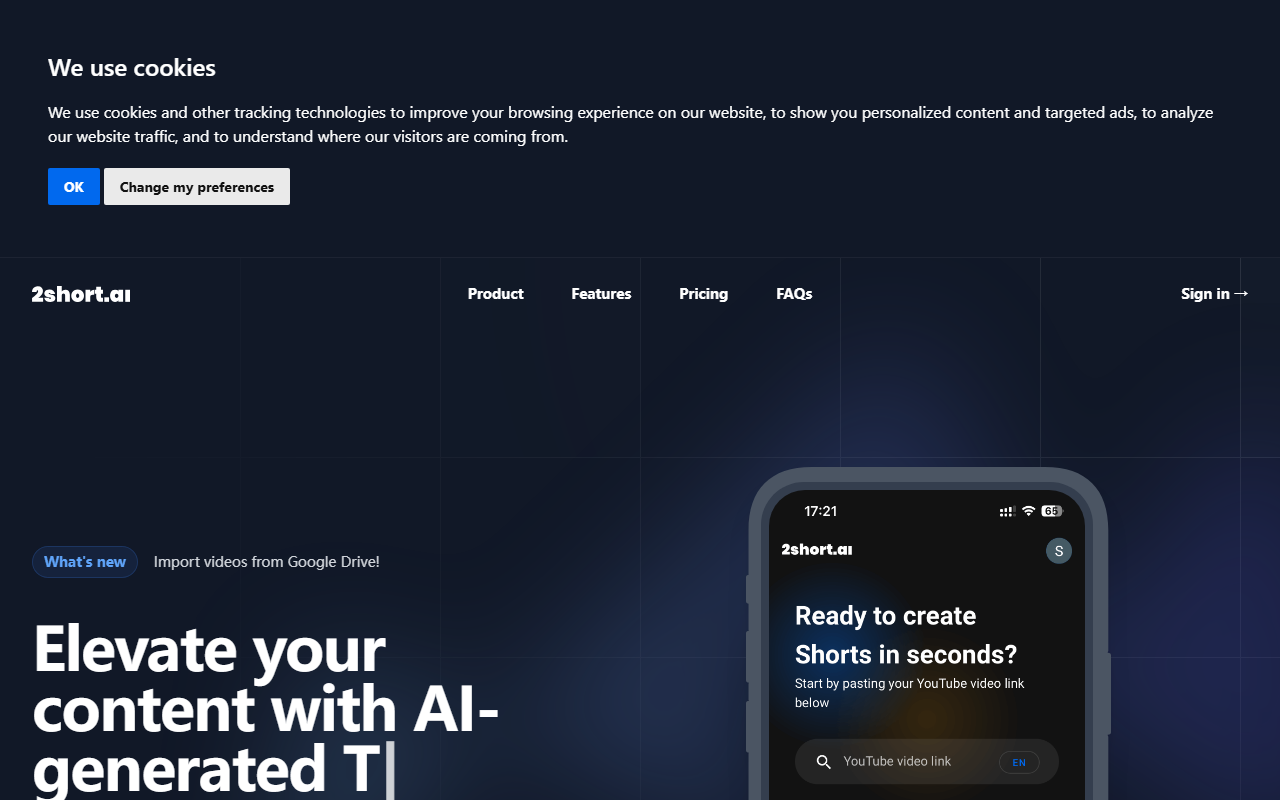
Upon visiting 2short.ai, the interface is clean and straightforward. The homepage clearly pitches its value proposition: repurpose long videos into short, platform-optimized clips. I signed up for the free Starter plan to test the workflow. Onboarding is fast—no credit card required. The dashboard presents a simple input field to paste a YouTube URL. I tried it with a 12-minute educational video. The AI processed it within a minute, and the resulting short clips appeared in a queue. The response time was impressive for a free tier. Notably, the tool now supports importing videos directly from Google Drive, which adds flexibility for users who don't host all content on YouTube.
The main dashboard organizes all generated clips in a clean list, with preview thumbnails and export options. I could immediately see the extracted segments—each with a duration of 15 to 60 seconds. The AI picks what it deems the "best moments" based on speech patterns and engagement cues. While not perfect, the initial selections were reasonable, covering key talking points. I appreciate that the tool doesn’t force you to commit to exports before seeing the results; you can review, edit, or regenerate segments freely.
Core Features and Workflow
2short.ai’s feature set focuses on three pillars: intelligent extraction, automated enhancement, and brand consistency. The facial tracking technology is a standout. When I exported a clip from a podcast-style video, the AI kept the speaker centered even when they moved—something manual editors spend time on. The one-click animated subtitles are another highlight. With a single click, the tool added colorful, animated text overlays that sync with speech. This dramatically increases viewer retention without requiring any design skill.
Beyond basics, the advanced editing tools allow fine-tuning. Since face tracking can occasionally lose the subject (e.g., during fast panning), you can manually adjust crop boxes and keyframes. Brand presets let you upload logos and overlays, ensuring every short reinforces your channel identity. The tool supports three aspect ratios: vertical (9:16) for TikTok/Shorts, square (1:1) for Instagram, and horizontal (16:9) for YouTube main feed. All exports are 1080p without watermarks, even on the free plan.
From a technical standpoint, 2short.ai relies on its own AI models for speech analysis and facial detection. It requires videos with captions—either YouTube auto-captions or uploaded ones. The supported language list is extensive (over 20), covering major European and Asian languages. I tested a Japanese video with auto-captions, and the AI successfully identified key segments, though subtitle timing was slightly off in a few spots. The tool does not currently offer an API for direct integration, and there’s no desktop or mobile app—everything runs through the web portal.
Pricing and Value Proposition
2short.ai’s pricing is transparent and tiered by AI analysis hours. The free Starter gives 30 minutes of AI video analysis per month—enough to test with a handful of short videos. The Lite plan at $9.90/month unlocks 5 hours of analysis plus 60 minutes of fast server-side exports per month, Google Drive imports, and ad removal. Pro at $19.90/month is the most popular, offering 15 hours of analysis and unlimited fast exports. Premium at $49.90/month adds 50 hours and priority support plus beta features. For context, a 10-minute video typically uses 10 minutes of analysis time, so Pro supports around 90 minutes of source video per month. That’s reasonable for a solo creator posting a few shorts weekly.
Compared to competitors like Opus Clip (which focuses on YouTube-to-TikTok) or Descript (a full editor with AI features), 2short.ai is simpler and more specialized. Opus Clip charges $19/month for 10 hours of analysis with watermarks; 2short.ai includes watermarks only in the sense that free exports have a subtle logo? Actually, the website says "unlimited high-quality exports" and "say goodbye to watermarks" for all plans, so no watermarks at any tier. That’s a clear strength. However, 2short.ai lacks direct integration with platforms like YouTube for auto-uploading—you must download and manually upload. Also, the analysis time cap may feel restrictive for heavy users who might need the Premium tier quickly.
Final Verdict and Recommendations
2short.ai excels at what it promises: turning long-form content into platform-optimized shorts with minimal effort. The facial tracking and animated subtitles set it apart from many free or low-cost alternatives. I found the workflow intuitive, and the output quality—both in video resolution and subtitle accuracy—exceeded expectations for an AI-first tool. However, limitations include the reliance on captions (auto-captions aren’t always perfect), the lack of API or batch processing, and the fact that the AI sometimes misses the most viral moments due to its more analytical approach.
This tool is best for YouTube creators, podcasters, and educators who want to repurpose content for TikTok, Instagram Reels, and YouTube Shorts without learning advanced editing software. It’s also suitable for small agencies managing multiple client channels. If you need advanced timeline editing, audio ducking, or collaboration features, consider a full editing suite like Descript. But for speed and simplicity in short-form creation, 2short.ai delivers strong value. Start with the free tier, test your content, and if you see results, the Pro plan is a solid investment.
Visit 2short.ai at https://2short.ai/ to explore it yourself.


Comments