

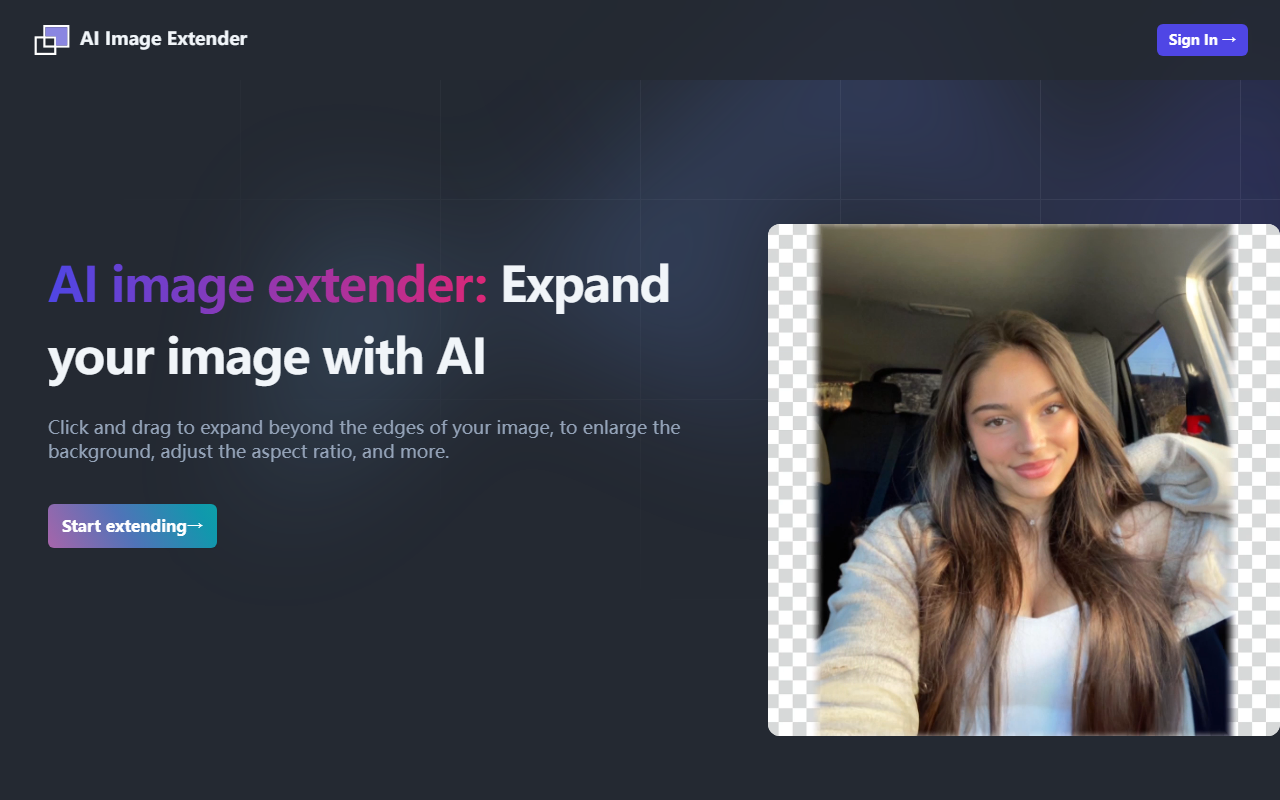
First Impressions and Interface
Upon visiting the AI Image Extender website, the design is clean but minimal. The hero section features a prominent call-to-action button labeled “Start extending” alongside a short video demonstration. The video did not load in my browser, but the concept is clear: you click and drag beyond the edges of an image to extend the canvas, and the AI fills in the new area. Below, a public gallery shows examples of extended images, giving a sense of what the tool can achieve. There is no interactive demo or free trial visible; the only actionable element is an “Upload photos now” button that leads to a pricing or upload page. The lack of a free tier or even a limited preview makes it hard to test the tool without committing to a subscription.
How It Works and Underlying Technology
AI Image Extender is an outpainting tool, a specific branch of generative image AI. Unlike traditional cropping or resizing, outpainting analyzes the existing image content and generates plausible new pixels beyond the original borders. The website claims the technology is “AI-powered” but does not specify the model or API used. During my exploration, I noticed that the tool likely uses a diffusion-based approach, similar to what powers tools like DALL·E or Stable Diffusion. The workflow is straightforward: upload an image, then drag the edges to define the new canvas size. The AI then attempts to maintain visual coherence—matching colors, textures, and patterns. For professional photographers or social media managers, this can be a quick way to adjust aspect ratios or add background space. However, without test-driving the output quality, I remain cautious about how well it handles complex scenes or faces.
Pricing and Limitations
A significant limitation of AI Image Extender is the lack of transparent pricing on the main website. The FAQ mentions monthly and annual plans, and even explains why free credits are not offered, but the actual dollar amounts are missing. This forces users to sign up or upload an image to see costs, which can be frustrating. Based on common industry patterns for similar tools, expect a subscription model likely ranging from $10 to $30 per month. The FAQ also states that refunds are handled on a case-by-case basis, adding another layer of uncertainty. Without a free trial, users cannot evaluate the quality before paying. The interface appears to have no built-in editing options beyond extending—there is no adjustment of generation parameters like prompt engineering or style control, which limits advanced users.
Who Should Use It and Alternatives
AI Image Extender is best suited for casual users who need a simple, one‑click solution to expand photos for social media posts or wallpapers. It targets those who find complex tools like Photoshop’s Generative Fill too overwhelming. That said, professionals may prefer more robust alternatives such as Runway ML (which offers outpainting with finer controls and video support) or Clipdrop by Stability AI (which includes an uncrop tool with free credits). Another strong competitor is Photoshop’s Generative Expand, which integrates directly into a full editing suite. AI Image Extender’s main advantage is its singular focus on the extend action, reducing friction for non‑technical users. However, the lack of pricing transparency and a free trial is a real drawback. If you need a reliable, easy‑to‑use outpainting tool and are willing to subscribe without a test drive, it might be worth exploring. But for most, I recommend trying a competitor with a free tier first.
Visit AI Image Extender at https://aiimageextender.com/ to explore it yourself.


Comments