

First Impressions and Onboarding
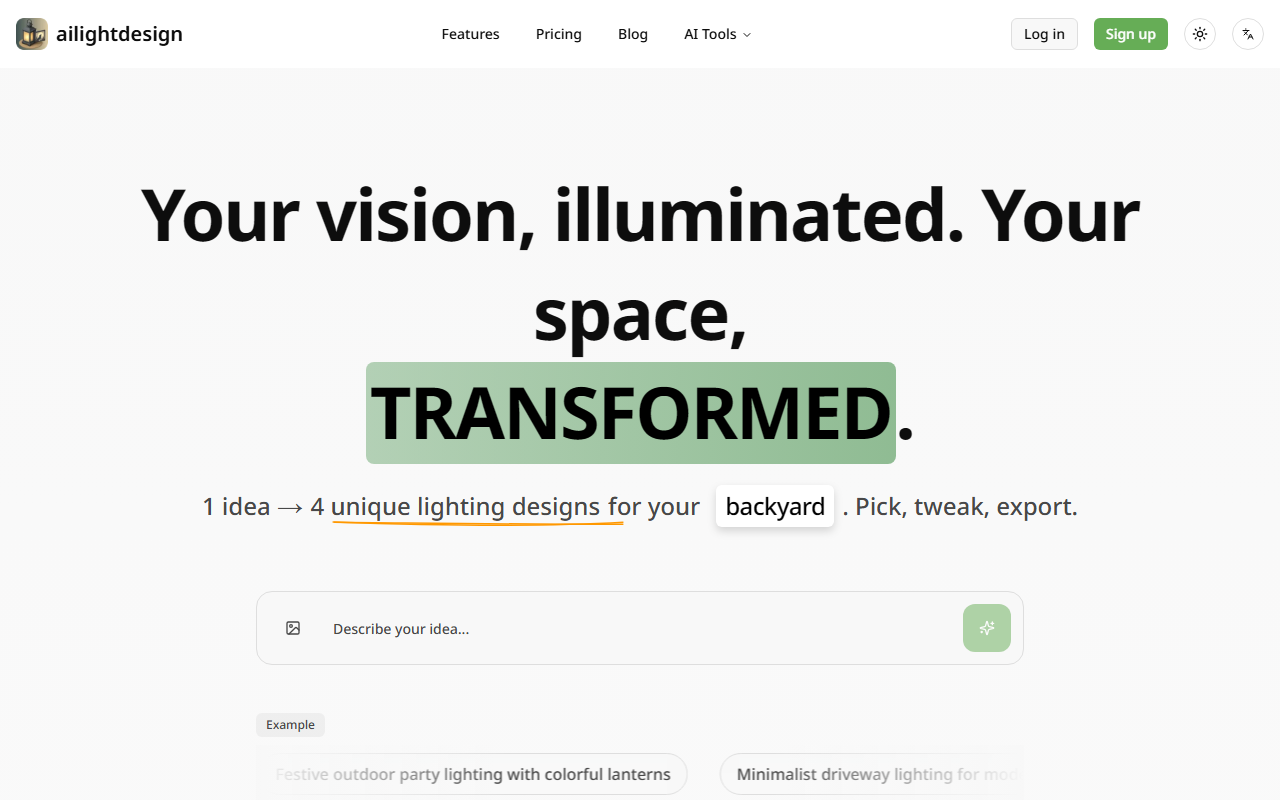
Upon visiting ailightdesign, the landing page is clean and focused. A large toggle for mode and language switch sits in the corner, but the core message is immediate: upload a photo of your outdoor space and get four lighting design variations. I tested the free tier, which offers 30 credits (roughly six images). The interface prompts you to either use an example or upload your own photo. I selected the example of a cozy warm patio with string lights. Within seconds, the AI returned four distinct renders, each with a different lighting mood: warm ambient, cool modern, playful colored lanterns, and minimalistic. The results were impressively realistic, though the free tier marks images as public—a notable privacy trade-off.
How ailightdesign Translates Vision into Illuminated Spaces
The tool addresses a specific pain point: visualizing outdoor lighting without hiring a professional designer or relying on guesswork. You simply provide a photo (any angle of your yard, patio, or driveway) and describe the desired atmosphere. The AI—likely based on diffusion models fine-tuned for architectural and landscape lighting—then generates four unique designs. The website lists example prompts like "Poolside deck with ambient blue lighting and safety features" or "Romantic garden lighting with soft uplights on trees." I tried uploading a picture of my own deck, and the results adapted the lighting to the actual geometry of the space, including shadows and reflections. The technology isn't explicitly named, but the speed and coherence suggest a specialized pipeline for outdoor scenes.
Pricing is transparent: a free Starter plan with 30 credits, a Homeowner plan at $10/month (500 credits, ~100 images) with a commercial license and priority email support, and a Professional plan at $24/month (2,000 credits, ~400 images) which adds the fastest render queue. All plans keep images publicly visible—a recurring theme. Credits are per image generation, not per saved file. You can export final designs in low resolution for free, while higher-resolution downloads require a paid tier. The tool integrates with no external APIs in its current form; it is a standalone web application.
Strengths, Limitations, and Market Position
S trengths: ailightdesign fills a narrow but valuable niche. It is far easier than using generic AI art tools for lighting specific outputs. The four-output-per-prompt design gives immediate variety, saving time. The pricing is affordable for homeowners (the $10 tier covers most single-project needs). However, the public image policy is a real limitation—if you want to keep your home's layout private, you must either accept public visibility or avoid the tool. Additionally, the credit system can feel restrictive; generating six images on the free tier barely scratches the surface of possible lighting scenarios. Competitors like Midjourney or DALL·E offer more creative freedom but require detailed prompting and lack the tailored outdoor lighting focus. For a homeowner who wants a quick, realistic preview without learning prompt engineering, ailightdesign is superior. For professionals needing end-to-end design control and privacy, a dedicated landscape designer or a privacy-focused AI tool is better.
Final Verdict and Recommendations
ailightdesign is best suited for homeowners planning lighting upgrades and for real estate agents staging outdoor spaces. The ability to visualize different lighting moods on an actual photo reduces uncertainty and helps avoid costly mistakes. I recommend trying the free tier for a single project—upload one photo and see if the public image trade-off is acceptable. If you need commercial rights or higher resolution, the Homeowner plan offers good value. The tool is not ideal for those who require absolute privacy or unlimited iterative experiments. Overall, it delivers on its promise: transforming a simple photo into a well-lit vision without a designer's fee. Visit ailightdesign at https://ailightdesign.com/ to explore it yourself.






Comments