

First Impressions: A Unified Workflow for UGC Video Creation
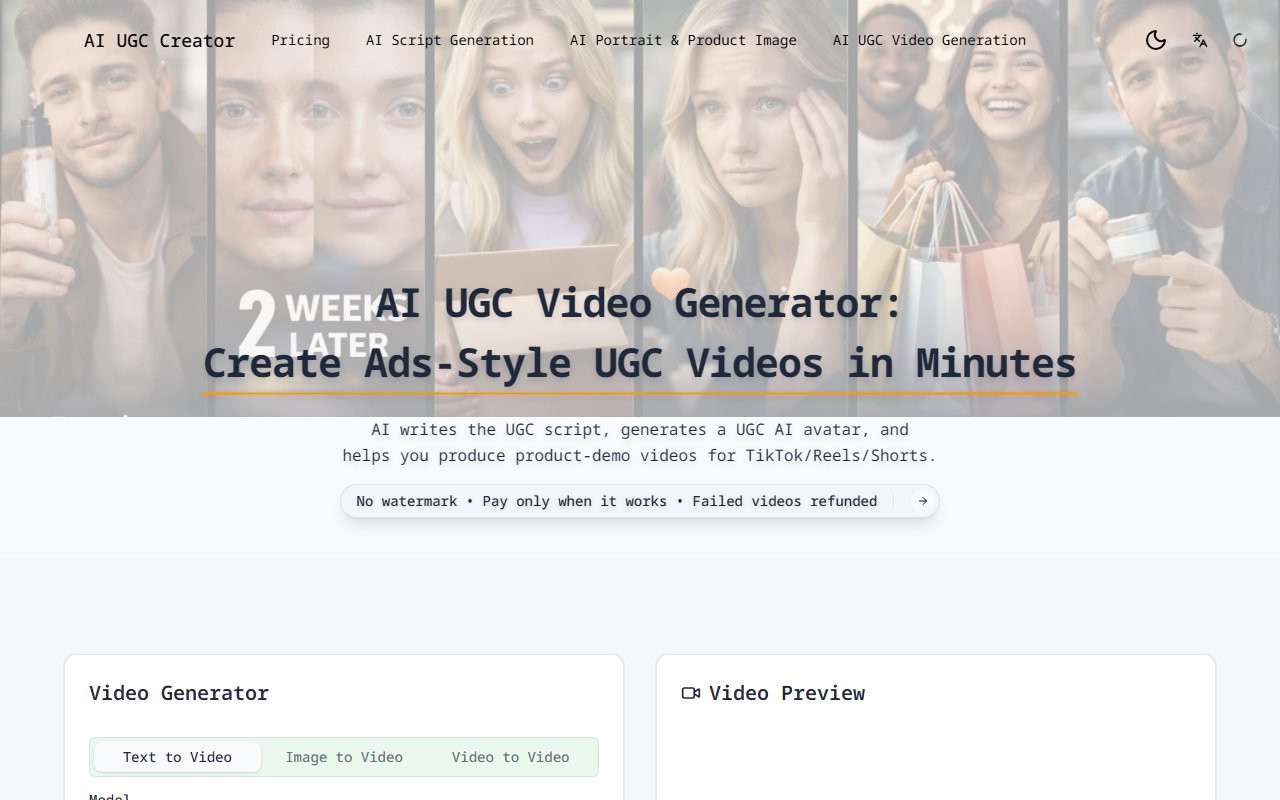
Upon visiting AIUGCCreator, the landing page immediately pitches a pain point I’ve heard from countless sellers: juggling separate tools for scripts, avatars, and video rendering. The dashboard presents a clean, three-step flow: enter product info, choose a video style, and generate. I noticed a gallery of video templates—Comparison & Review, Talk-to-Camera, Unboxing, How-To Mini, Lifestyle POV, and Problem → Solution—all labeled with aspect ratios (9:16 or 16:9) and durations (10 or 15 seconds). These are exactly the formats that perform well on TikTok and Instagram Reels.
How It Works and What I Found
The workflow is refreshingly linear. Step 1 asks for six fields: product name, benefits, target audience, use case, tone, and platform. AI then generates five scripts. I tested this with a generic “eco-friendly water bottle” and received four short scripts with hooks like “Stop buying plastic bottles—here’s why.” You can edit or paste your own script, then one-click import to the video stage. Step 2 offers avatar creation: upload an image or let AI generate one based on gender, age, and style. I selected a generated male avatar in his 30s. Step 3 lets you choose an AI model (the site lists Seedance 1.5 Pro, Sora2, Veo 3.1, Kling 2.6, Wan 2.6) and parameters like resolution and duration. I used the free tier (20 credits, max 480p) and received a 10-second video in about three minutes. The avatar’s lipsync was decent, though the mouth movement occasionally lagged. The script reading felt natural, with a conversational tone built-in—no marketer jargon.
The fail-safe retry mechanism stands out: if a video fails, credits are refunded automatically. I purposely entered an incomplete script to trigger an error; the system returned a clear message and did not deduct credits. The project library saves all scripts, avatars, and settings, making version testing quick. You can generate multiple variants with different hooks or styles without rebuilding from scratch.
Pricing and Platform Positioning
AIUGCCreator uses a credit-based system. The Free tier gives 20 credits, enough to test one video at 480p. The Starter plan costs $20 per month (billed yearly at $240, saving 33%) and includes 3600 credits per year (300 per month) with 720p output. Pricing is not publicly listed beyond these two tiers; no enterprise or pay-as-you-go packs are visible. Compared to tools like Synthesia or HeyGen, which charge per minute or per avatar, AIUGCCreator focuses on quantity (credits) and UGC-specific templates. It’s less polished for professional talking-head videos but more affordable for bulk A/B testing of short ads. The platform does not mention API access, so integration is limited to the web UI.
Final Verdict: Strengths and Limitations
The greatest strength is the unified, skippable workflow. You can bring your own script and images or let AI generate everything, and the one-click import between modules eliminates copy-pasting. The fail-safe refund policy builds trust. However, limitations exist: the free tier’s 480p resolution feels dated, and the avatar library is small—only a handful of preset styles. Also, the “multi-model strategy” is not clearly explained; you cannot see which model is best for which scenario without trial and error. This tool is best suited for e-commerce sellers, small businesses, and solo creators who need fast, low-cost UGC variants for social ads. If you require ultra-realistic avatars or 4K output, look elsewhere. For quick, no-marketing-Jargon product demos, it’s a solid starting point. Visit AIUGCCreator at https://aiugccreator.art/ to explore it yourself.


Comments