

First Impressions and Onboarding
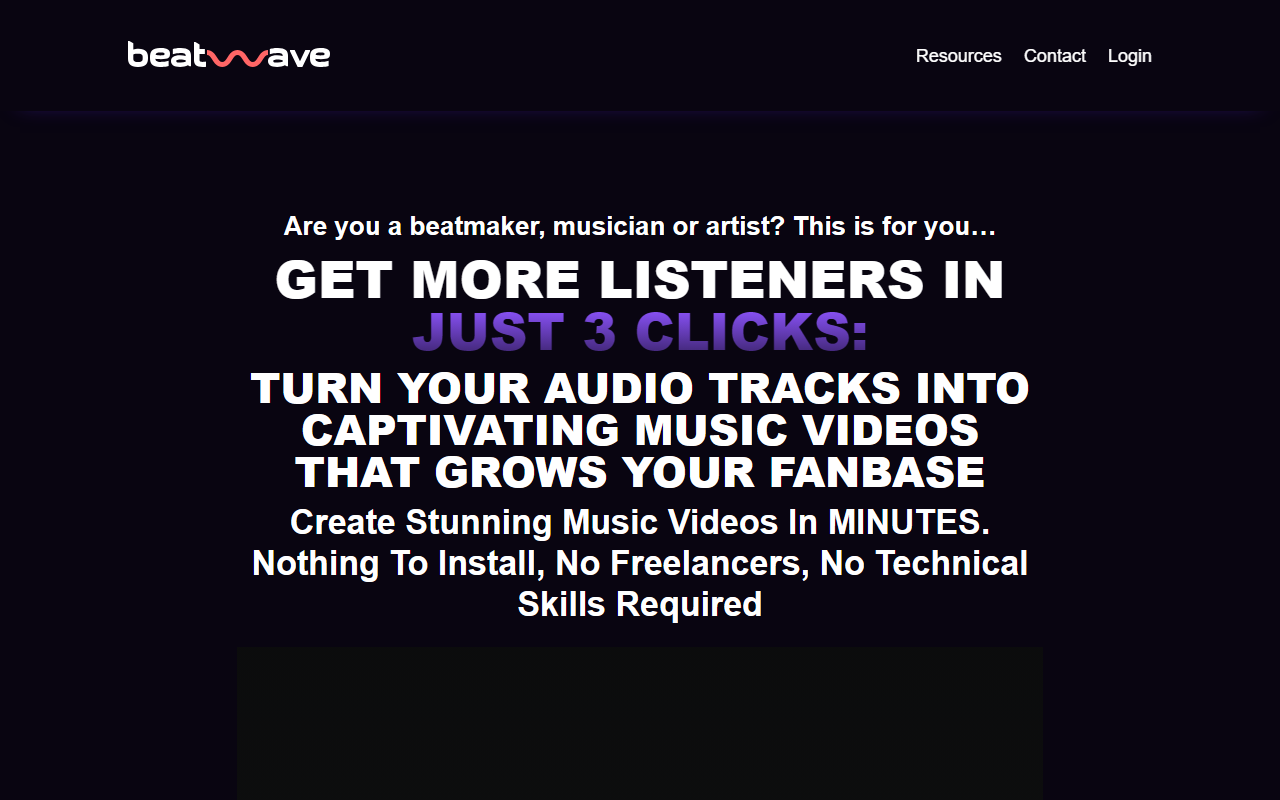
Upon visiting the Beatwave website, the pitch is immediate and aggressive: a limited-time lifetime deal for $37. The homepage leads with bold claims about creating music videos in minutes without any technical skills. The tone is squarely aimed at beatmakers, musicians, and artists who feel overwhelmed by the need to produce video content for social media. The dashboard, once you sign up for the free trial or purchase, presents a clean, mobile-optimized interface. You’re greeted with a row of templates, an upload button for audio files, and a preview window. The onboarding flow is minimal: you choose a template, upload an MP3 or WAV file, and the tool automatically syncs the visualizer to your track. I tested this with a 30-second instrumental loop. The beat detection was reasonably accurate, though it struggled slightly with complex hi-hat patterns. The editor then lets you adjust colors, add text overlays, upload your own artwork, and tweak the equalizer style. The entire process from upload to export took me about 90 seconds, which aligns with their promise.
Features and Technology
Beatwave is a fully web-based application, meaning there’s nothing to install. It’s also mobile-optimized, so you can create and publish videos from your phone. The core technology is an automatic audio-reactive engine that analyzes your track’s waveform and beat structure to animate a visualizer in real time. The template library includes dozens of styles: from classic bar equalizers to circular waveforms, retro glitch effects, and minimalist typography-based animations. You can customize the primary and secondary colors, apply filters, and add your own album art or branding. The app also includes a community feed where you can share your videos and discover other creators’ work. Notably, there is no API publicly listed, and the tool does not integrate directly with DAWs or music production software. However, you can export videos in standard MP4 format and then share directly to Instagram, YouTube, TikTok, and other platforms from within the app. Pricing is straightforward: a single lifetime payment of $37 grants unlimited creations, access to all templates, and future updates. There is no subscription model. A free tier exists but is very limited—you can only create one video with a watermark and without customization options. The paid plan removes the watermark and unlocks full editing.
Positioning in the Market
Beatwave sits in a crowded space of video creation tools for musicians. Competitors include Renderforest, which offers music visualizer templates as part of a broader video editing suite (starting at $9.99/month), and Wave.video, which provides similar functionality but with a subscription model. Another alternative is Vizzy, a free web-based visualizer with more granular SVG customization but a steeper learning curve. What sets Beatwave apart is the one-time pricing—most competitors charge monthly fees. Also, Beatwave’s focus is purely on music visualizers; it doesn’t try to be a full video editor. This narrow scope makes it faster and more intuitive for musicians who just want a quick, professional-looking video without distractions. The tool is best suited for independent artists, podcasters, and beatmakers who need to post frequent content on social media. It is less ideal for professionals who require advanced timeline editing, multi-track support, or integration with a video workflow. Beatwave is backed by a small team, and the website does not disclose funding or user numbers, but the community feed shows hundreds of uploaded videos, indicating active use.
Strengths, Limitations, and Final Verdict
Strengths: Extremely easy to use—anyone can create a decent visualizer in under two minutes. The one-time $37 price is a steal compared to subscriptions. Mobile optimization means you can work on the go. The template variety is decent and regularly updated. Limitations: The customization options are shallow. You cannot adjust the beat detection sensitivity, add custom animations, or layer multiple visual effects. The audio file must be uploaded—there is no live recording or microphone input. Export resolution is capped at 1080p, and there is no 4K option. Additionally, the free tier is too restrictive to be useful for testing. Customer support is basic (email only), and there’s no knowledge base or community forums beyond the feed. Who should try it: Independent musicians and content creators who want a quick, affordable way to turn audio into shareable video content. Look elsewhere if you need deep control over visuals or produce high-production-value music videos. For the price, Beatwave delivers on its promise—it’s a no-frills tool that does one thing well. I recommend taking advantage of the lifetime deal if you regularly create music for social platforms.
Visit Beatwave at https://beatwaveapp.com/ to explore it yourself.


Comments