

First Impressions and Onboarding
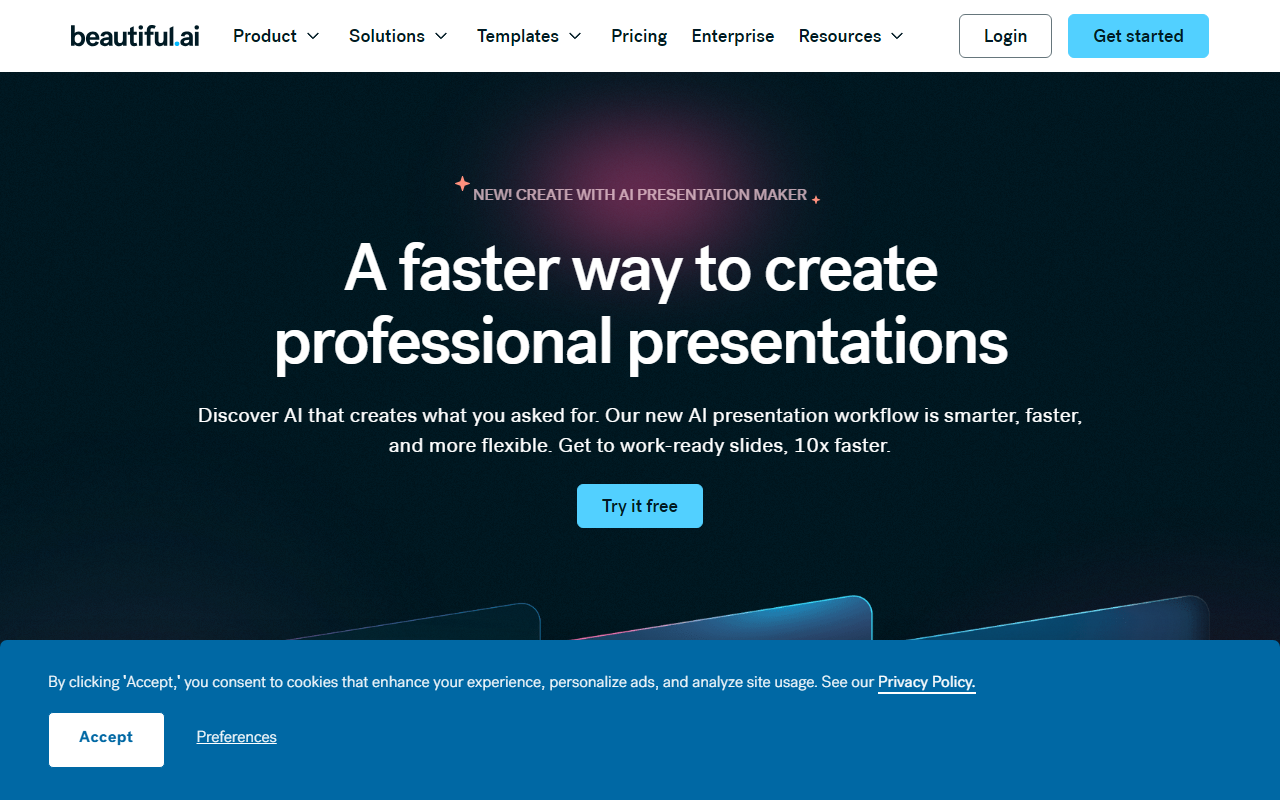
Upon visiting Beautiful.ai, the landing page immediately promotes its “new AI presentation workflow” and a 14‑day free trial. I clicked “Get started” and was asked to sign up with an email or Google account. The dashboard is clean, with a sidebar listing “My Presentations,” “Templates,” “Integrations,” and “Account.” The onboarding tooltip guided me through Smart Slides, the company’s core differentiator. Instead of manually aligning text boxes and images, the AI enforces design rules as you type. I tested the free tier by creating a new deck from a blank template. The interface felt fast, and every time I added a bullet point or image, the slide layout automatically adjusted—no dragging needed. It’s a genuinely frictionless experience for someone who loathes PowerPoint’s grid and guides.
Core Functionality: Smart Slides and AI Presentation Workflow
Beautiful.ai’s primary feature is “Smart Slides.” These are pre‑styled slide types (e.g., title, bullet list, chart, photo grid) that constrain your content to professional layouts. When I typed a bullet list, the spacing and font size changed dynamically to keep the slide balanced. The new “Create with AI” workflow takes a prompt and generates a complete deck outline with suggested Smart Slides. I typed “Q4 sales review for SaaS product” and got a structure with revenue charts, key wins, and next steps. The AI is powered by an in‑house model (the site does not specify which LLM) that respects your chosen theme and brand colors. The result was a solid first draft—I still needed to tweak data and copy, but the design was presentation‑ready. This approach solves the “blank page” problem while keeping you in control of the story.
Unlike generic tools like Canva or Google Slides, Beautiful.ai enforces design constraints rather than offering infinite templates. This reduces decision fatigue. The trade‑off is less creative freedom; you cannot arbitrarily move elements outside the Smart Slide logic. For most business decks (pitch decks, QBRs, marketing snapshots), that’s a net gain. The animations are subtle—only fade and slide transitions—which is appropriate for professional use. I also tested the PowerPoint export; formatting held up well.
Pricing, Integrations, and Collaboration
Pricing is clearly stated: the cheapest plan is $12 per month billed annually. There is no permanent free tier beyond the 14‑day trial, which gives full access. The website lists plans for individuals, small teams, and enterprise. Team features include shared template libraries, locked slides (to enforce brand governance), and comment‑based collaboration. I tested the locked slide feature by setting a slide as “locked” in the librarian panel; team members can view but not edit it, a boon for legal or brand approval workflows.
Integrations include Dropbox, ChatGPT (a custom GPT for ideation), Slack, Monday.com, Salesforce, and Webex. Notably, you can import PowerPoint files and export back to PPTX. The ChatGPT integration is a custom GPT that drafts slide content based on a prompt—I tried it and the output was coherent, though still required fact‑checking. For collaboration, the platform feels modern, with real‑time cursors and version history. However, there is no offline mode; you need an internet connection to use the tool. This is a clear limitation for users who often work on planes or in low‑connectivity environments.
Strengths, Limitations, and Verdict
Beautiful.ai’s main strength is speed. I built an 8‑slide deck in about 15 minutes that looked like it took two hours in PowerPoint. The design automation is genuinely helpful for non‑designers. The brand management features (themes, locked slides) are enterprise‑grade and rare in competitor tools. Customer testimonials on the site cite 75% time reduction, which aligns with my experience.
Limitations include a learning curve for power users who want total control over layout; you cannot treat slides like a designer’s canvas. The AI writing output is acceptable but not best‑in‑class compared to dedicated writing tools like Jasper or Copy.ai. The lack of a free perpetual plan might deter casual users. Also, the template selection, while curated, is much smaller than Canva’s library.
For whom is this tool best? Sales and marketing teams, startup founders, consultants, and anyone who needs polished, on‑brand decks repeatedly. Avoid it if you require pixel‑perfect custom layouts or presentation animation advanced effects. Compared to Pitch or Google Slides, Beautiful.ai wins on design consistency and onboarding speed.
Overall, I recommend starting the 14‑day free trial to see if the Smart Slide approach suits your workflow. The $12/month price is competitive for the time saved. Visit Beautiful.ai at https://beautiful.ai/ to explore it yourself.


Comments