

First Impressions and Onboarding
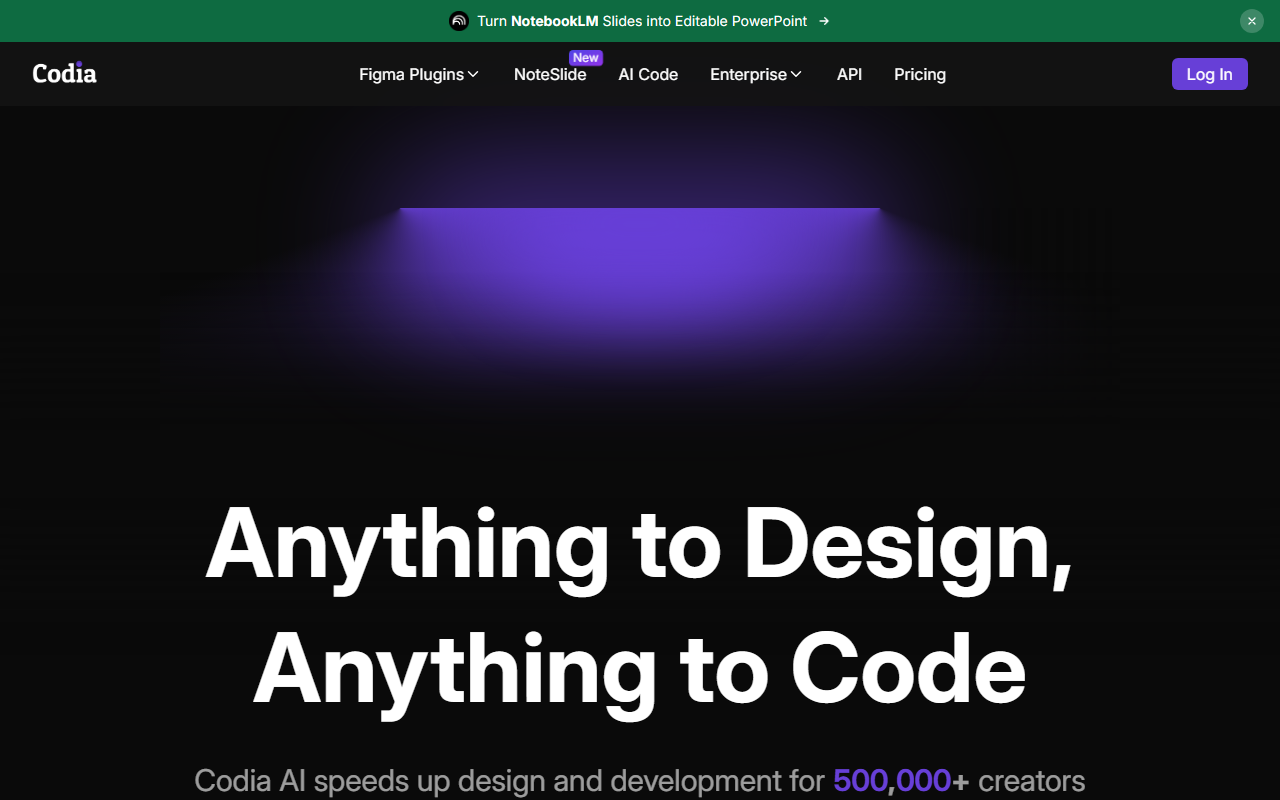
Upon visiting the Codia AI website, I was immediately struck by the clean interface and clear dual focus on design and code generation. The landing page prominently showcases two pathways: “Start Designing” and “Generate Code,” each leading to a suite of specialized tools. The onboarding flow appears straightforward—users can select a conversion type (e.g., screenshot, PDF, Figma) and upload files directly. I tested the free tier by uploading a simple screenshot of a mobile app interface. Within seconds, the AI returned an editable Figma file with layers and text preserved. The precision was impressive, though I noted that complex overlapping elements required minor manual adjustments. Overall, the onboarding felt intuitive, especially for anyone already familiar with design tools like Figma.
Core Features and Workflows
Codia AI offers a wide array of conversion capabilities that go well beyond basic design generation. The standout features include Screenshot to Editable Design, which processed my test image accurately, and Prompt to Design Magic, where a few words like “dashboard with charts” produced a fully editable UI component. I also explored the Image to Vector converter—uploading a bitmap logo yielded a clean SVG that scaled without artifacts. More advanced workflows involve converting PSD, PDF, Web pages, and even Notion documents into Figma files. Each conversion preserved layers, text, and vector data, which is critical for professional designers. The Code generation side is equally robust: you can export Figma designs to pixel-perfect SwiftUI or Flutter code, or chat with the LLM-powered assistant to build features without writing code. The generated code followed best practices, with clean structure and comments.
Technology, Security, and Pricing
Under the hood, Codia AI combines Visual AI for design recognition, Large Language Models for text-to-design and code, and proprietary custom models fine-tuned for design-to-code workflows. The company claims 99.9% conversion accuracy and 100x faster migration for enterprise assets. Security is a priority: the platform holds SOC 2 Type II, GDPR, and ISO 27001 certifications, with enterprise-grade encryption. This makes it suitable for large teams handling sensitive design files. Pricing is usage-based and transparent—there is no upfront cost or hidden fees, with plans scaling from individual creators to enterprises. However, the exact per-use rates are not publicly listed on the site; you must contact sales for enterprise quotes. While this flexible model is great for scaling, some users may prefer fixed monthly tiers like those offered by competitors such as Uizard or Visily.
Who Should Use Codia AI?
Codia AI is best suited for designers and developers who work primarily within the Figma ecosystem and need to convert assets from various sources quickly. It also shines for product teams that want to turn design handoffs into production-ready code without rewriting UI components. The LLM-powered chat development is a boon for building simple features without coding. However, those who don’t use Figma might find the tool less valuable—conversions target Figma, and other output formats are limited. Also, the lack of a free trial beyond a single conversion might be a drawback for tinkerers. For enterprise teams, the security certifications and dedicated support are major advantages. Codia AI is a powerful, all-in-one solution for accelerating design-to-code workflows, especially if your stack revolves around Figma. Visit Codia AI at https://codia.ai/ to explore it yourself.




Comments