

First Impressions and Onboarding
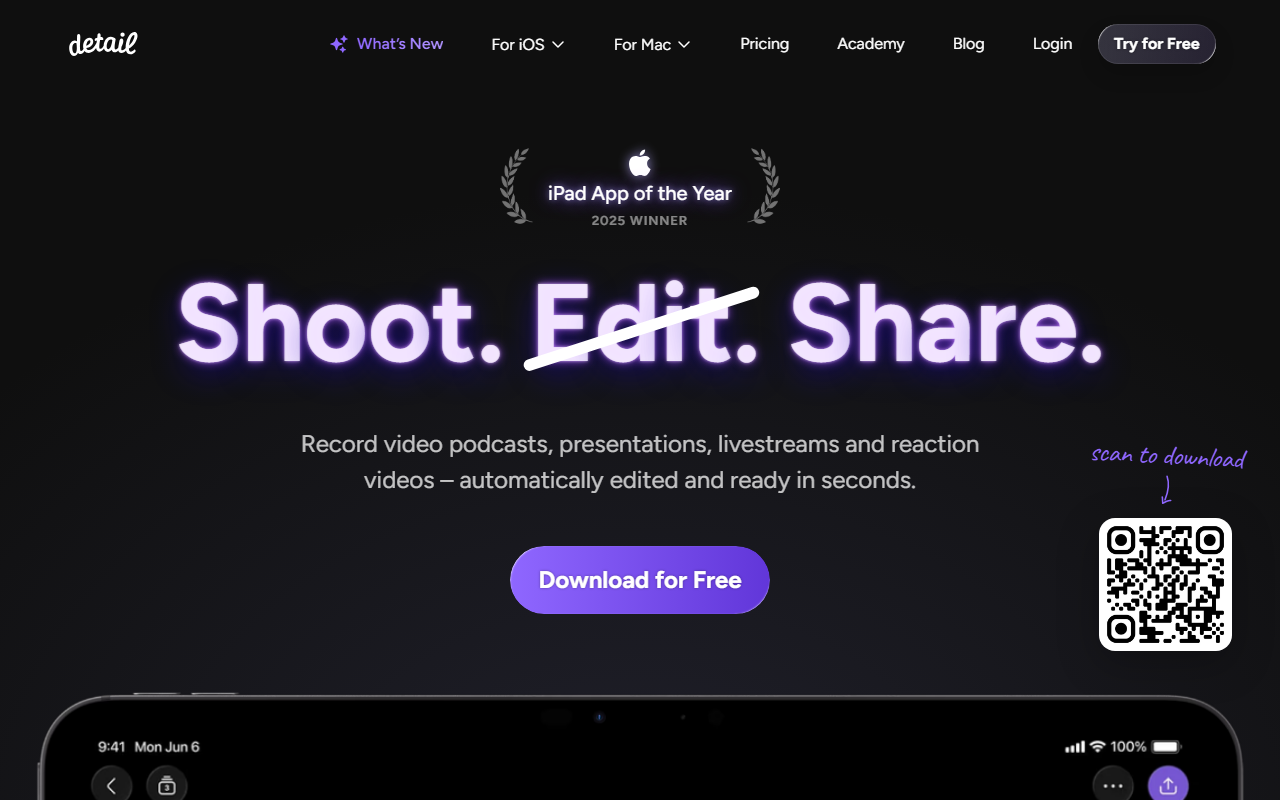
Upon visiting detail.co, the site immediately announces its 2025 iPad App of the Year win – a credential that piqued my curiosity. The landing page is minimal, repeating core phrases like “Shoot. Edit. Share.” but I was eager to dive into the actual app. I downloaded Detail from the App Store (free to install) and launched it on my iPad Pro. The onboarding walks you through three main use cases: recording a talking-head video, starting a podcast with remote guests, and making a reaction video. The interface is clean, with a large record button and a settings panel for camera, mic, and teleprompter. The teleprompter supports typing your own script or generating one via AI – I tested the script generation with a prompt about “remote work tips” and it produced a solid 60-second draft within seconds. The app also asks for camera and microphone permissions upfront, which felt standard but necessary for its core functionality.
Core Features and AI Editing Workflow
Detail’s headline feature is Auto Edit. After recording a short talking-head clip, I tapped “Auto Edit” and the app processed it in about 15 seconds. It removed silences, added dynamic zoom cuts, overlaid auto-generated captions, and even suggested background music. The result was a shareable video that looked like I’d spent 20 minutes editing. For podcasters, Podcast Auto Edit is even more powerful: it can handle multi-camera recordings from a single iPhone or two devices, automatically switches between speakers based on audio, and generates both a long-form edit and multiple short clips for social media. I tested this by recording a mock interview with myself (using pause) – the app identified speaker changes and trimmed gaps accurately.
Reaction video recording is also seamless: you paste a YouTube or TikTok URL into the app, and Detail loads the video in a floating window while your camera records your reaction. The output syncs the two streams, and Auto Edit can again add captions and zooms. I tried reacting to a short product demo video, and the final clip was ready in under a minute. Additionally, the app supports live streaming to YouTube, Twitch, Instagram, and any RTMP endpoint directly from your iPad – a feature that transforms the tablet into a portable streaming studio with multi-camera switching (using other iPhones as remote cameras via the Detail network).
Pricing and Market Position
Detail is free to download and offers a generous free tier that includes recording up to 10 minutes of video, basic Auto Edit, and standard captions. For unlimited recording, advanced Auto Edit (higher resolution exports, custom branding), and multi-camera streaming, there’s a Pro subscription at $14.99/month or $119.99/year. A free 7-day trial is available. Unlike competitors such as Descript (which focuses on desktop-based AI editing for podcasts) or CapCut (mobile video editor with AI effects), Detail carves a niche by being purpose-built for iPad and iPhone, emphasizing real-time recording and instant AI polish rather than post-production manipulation. It also lacks a desktop companion, which may deter users who prefer editing on a laptop. The app’s 2025 Apple Design Award win signals strong optimization for iPadOS, but the lack of public API or SDK limits integration with other tools. Pricing is not explicitly listed on the website, but within the app the tiers are clearly presented.
Verdict: Who Should Use Detail?
Strengths: Detail’s Auto Edit is genuinely impressive for casual creators. The teleprompter, script generation, and reaction video import eliminate most friction. The live streaming with multi-camera support is a standout feature for mobile-first streamers. The app is clearly built for the iPad, taking advantage of touch gestures and the M-series chips for fast processing.
Limitations: The free tier’s 10-minute recording cap feels restrictive for podcasters. There’s no web-based editor, so all work must happen on an iPad or iPhone. Export resolution options are limited to 1080p on the free tier; 4K requires Pro. Additionally, the AI-generated captions occasionally misspell technical terms (I saw “machine lerning” once). The app does not support advanced multi-track audio mixing or color grading – it’s designed for speed, not polish.
Detail is best suited for solo content creators, podcasters who want one-take recordings with minimal post-production, and live streamers who prefer an all-in-one mobile setup. If you need a desktop-grade editor with granular control, stick with DaVinci Resolve or Premiere Rush. But for turning ideas into shareable video in under five minutes, Detail is a top-tier choice. Visit Detail at https://detail.co/ to explore it yourself.




Comments