

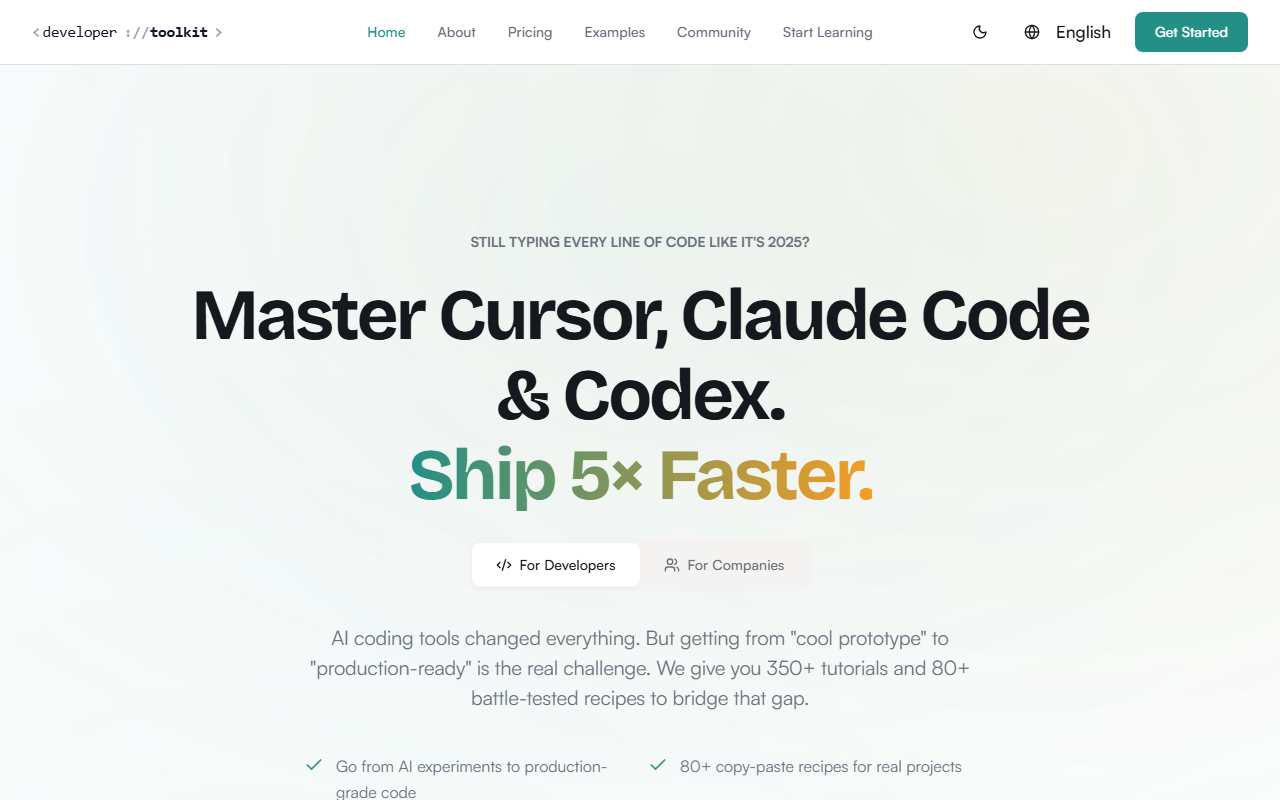
First Impressions: A Focused Learning Hub
Upon visiting Developer Toolkit, I was greeted by a clean, developer-oriented landing page that immediately zeroes in on a pain point: the gap between cool AI demos and shippable code. The site's messaging is sharp — it doesn't promise to teach you AI from scratch, but rather to help you use tools like Cursor, Claude Code, and Codex to produce production-ready work. The dashboard presents a well-organized library with categories such as "Cursor Mastery," "Claude Code," and "Codex CLI." Each category contains articles, lessons, and recipes. I clicked into the Recipe Cookbook and found 80+ copy-paste patterns for frontend, backend, database, DevOps, and mobile — each with ready-to-use code snippets. The layout is distraction-free, and the search function works smoothly.
What Developer Toolkit Does Best
This platform is essentially a structured curriculum for AI-assisted development. Instead of offering a tool that generates code itself, it teaches you how to use existing AI coding assistants effectively. The core value lies in its 350+ articles and 80+ recipes that are explicitly vetted for production environments. For example, the Cursor Rules section provides sample .cursor/rules files that enforce naming conventions, custom hooks extraction, and TypeScript interfaces. These are not abstract tips; they are copy-paste-ready patterns designed to pass enterprise code reviews. I also found the Claude Code hooks demonstration useful — a pre-commit hook that runs linting and testing on changed files, plus auto-updates project context. The site claims its content is updated weekly, which is crucial given how fast AI coding tools evolve.
Unlike generic tutorials on YouTube or blog posts, Developer Toolkit offers a systematic approach. It categorizes content by tool (Cursor, Claude Code, Codex) and by workflow (deployment, security, testing). There are even comparison guides for Cursor vs Claude Code vs Codex vs GitHub Copilot. The "End-to-End Workflows" section walks you from an initial prompt to deployed code, covering architecture decisions and security audits. This is a clear differentiator from tool-specific documentation, which rarely provides cross-tool, production-focused guidance.
Pricing and Target Audience
Pricing is not publicly listed on the website. The site offers a "Start Free Trial" button, but no tier details are visible without signing up. Based on typical premium developer tutorial subscriptions, I suspect a monthly or annual fee in the $15–$30/month range, but this is speculation. The platform is created by @jaskol_ski, a seasoned developer with 26 years of experience and two IPOs under his belt. He also lectures on AI at a university, which adds credibility. The site boasts 387 documentation articles and over 100 code examples, translated into 2 languages (likely English and Polish, given the creator's background).
This platform is best suited for intermediate to senior developers who already use AI coding tools but feel stuck converting prototypes into robust, maintainable code. It's also ideal for teams looking to standardize AI usage and avoid technical debt. Beginners who have never used Cursor or Claude Code may find the content advanced — they'd be better off starting with the official tool documentation or a more basic course. Additionally, if you prefer learning through interactive exercises rather than reading articles and copying code, this might not be the best fit.
Strengths and Limitations
One major strength is the sheer depth of production-quality patterns. The testimonials from senior developers and a CTO highlight real time savings — one cut feature development time in half after two weeks. The focus on security auditing and code review standards sets it apart from most tutorial sites. The content also covers the latest tools like Codex CLI, which is still in beta, showing the platform stays current.
However, a notable limitation is that Developer Toolkit does not provide any hands-on coding environment. You learn by reading and copying patterns, then applying them to your own codebase. There's no interactive playground or sandbox to experiment directly. Additionally, because pricing is not transparent, potential users may hesitate to commit without knowing the cost upfront. The platform also lacks a community forum or direct Q&A, so you're relying solely on static content. Finally, the focus is heavily on three tools — Cursor, Claude Code, and Codex — so if you use a different AI assistant (like GitHub Copilot), the tailored content is limited.
Overall, Developer Toolkit is a high-quality resource for developers who already know the basics of AI coding assistants and want to level up to production-grade output. If you're tired of writing code that gets rejected in code reviews or that accumulates technical debt, the structured patterns here can save you time and frustration. For teams, the shared workflows can help align everyone on best practices. Just be prepared to invest time reading and adapting the recipes to your stack.
Visit Developer Toolkit at https://developertoolkit.ai/ to explore it yourself.


Comments