

First Impressions and Onboarding
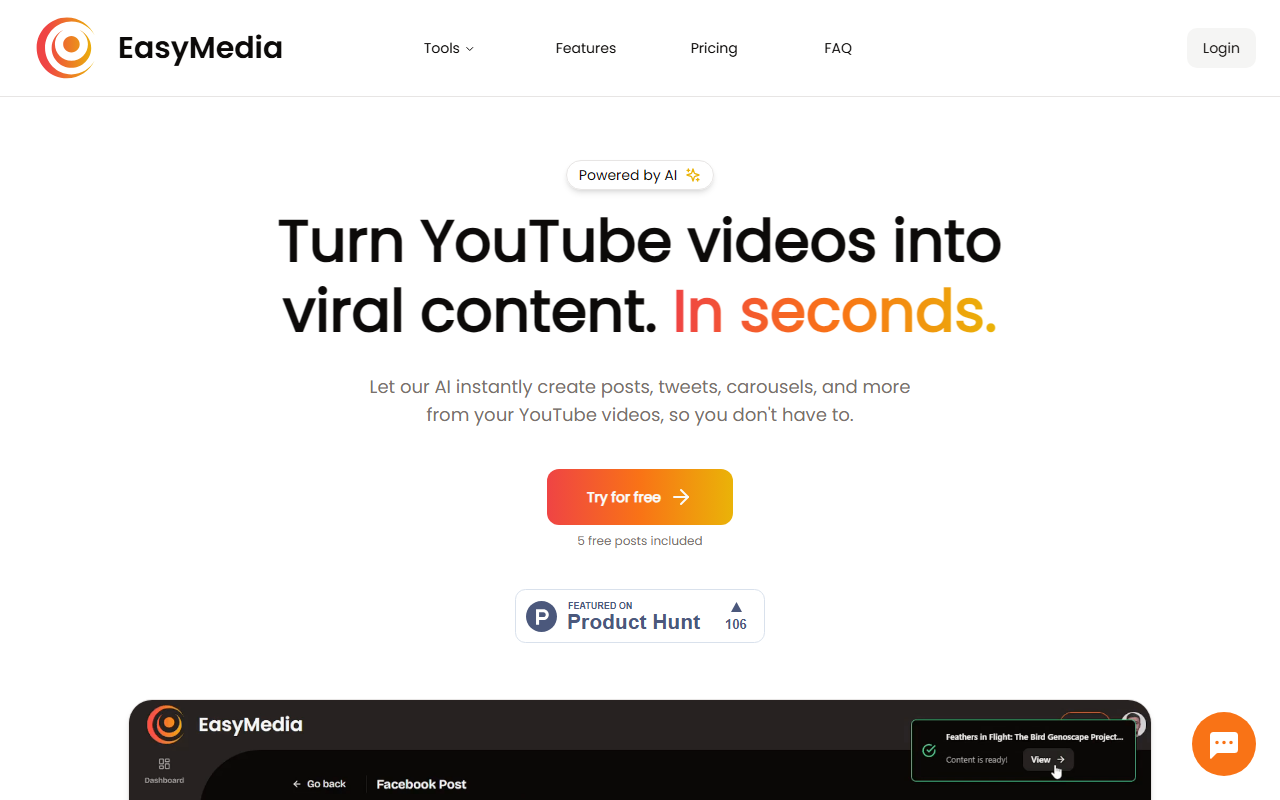
Upon visiting the EasyMedia website, the landing page immediately pushes a clear value proposition: “Turn YouTube videos into viral content. In seconds.” The design is minimal and modern, with a bright gradient background and a single “Try for free” call-to-action. I signed up using my Google account and was greeted by a clean dashboard showing a single input field for a YouTube URL and a few platform icons (Facebook, Instagram, Twitter, LinkedIn, Newsletter). There’s a small counter indicating I had 5 free posts remaining. The onboarding took less than two minutes—no endless tutorials or pop-ups.
The free tier lets you test the core workflow instantly. I pasted a 12-minute tech review video, and the AI processed it in about 15 seconds. The output included a short summary, a quirky Twitter thread draft, and an Instagram caption with hashtags. Each piece was clearly adapted to the platform’s tone: the tweet was punchy, the LinkedIn post was more professional. The interface itself is straightforward: you select a platform, review the generated text, tweak it, and hit “Export.” There’s no option to generate images in the free tier, but the tool promises image generation on paid plans.
Features and Workflow in Practice
EasyMedia’s core feature is content repurposing. It analyzes a YouTube video’s transcript (and presumably the audio) to extract key points and then reformats them for different channels. The dashboard shows six platform-specific templates: Facebook, Instagram, Twitter, LinkedIn, Newsletter, and “Ideas” (which suggests content angles). When testing the Pro plan (purchased with credits), I generated a full LinkedIn carousel draft from a 20-minute tutorial. The AI structured it into a “hooks, tips, call-to-action” flow—surprisingly coherent.
The tool also claims to generate images. I tested this with a travel vlog and received a set of three generic stock-style photos with overlays like “Top 5 Destinations.” The images are functional but not brand-customizable. For more control, you’d likely rely on your own visuals. One limitation I noticed: the tool does not let you edit a post after generation beyond manual text changes—no formatting options for bold or italics, and no scheduling feature. It’s purely a creation engine. Integration is limited to copy-paste or manual export; there are no direct API connections to social platforms mentioned.
Compared to competitors like Repurpose.io or Opus Clip, EasyMedia focuses solely on written content from existing video, not on video clipping or automatic publishing. That makes it lighter and cheaper, but less comprehensive for those who need end-to-end automation.
Pricing and Value Proposition
EasyMedia breaks from the subscription model with credit-based pricing. The three tiers are clearly listed: Basic ($7.50 for 5 posts, or $1.50 per post), Pro ($20 for 20 posts, $1.00 per post), and Enterprise ($30 for 50 posts, $0.60 per post). Each purchase is a one-time credit pack—no recurring billing. The FAQ confirms payments are one-time. This is ideal for occasional users or small teams who don’t want to commit to a monthly fee.
However, the credits expire after 12 months (stated in the FAQ). For heavy users, the per-post cost can add up: 100 posts would cost $60 on the Enterprise tier, whereas a similar tool like Jasper AI charges a flat monthly rate for unlimited words. But EasyMedia’s niche is that it doesn’t require you to input context—it works directly from a YouTube link, saving the time of manual briefing. The image generation is a nice bonus, but the outputs are basic. There are no additional features like analytics, A/B testing, or collaboration workflows—you get exactly what you pay for: text and image generation per post.
Verdict: Who Should Use EasyMedia?
EasyMedia is best suited for solo creators, YouTubers, and small marketing teams who want to quickly repurpose their video content into social posts without learning complex tools. It’s especially good for those who value simplicity and one-off payments over recurring subscriptions. The free five posts let you evaluate whether the quality meets your standards.
On the downside, the tool lacks depth: no video clipping, no scheduling, no brand voice customization beyond platform tone, and the image generation is basic. If you need an all-in-one social media manager (like Buffer or Hootsuite), this isn’t it. Also, the testimonials on the site are only five—not a huge vote of confidence, but they feel genuine. I’d recommend EasyMedia as a lightweight supplement to your existing workflow, especially for converting long-form YouTube content into bite-sized text for Twitter and LinkedIn. It does one thing well: turn video into words. For that, it’s worth a try.
Visit EasyMedia at https://easymedia.app/ to explore it yourself.


Comments