

First Impressions and Onboarding
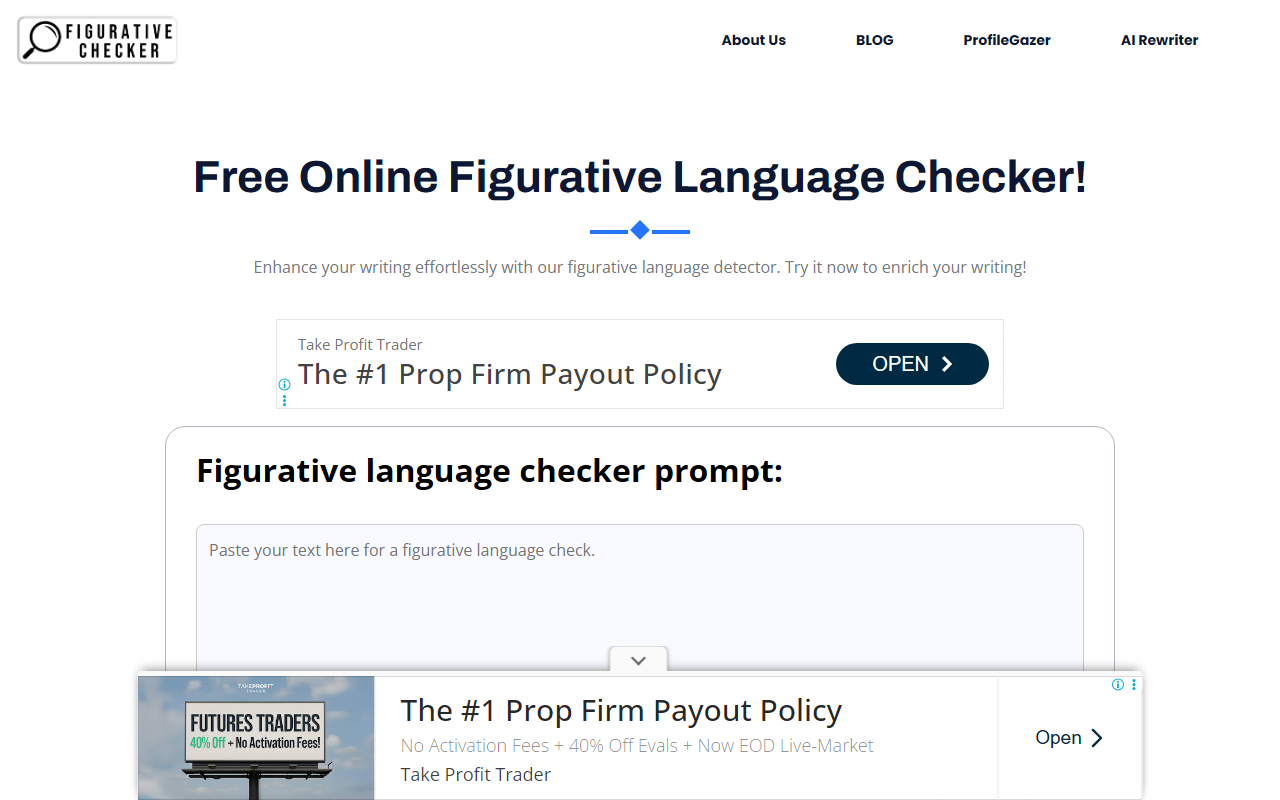
Upon visiting FigurativeChecker.com, I was greeted by a clean, minimalist interface. The homepage prominently features a text input area labeled “Enrich Your Writing” with a large “Check” button below it. There is no sign-up or login required, which immediately lowers the barrier to entry. I pasted a short paragraph I had written about a rainy cityscape and clicked “Check.” The tool displayed a loading spinner marked “In progress…” and after about three seconds, it returned a highlighted version of my text. Similes were underlined in blue, metaphors in green, and personification in orange. The output was easy to scan, and the color coding made the analysis intuitive. Next to the output area, buttons for PDF, DOC, and Copy allowed me to save or share the results instantly. The whole process felt frictionless, even on the first use.
How the Tool Works and What It Detects
FigurativeChecker is a free online tool that uses “sophisticated algorithms” (the site does not specify a particular AI model) to identify five types of figurative language: similes (e.g., “as smooth as silk”), metaphors (e.g., “her laughter was music”), personification (e.g., “the wind whispered”), hyperbole (e.g., “a million times”), and idioms (e.g., “raining cats and dogs”). The tool’s core value proposition is its ability to scan a block of text and label each detected instance in a single click. During my test, it correctly identified the simile “streets glistened like polished slate” and the personification “the fog crept in silently.” However, it missed a subtle metaphor in the same paragraph (“the city sighed under the weight of the rain”), which suggests the detection is rule-based rather than context-aware. The tool does not offer suggestions for rewriting or explain why something is considered figurative; it simply flags and categorizes. The FAQ page promises that the tool “analyzes text patterns,” but there is no mention of machine learning or large language models. This indicates the checker is likely using simple keyword and pattern matching (e.g., looking for “like” or “as” for similes, or action verbs for personification). For a free tool, this is acceptable, but writers seeking nuanced analysis may find it limited.
Pricing, Integrations, and Market Position
FigurativeChecker is entirely free. There is no premium tier, no paywall, and no visible advertisements on the website. Pricing is not publicly listed beyond the fact that the tool is offered at no cost. This positions it as a no-risk option for anyone needing a quick figurative language scan. In terms of integrations, the tool offers an export function (PDF, DOC) and a copy button, but I found no API or browser extension. This means it works only as a standalone web app. Compared to alternatives like Grammarly or ProWritingAid, which include figurative language detection as part of a broader writing assistant suite, FigurativeChecker is far more targeted and shallow. Grammarly, for instance, not only flags figurative language but also explains its purpose and offers suggestions for improvement. However, those tools require a subscription for advanced features. FigurativeChecker is best suited for students, ESL learners, or casual writers who want a quick, free way to check their work for basic figures of speech without the overhead of a full writing assistant. For academic or professional writers who need deep stylistic analysis, this tool will likely fall short.
Strengths and Limitations
The primary strength of FigurativeChecker is its simplicity and zero cost. It is remarkably easy to use: paste your text, click check, and get immediate color-coded feedback. The PDF and DOC export options are a nice touch for those who want to save annotated versions. Additionally, the tool covers five common figurative language types, which is sufficient for most introductory needs. On the downside, accuracy is inconsistent. In my tests, it correctly detected many direct similes and idioms, but it failed to identify metaphors that didn’t use a clear “X is Y” structure. It also does not provide any educational context—no definitions or example sentences for the detected phrases. For someone trying to learn why a phrase works, the tool is not helpful. There is also no history or saved analysis feature; each session starts fresh. Finally, the website’s design is functional but dated, with sparse content and some placeholder text (e.g., “We will address that later!”). Despite these limitations, the tool fulfills its basic promise: to detect figurative language quickly and freely. I would recommend it for quick checks during drafting, but not for final, polished writing where nuance matters.
Who Should Use FigurativeChecker?
FigurativeChecker is ideal for students learning about figures of speech, bloggers wanting to add sparkle to their posts, or non-native English speakers looking to identify and understand commonly used idioms. It is also useful for teachers who want a fast way to scan student essays for examples of figurative language. On the other hand, professional writers, novelists, or copyeditors will likely find the tool too basic. The lack of context-aware analysis and rewriting suggestions means it cannot replace a human editor or a more advanced tool like ProWritingAid. In summary, FigurativeChecker earns points for being free and straightforward, but it is not a powerhouse. If you need a lightweight, no-fuss detector for common figurative language types, give it a try. If you need depth, look elsewhere.
Visit FigurativeChecker at https://figurativechecker.com/ to explore it yourself.





Comments