

First Impressions and Onboarding
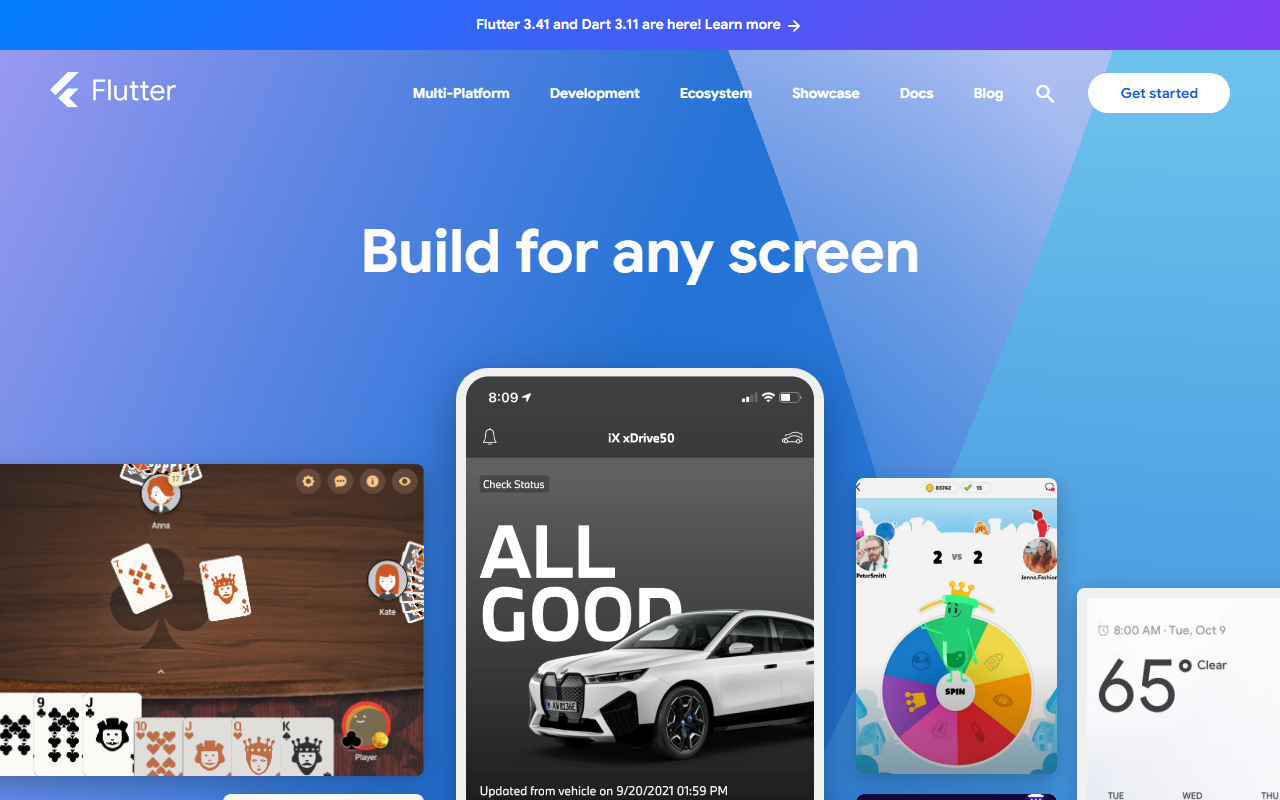
Upon visiting flutter.dev, the landing page immediately highlights version 3.41 and Dart 3.11, with a clear call to action to “Get started.” The design is clean and modern, featuring interactive DartPad playgrounds embedded directly on the page. I clicked “Try it in DartPad” under the “Fast” section, which launched a browser-based coding environment where I could edit a small Flutter widget and see it update in real time. This is an excellent onboarding tool—no installation required. The website also offers a quick install wizard for macOS, Windows, and Linux, plus links to detailed docs. For a developer new to Flutter, the path from landing to coding is remarkably smooth.
Core Capabilities for AI-Driven Development
Flutter’s primary promise is a single codebase that compiles to ARM, Intel machine code, and JavaScript, enabling deployment to mobile, web, desktop, and embedded devices. While Flutter is not an AI model itself, it provides the UI framework to build apps that consume AI services. The tight integration with Google’s ecosystem—Firebase, Google Ads, Google Pay, Google Maps, and now Gemini AI via Android Studio—makes it a strong choice for AI-powered applications. For example, developers can incorporate Gemini’s natural language capabilities into a Flutter app through the Google AI Dart SDK or Firebase Extensions. The “Gemini in Android Studio now speaks fluent Flutter!” news item confirms this direction. Flutter’s Hot Reload feature is a productivity boon: I could change UI code and see the result almost instantly without losing app state, which accelerates iterative development of AI-driven interfaces.
Pricing, Ecosystem, and Competitive Landscape
Flutter is completely free and open-source under the BSD license. There are no paid tiers; you only pay for services you integrate, such as Firebase or Google Cloud AI. The pub.dev package repository hosts thousands of packages, including machine learning plugins like tflite_flutter for on-device inference. The community is large and active, backed by Google. Compared to React Native, Flutter offers better performance due to its own rendering engine (Skia/Impeller) and a more consistent cross-platform experience. Unlike .NET MAUI, Flutter has a richer widget library and faster iteration cycle with Hot Reload. However, Flutter apps can have large binary sizes, and deep platform-specific features may require native channels. For AI developers, the lack of built-in ML pipelines is a limitation, but the extensible architecture and Firebase/Vertex AI integrations compensate.
Strengths, Limitations, and Verdict
Flutter’s main strengths are its blazing-fast development cycle, expressive UI, and seamless Google service integration, which directly benefits AI app creation. The ability to target six platforms from one codebase saves significant time. The limitation I observed is that the tooling for AI specifically is still maturing—there’s no dedicated “AI copilot” within Flutter itself, though Gemini is increasingly present in Android Studio. Also, large app sizes remain a concern for mobile deployment. This tool is best suited for developers and teams building modern, multi-platform applications that leverage Google’s AI and cloud services. It is less ideal for those who need deep native platform access without extra code or are building purely server-side AI backends.
In summary, Flutter is not an AI tool per se, but it is an outstanding framework for constructing the front-end of AI-powered applications. Its free price, strong community, and Google backing make it a safe bet. If your goal is to deliver an AI-driven experience on every screen, Flutter deserves your attention.
Visit Flutter at https://flutter.dev/ to explore it yourself.





Comments