

First Impressions and User Experience
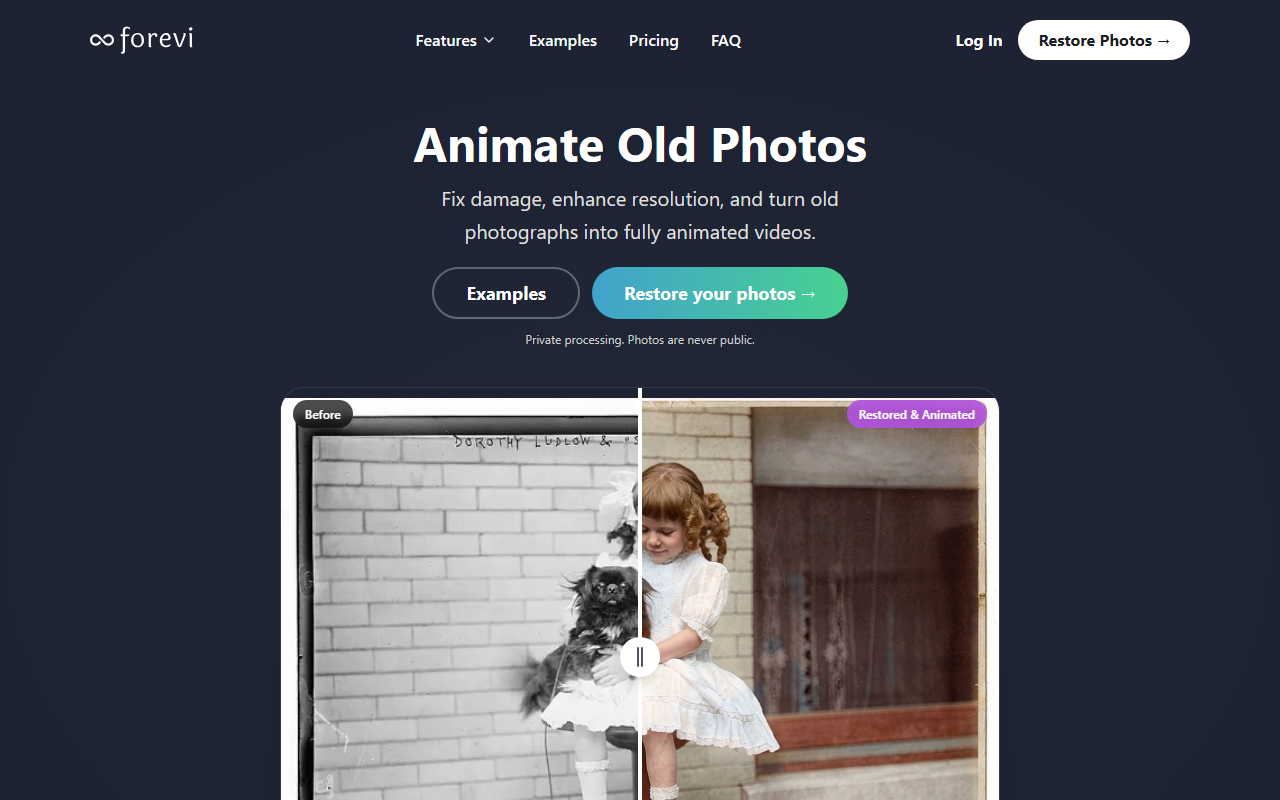
Upon visiting the Forevi website, I was immediately struck by the polished before-and-after comparisons that showcase restoration, colorization, and animation. The dashboard is clean, though the tool itself is accessed after signing up. The onboarding flow is simple: upload a photo, choose a mode (restore, colorize, upscale, animate, or add audio), and wait for processing. I tested the free credit purchase option — $79 for 100 credits — which serves as a pay-as-you-go trial. Processing times were reasonable, taking about 30 seconds for a restore and a few minutes for animation. The interface is intuitive, but I did notice that batch processing is only available on the Agency plan, which may frustrate power users.
Restoration and Animation Capabilities
Forevi uses next-generation AI models to rebuild images from the inside out. I uploaded a scratched, faded black-and-white photo of my grandfather. The AI removed cracks and stains while preserving facial details — the result was far superior to what I’ve seen from generic filters. The colorization feature surprised me: it analyzes the scene’s historical context to match era-appropriate colors, avoiding the washed-out look of competitors like Palette or jpgHD. The 4K upscale added sharpness without introducing artifacts. But the real standout is animation. Forevi generates full cinematic motion — not just blinks, but dynamic scenes like a person walking or interacting with surroundings. I also tested the voice generation: a short prompt produced a realistic voice that matched the character’s appearance. The audio ambient mode adds background sounds (e.g., city streets) that enhance the video. However, on extremely damaged photos, the AI did occasionally blur some textures, though it still repaired 9 out of 10 imperfections as claimed.
Pricing and Value
Forevi offers three subscription plans: Starter at $19/month for 40 credits, Pro at $39/month for 150 credits, and Agency at $89/month for 400 credits. Credits are consumed per task (restore, colorize, upscale, animate each cost credits, though the site doesn’t break down per-task credit costs). There’s also a one-time purchase of 100 credits for $79. Annual billing saves 30%, and a “3+ months free” promo is available. Compared to competitors like Old Photo AI (which charges per image with no animation) or ChatGPT (which alters faces), Forevi’s credit system can become expensive for heavy animation work. A single animated video may cost 10-20 credits, making the Pro plan the sweet spot for regular users. The commercial use license is included in all paid plans, which is a plus for creators.
Comparison and Verdict
Forevi stands out from restoration tools like Palette, jpgHD, and Old Photo AI by offering animation and audio generation — features that are rare in this niche. Its AI rebuilds details rather than applying surface filters, resulting in photorealistic outputs. However, it lacks a free trial (only a paid credit option) and batch processing on lower tiers. The tool is best suited for family historians, filmmakers, and content creators who need high-quality restoration and storytelling. You should look elsewhere if you need a simple one-click fix without credits or animation. Overall, Forevi delivers on its promise to bring photos to life, but be mindful of the cost per credit.
Visit Forevi at https://forevi.ai/ to explore it yourself.


Comments