

First Impressions and Onboarding
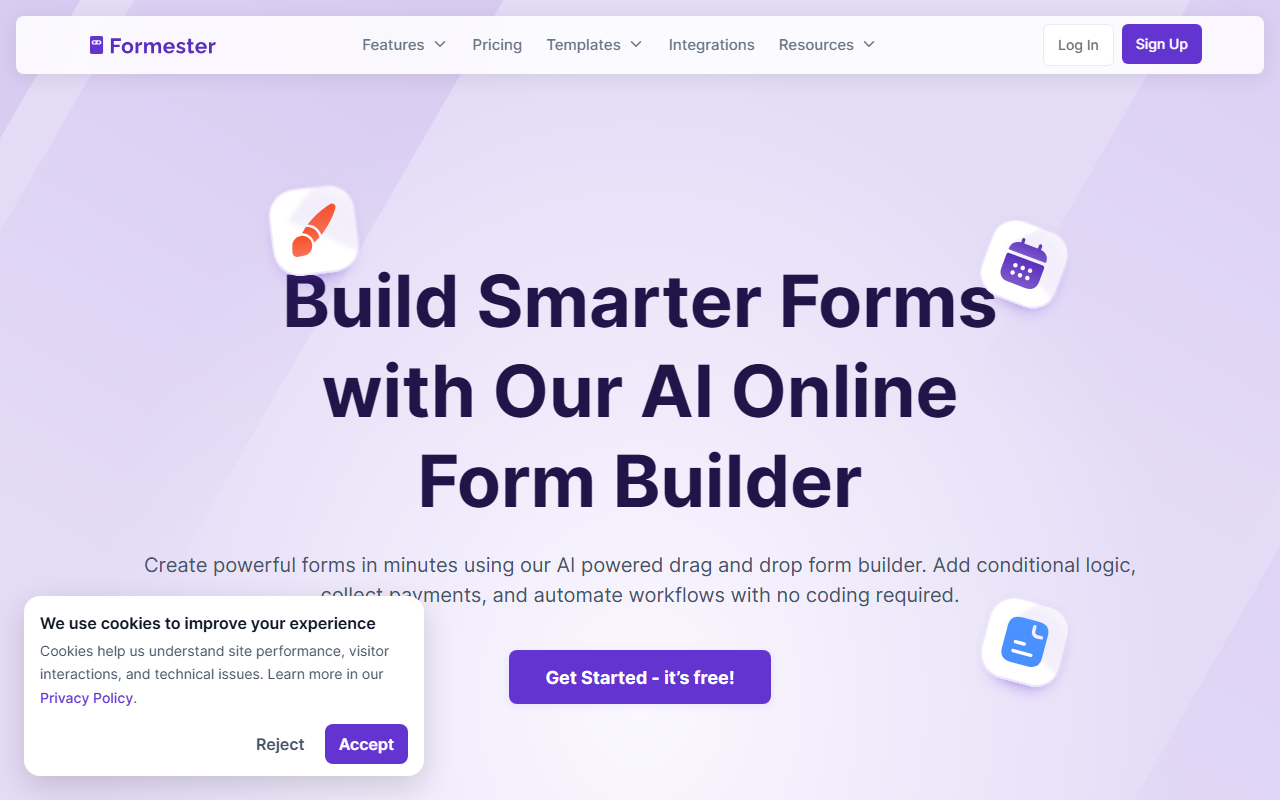
Upon visiting Formester's website, I found a crisp, modern interface that immediately highlights its AI-native capabilities. The dashboard, once I signed up for the free tier, presents a straightforward drag-and-drop builder with an "AI Form Builder" option front and center. I tested the AI by typing "create a job application form with name, email, resume upload, and a cover letter field." Within seconds, Formester generated a complete form with proper field types, a required email validation, and a file upload limit. The onboarding flow is smooth: tooltips guide you to key features like conditional logic, payment integration, and automations. No coding is required, and the form editor responds instantly.
Core Features and AI Capabilities
Formester's AI goes beyond simple form generation. It can automatically add branching logic — I created a customer feedback form where a low rating triggered a follow-up question, all set up without manual rules. The platform also supports multi-language forms, which the AI can translate on the fly, making it easy to serve global audiences. Beyond AI, the feature set is robust: you can accept one-time or recurring payments via Stripe and PayPal, handle event tickets, product orders, or donations. Custom PDF generation from responses is seamless, and automations let you send confirmation emails, sync to CRMs like HubSpot, or connect with 1,000+ tools including Slack and Notion. Collaboration tools allow teams to co-edit forms without overwriting each other's work and set granular access controls. Security features include AI-powered spam blocking with Turnstile and email validation.
Pricing and Market Position
Pricing is not fully transparent on the website — only a free tier is advertised. This may frustrate budget-conscious buyers. Competitors like Typeform and JotForm clearly list paid plans starting around $25–$30 per month. Formester differentiates with its AI-first approach and all-in-one capabilities. It claims over 50,000 trusted businesses, and user testimonials praise its ease of use and responsive support. One users noted migrating from Paperform. The tool suits small to medium businesses, marketers, HR teams, and educators who need versatile, no-code forms. Developers will appreciate the embed options and API, though the platform is clearly designed for non-technical users.
Verdict: Who Should Use Formester?
Strengths: The AI form builder is a genuine time-saver — I built a complete survey in under a minute. The all-in-one approach (forms, payments, PDFs, automations) reduces dependency on multiple tools. Collaboration and security features are enterprise-level. Limitations: The lack of clear pricing may cause hesitation. I also noticed the AI occasionally generated fields that needed minor manual tweaks (e.g., wording or order). The extensive feature set can overwhelm users who only need a simple contact form. Overall, Formester is a strong contender for teams wanting to build high-converting forms quickly with minimal coding. I recommend starting with the free tier to evaluate its AI capabilities for your workflow. Visit Formester at https://formester.com/ to explore it yourself.


Comments