

First Impressions and Onboarding
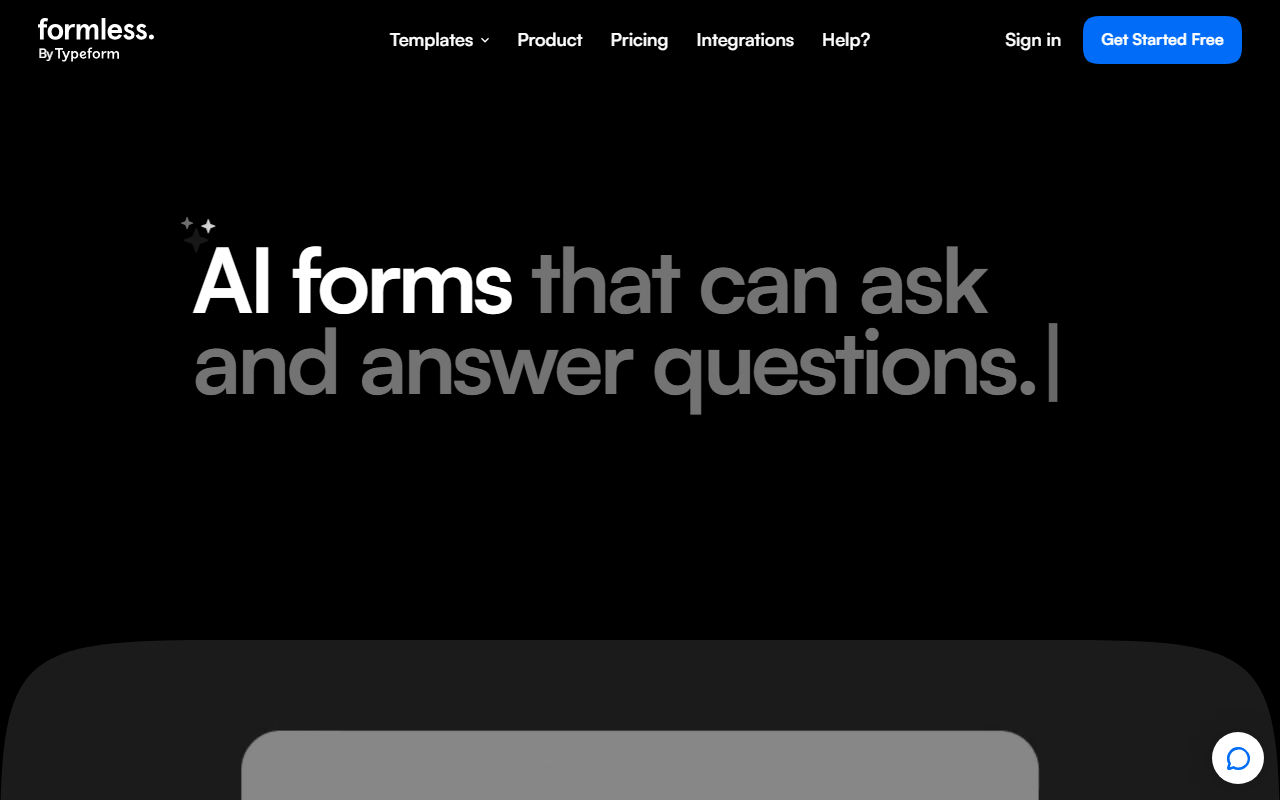
Upon visiting the Formless landing page, I immediately noticed the familiar Typeform aesthetic: clean, minimalist, and template-driven. The hero section boldly declares “AI forms that can ask and answer questions,” which sets the tool apart from traditional form builders. The top navigation includes a template library and a prominent “Get started” button. I clicked that button and was guided to either choose from a dozen templates—including “Inbound leads,” “Recommendation Quiz,” and “Quote Generator”—or start from scratch. The standout onboarding step is the prompt to “Train the AI on your data to answer user questions too.” This is where Formless differentiates itself: instead of just collecting static answers, the form evolves into an interactive assistant.
How Formless Works and Key Features
Formless is essentially a form builder that integrates generative AI. You input your questions and can optionally upload documents or paste text so the AI learns your brand voice, product details, or FAQ content. When a respondent fills out the form, the AI can dynamically answer their follow-up questions in real time, making the experience feel like a two-way conversation. I tested this by creating a simple lead generation form and adding a FAQ document. The AI responded to a test user’s query about pricing with a coherent, on-brand answer directly inside the form. The tool also supports 120+ languages, which I verified by switching the interface to Spanish—responses were accurate. Formless can be embedded as a widget, pop-up, or full page across any site. Use cases listed include inbound leads, contact sales, feedback, quizzes, giveaways, and even job applications.
Pricing and Integrations
Pricing is not publicly listed on the landing page; selecting the “Pricing” link redirects to a separate page (likely subscription-based, given Typeform’s tiered model). A free tier is hinted at by the “Get started free” button, but exact limits (number of forms, responses, AI queries) are not disclosed without signing up. Integrations are a strong point: the website lists HubSpot, Google Sheets, Mailchimp, Slack, and Pipedrive, among others. This makes it easy to plug into existing workflows. Compared to Google Forms—which offers no AI conversational layer—Formless is clearly more advanced. Against Typeform itself, Formless adds an intelligent layer that can reduce the need for separate chatbots or FAQ pages.
Who Should Use Formless?
Formless is best suited for businesses that want to capture leads or feedback with a highly interactive, AI-enhanced experience. It’s ideal for marketers running quizzes, sales teams needing quote generators, or support teams wanting to pre-qualify inbound queries. The AI’s ability to answer questions in real time can significantly reduce back-and-forth emails. However, the reliance on training data is a limitation: if you don’t provide enough context, the AI may give generic or irrelevant answers. Also, for ultra-simple forms (e.g., name and email collection), Formless may feel overbuilt. I recommend it for teams already using Typeform or seeking a modern, conversational take on data collection. Visit Formless at https://formless.ai/ to explore it yourself.


Comments