

First Impressions: Landing on Genaraera
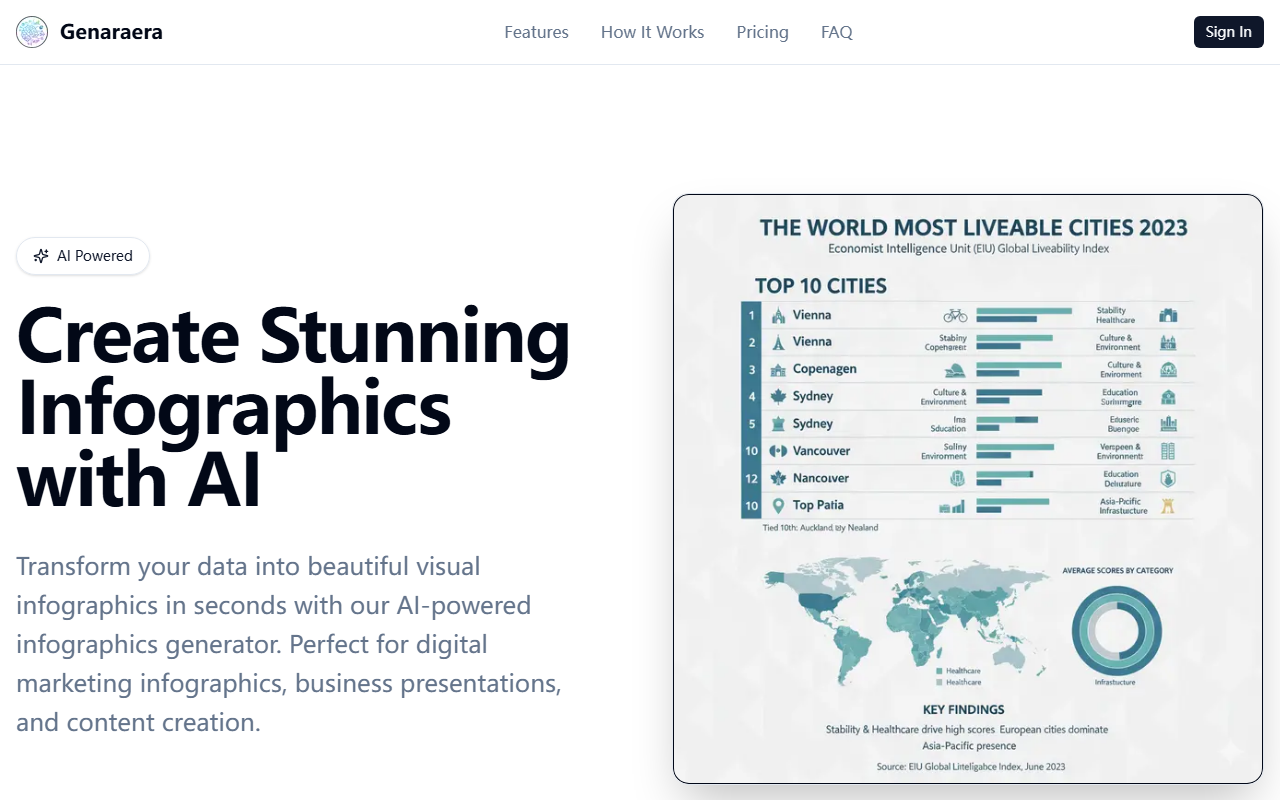
Upon visiting Genaraera, I found a clean, focused interface that immediately presents the core value proposition: turn your data into beautiful infographics using AI. The dashboard shows a simple prompt box where you describe the type of infographic you want and paste your data. There is no clutter, no endless template catalogues—just a straightforward input form. I appreciated that the tool offers example prompts like business sales data or food nutrition charts, which help new users understand the possibilities. The site claims you can generate an infographic in seconds, and that promise holds up during testing.
How It Works and What I Tested
The workflow is refreshingly simple. First, you select the type of infographic you want—though the interface lists options like statistical charts, timelines, or process flows, you describe it in natural language. Then you paste your data into the text box. Alternatively, you can upload a reference image and let the AI mimic its style. I tested the free tier by describing a quarterly sales data visualization and pasting a small table of numbers. Within about ten seconds, the AI generated a polished infographic with a clean layout, color-coded bars, and clear labels. The result was professional enough for a business presentation. I also tried the V2 model (available with credits) and noticed faster generation and slightly better composition. The generated images can be downloaded in various aspect ratios—1:1, 16:9, 9:16, and more—making them ready for social media or slides.
Pricing and Models
Genaraera uses a credit-based system. The Basic model costs 1 credit per image and supports up to 1024×1024px. The Pro model costs 3 credits for 1K/2K resolution or 5 credits for 4K, and is recommended for smarter, more beautiful output. There is also a new V2 model with similar pricing to Pro but faster. Pricing tiers are not publicly listed in detail—the site does not show subscription plans or credit pack costs on the main page. This lack of transparent pricing is a limitation for users who need to budget. That said, the free tier (likely a trial with limited credits) allowed me to generate a few images without paying. Competitors like Canva’s infographic maker offer free templates with a freemium model, while platforms like Piktochart require subscription plans. Genaraera differentiates itself by avoiding templates entirely and relying on pure AI generation from natural language.
Who Should Use Genaraera?
This tool is best for marketers, content creators, and business professionals who need quick, no-design infographics for reports, social media, or presentations. It removes the need to learn design software or sift through templates. However, it is not ideal for those requiring highly customized layouts or intricate data visualizations—the AI interprets your text but may not produce exactly what you envision on the first try. You also cannot edit individual elements after generation; you must regenerate. Genaraera is a solid time-saver for straightforward data storytelling. If you need full control over every pixel, stick with traditional design tools. Overall, it delivers on its promise of speed and quality for common infographic needs.
Visit Genaraera at https://genaraera.com/ to explore it yourself.





Comments