

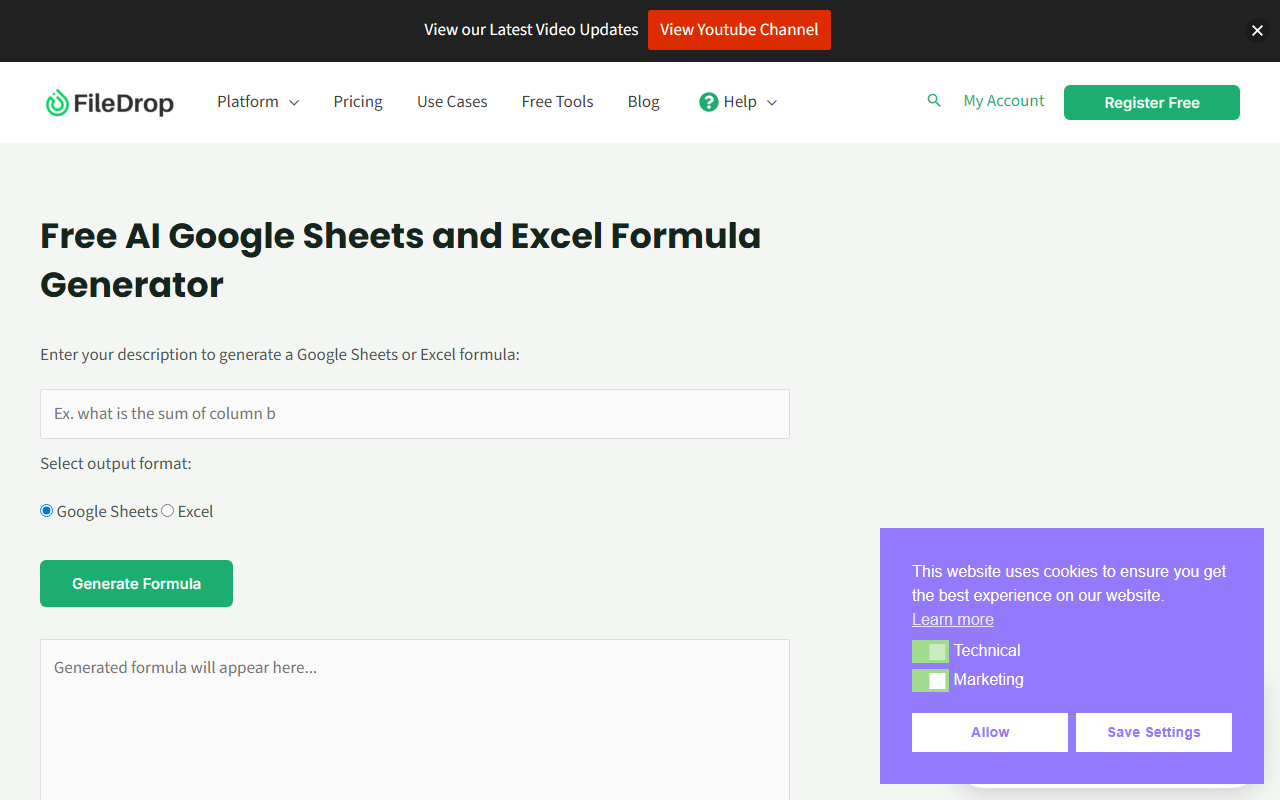
Upon visiting getfiledrop.com, I was greeted by a clean, professional landing page that immediately communicates the core value proposition: collecting files four times quicker than email. The dashboard, after registering for a free account, presents a straightforward interface with clear options to create upload pages, manage PDF links, and access the Google Workspace add-on. FileDrop positions itself as an all-in-one document collection and file management tool for consultants, agencies, accountants, lawyers, and solopreneurs, focusing on reducing email clutter and streamlining workflows.
Exploring the Core Features
FileDrop offers several key functionalities. The Document and File Collection feature allows users to create branded upload pages where clients can submit files directly to the user's cloud, Google Drive, or Dropbox—no login required from the submitter. When testing the free tier, I created a simple upload page in under a minute, customizing it with my logo and colors. The drag-and-drop form creator is intuitive, and the 1GB per file limit with unlimited files on paid plans is generous. The system tracks submissions and can export to Google Sheets, which is a huge time-saver for organizing client data.
The Professional PDF Hosting and Sharing tool lets users upload PDFs up to 100MB and share them via branded links with enhanced security features like password protection and view limits. This is perfect for delivering reports or contracts securely. The secure messaging in threads adds another layer of control, with expiring pages and encryption. FileDrop integrates deeply with Google Workspace via an add-on for Sheets, Docs, and Slides, enabling drag-and-drop file insertion into cells, bulk uploads, and linking to files already in Google Drive.
Strengths and Limitations
FileDrop's strongest asset is its seamless integration with Google Workspace, making it a natural extension for organizations already using Google tools. The ability to send branded upload pages and receive files directly into Google Drive without email attachment headaches is genuinely transformative for workflow efficiency. The testimonials on the site highlight specific use cases like renaming hundreds of files in HR systems and uploading storyboard frames, which demonstrate real-world time savings.
However, there are limitations. The tool's AI capabilities are not explicitly evident from the website content. It does not appear to use AI for document processing, analysis, or generation—it's primarily a file management and collection platform. The category "Text AI > AI Office" seems misaligned, as FileDrop lacks typical AI features like text generation or intelligent data extraction. Additionally, while the free tier is available, pricing details are not publicly listed on the website beyond "View Pricing" links, which likely lead to a sign-up page. This lack of transparency may frustrate potential users who want to evaluate costs before committing. Competitors like JotForm or Cognito Forms offer similar document collection with form-building capabilities, and Dropbox File Request serves a similar purpose, but FileDrop's Google Workspace integration is a distinct advantage.
Pricing and Market Position
Pricing is not publicly listed on the website. To get specific tiers, users must register or click through to a pricing page that likely appears after sign-up. This opacity is a drawback, but the free tier allows limited testing. FileDrop is best suited for professionals and small to medium businesses that rely heavily on Google Workspace and need a streamlined way to collect files from clients or team members. It is less suitable for enterprises requiring advanced AI-driven document analysis or for users who don't use Google tools.
In terms of market positioning, FileDrop competes with tools like PandaDoc for document generation and Dropbox File Request for collection, but its focus on simplicity and Google integration sets it apart. The website mentions over 150,000 documents collected, indicating a growing user base. The tool is built in the EU with strong privacy compliance, which is a boon for EU-based businesses.
Overall, FileDrop is a practical, no-nonsense tool for its niche. If you manage client files daily and live in Google Workspace, it can save significant time and reduce inbox clutter. For those seeking genuine AI office features, this may not be the right fit, but for document collection and management, it excels. I recommend trying the free tier to see if it fits your workflow. Visit FileDrop at https://getfiledrop.com/ to explore it yourself.





Comments