

First Impressions: A Clean Interface for Consensus Building
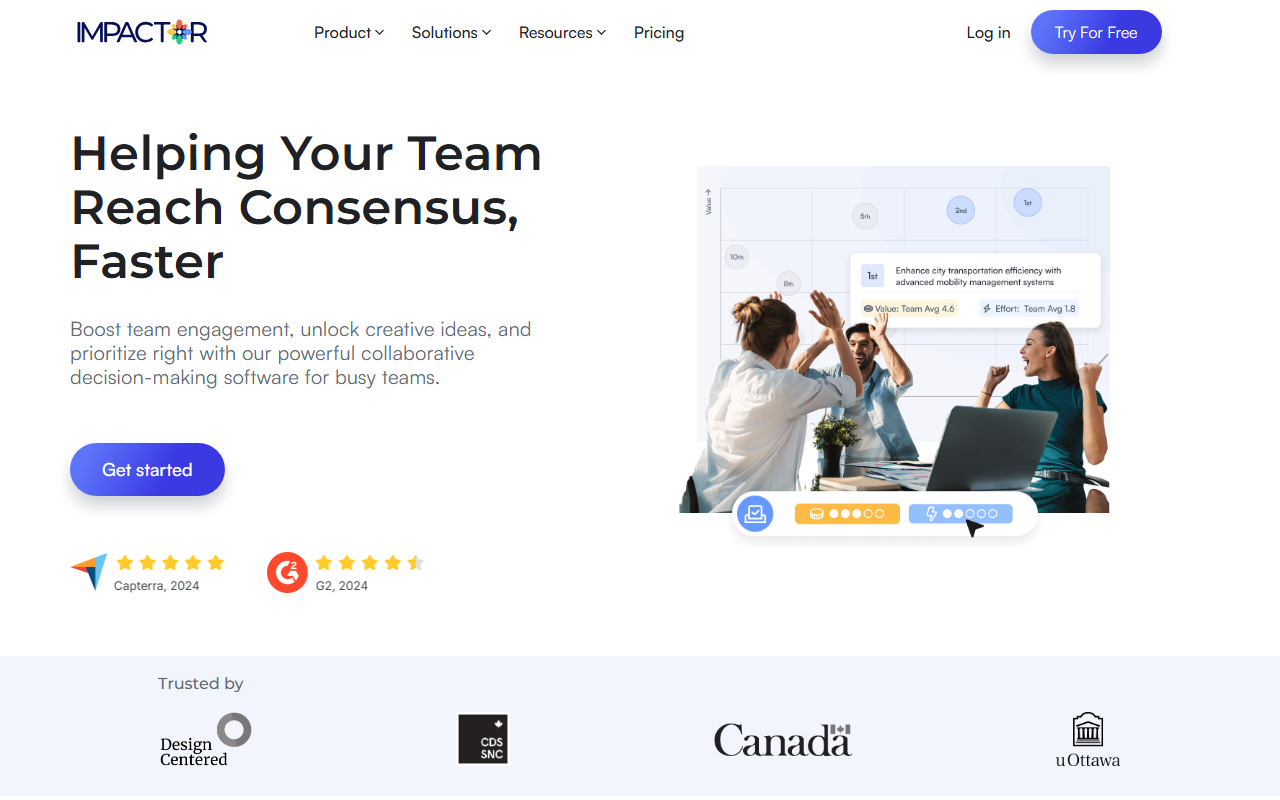
Upon visiting impactor.app, I was greeted by a minimalist landing page that immediately communicates the tool's core purpose: helping teams reach consensus faster. The dashboard, after signing up for the free tier, presents a logical flow: you start by creating a workspace, then invite team members. The onboarding wizard gently nudges you through the standard decision-making process — ideate, group, prioritize. All interactions happen within a clean, card-based UI that feels familiar to anyone who has used tools like Miro or Trello, but Impactor distills the experience specifically around structured ideation and prioritization. I immediately tested the anonymous ideation feature: I generated a new session, added a few mock ideas, and invited a colleague. The ability to submit ideas without attribution immediately increased participation; I could see psychological safety being a real win here.
Core Features and AI Assistant: More Than Just Brainstorming
The tool’s three main pillars — Ideate, Prioritize, and the AI Assistant — are well-integrated. During the Ideate phase, team members can add ideas, comment, and group them collaboratively. What stood out was the anonymous contribution toggle: it’s not just a checkbox but a persistent mode that can be enabled per session, reducing bias. The Prioritize feature uses a value-versus-effort matrix, letting each participant vote on ideas quickly. This transforms what could be a messy whiteboard session into a data-driven ranking. I found the effort‑vs‑impact analysis particularly useful; it surfaces quick wins without endless debate.
The AI Assistant, which the team dubs a cure for “Blank Page Syndrome,” lives up to its billing. When I started a blank session, I clicked “AI Assistant” and entered a project goal (e.g., “improve customer onboarding”). The AI generated three diverse suggestion sets, each with reasoning. I could refine the output with additional prompts, and the assistant also helped rephrase and group ideas during the voting phase. The AI runs on a proprietary model — Impactor doesn’t explicitly disclose which LLM it uses, but response quality was on par with GPT‑4 variants, handling nuanced business language well. The entire workflow felt snappy, with no noticeable lag.
Behind the scenes, Impactor touts SOC compliance via Digital Ocean, with servers in Canada. That’s a strong selling point for government and enterprise clients. I also noticed integrations with Slack and Jira, though the public site does not detail an open API. For a tool focused on decision‑making, these integrations are critical for embedding the output into existing workflows.
Pricing and Market Positioning: A Niche Player with Unclear Costs
Pricing is not publicly listed on the website. The navigation includes a “Pricing” link, but it redirects to a sign‑up flow without showing numbers until after you log in or start a trial. This opacity is a limitation for potential buyers who want to evaluate cost upfront. Based on competitor pricing — tools like Stormboard (from $10/user/month) and Miro (from $8/user/month) — Impactor likely targets mid‑market teams willing to pay a premium for structured consensus features. Unlike Miro’s general‑purpose whiteboard, Impactor is laser‑focused on the decision‑making loop, making it ideal for product managers, project teams, and design teams that run frequent brainstorming sessions. However, for ad‑hoc brainstorming with no need for prioritization matrices, a simpler tool may suffice.
The customer testimonials on the site — from product managers in government and the public sector — reinforce Impactor’s strength in structured, inclusive environments. The tool also emphasizes “inclusive decision‑making” and “psychological safety,” which are trending in modern management. That said, I noted the absence of a free forever tier or a trial length beyond the obvious “Try For Free” button (likely 14 or 30 days). The decision to hide pricing may frustrate smaller teams or individual professionals.
Impactor’s competitors include not only Miro and Stormboard but also specialized tools like Parabol and EasyRetro for retrospectives. Impactor differentiates itself by combining ideation, prioritization, and AI in one workflow — a solid value proposition for teams tired of hopping between separate apps for brainstorming and voting.
Verdict: Who Should Use Impactor?
Impactor is best suited for product teams, project managers, and design teams that regularly need to generate, refine, and prioritize ideas collaboratively. Its anonymous ideation feature and AI assistant markedly reduce meeting bloat and promote honest input. I would recommend it for remote‑first organizations where asynchronous brainstorming is the norm. On the downside, the opaque pricing is a barrier, and the tool may be overkill for small teams that simply want a shared whiteboard. If you need a dedicated decision‑making platform with a dose of AI to kickstart creativity, Impactor is worth a try — especially if you value psychological safety and structured prioritization. Its SOC‑compliant hosting adds trust for enterprise buyers. Start with the free trial to see if the workflow fits your team’s rhythm.
Visit Impactor at https://impactor.app/ to explore it yourself.


Comments