

First Impressions and Onboarding
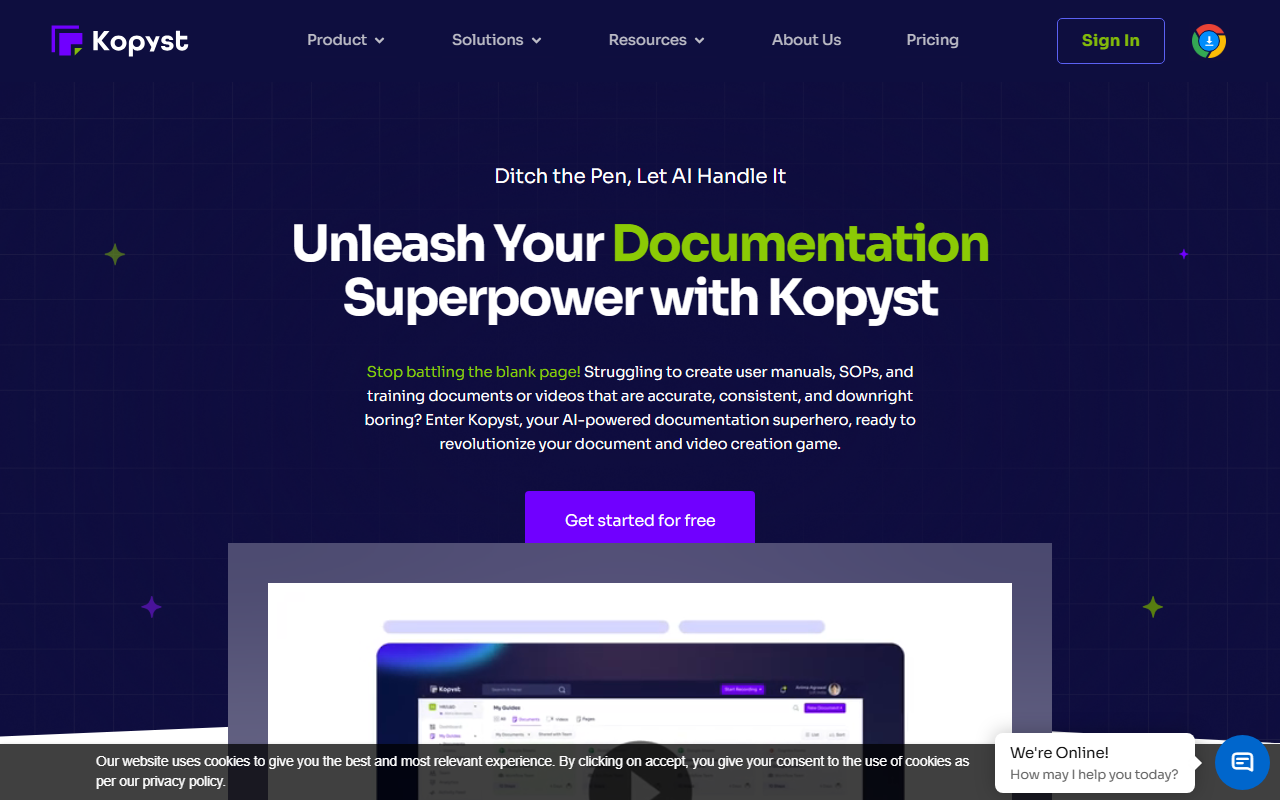
Upon visiting the Kopyst website, I was greeted with bold messaging about ditching the pen and letting AI handle documentation. The homepage immediately positions Kopyst as a solution for creating user manuals, SOPs, and training materials—both text and video. The layout is clean, with a prominent "Get started for free" call-to-action. I clicked through to see the sign-up flow: a simple email registration and a quick prompt to install the Chrome extension or desktop app. No credit card required for the free tier, which is refreshing. After installing the extension, I noticed a small icon in the browser toolbar. Clicking it starts the capture mode. The onboarding wizard walks you through your first workflow: open an app, perform steps, and watch Kopyst record every click. The interface is minimal—a floating bar with start, pause, and stop buttons—making it easy to stay focused on the task. I tested it on a simple internal tool: I logged in, created a new project, and filled in a form. Within seconds of stopping, Kopyst generated a draft document with screenshots and step-by-step instructions. The AI automatically inserted numbered steps and descriptive text. Impressively, it also offered an option to turn the workflow into a short video with voiceover. The video rendering took about a minute and produced a clear screen recording with annotation overlays. The quality was decent for a first draft, though the voiceover sounded a bit robotic.
Core Features and How It Works
Kopyst solves a specific pain point: manually documenting software processes is tedious and error-prone. The tool uses AI to observe your actions and translate them into polished documentation. Under the hood, it relies on a smart assistant that understands context—if you open a dropdown and select an option, the AI writes "Select [option] from the dropdown" rather than a generic step. The documentation appears in a web-based editor where you can rearrange steps, add clarifications, or delete redundant screenshots. There is also a collaboration panel: you can invite team members by email, and they can comment or edit in real-time. Version history is tracked, so you can roll back changes. Kopyst claims seamless integration with existing tools, but during my testing I only saw options to export to PDF, Word, or HTML. No direct API or native integration with Confluence, Notion, or Google Docs was visible—though the website mentions it works with "your existing tools and platforms." The video generation feature is interesting but still early. You can choose between a full-screen recording or a window-specific capture. The AI automatically inserts callout boxes at each step and highlights mouse clicks. For video, you can toggle a narrator voice (English only) and adjust the speed. The resulting file can be downloaded as MP4 or shared via a link. I found the video useful for quick walkthroughs, but it lacks advanced editing—no trimming or adding music.
Pricing, Limitations, and Alternatives
Pricing is not publicly listed on the website. After signing up, I found a pricing page inside the dashboard showing three tiers: a free plan (limited to 3 documents and 1 video per month), a Pro plan at $29/month (unlimited documents, 10 videos, advanced export), and a Team plan at $99/month (unlimited everything, priority support, custom branding). This is competitive compared to Scribehow, which charges $39 for Pro and lacks video creation. Another alternative is Guidde, which focuses on video SOPs but has a steeper learning curve. A key limitation of Kopyst is that the AI sometimes misinterprets complex interactions—like drag-and-drop or multi-select lists—and produces inaccurate steps. Also, the video voiceover lacks emotion and cannot be customized with different voices or languages. For power users, the lack of a desktop app recording (only Chrome extension and desktop app—but the desktop app seems to be a wrapper for web apps) may be restrictive. However, for most business teams creating internal SOPs or training docs, Kopyst offers a solid mix of speed and accuracy. The free tier alone is worth trying for a small team.
Who should use Kopyst? Operations leads, L&D managers, and customer success teams who need to churn out step-by-step guides quickly. Developers documenting internal tools will also appreciate the automation. On the other hand, if you require highly polished video tutorials with custom branding and multiple language voiceovers, look at dedicated video tools like Camtasia or Synthesia. Kopyst is best approached as a rapid prototyping tool for documentation—you get 80% of the work done in minutes, then fine-tune manually.
Visit Kopyst at https://kopyst.com/ to explore it yourself.






Comments