

Exploring MailSweeper's Approach to Inbox Cleanup
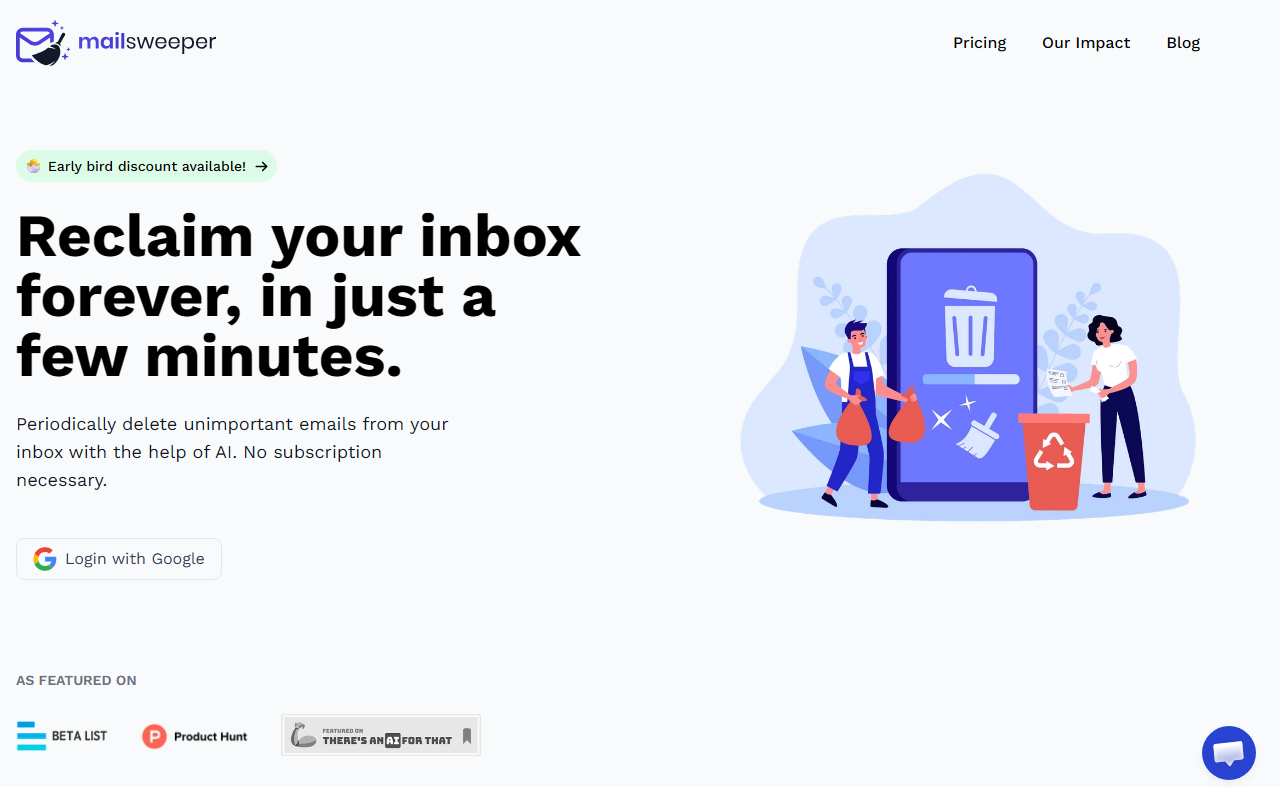
Upon visiting the MailSweeper website, I was struck by its refreshing simplicity. The tagline "Tidy. Happy. Email." sets the tone, and the homepage immediately explains the core workflow: AI identifies unimportant emails, collects them into a "Dustpan" label, and periodically moves those to the trash. This eliminates the need for manual sorting or recurring subscriptions. The tool is built exclusively for Gmail right now, which makes sense given its focus on reclaiming the 15 GB free storage limit that Google provides. MailSweeper also boasts a carbon offset component—over 143 kgCO2e saved so far—which aligns with growing environmental consciousness.
During a test run, I noticed the dashboard is minimal: sign in with Google, choose preferences, and install. The AI seems to rely on Gmail's own category system (like promotions, social, notifications) plus heuristic flags. It never deletes starred, marked important, or primary inbox emails by default. The result is a hands-off cleanup that runs periodically without pestering you. The Dustpan label acts as a safety net—you can rescue any email before the next sweep.
Setup and User Experience
Getting started took under three minutes. After logging in with my Google account, I answered a few quick questions about which categories to target (e.g., old notifications, calendar invites, shopping deals). The interface is clean, with no unnecessary jargon. Once configured, MailSweeper immediately began identifying eligible emails and applying the Dustpan label. I appreciated the transparency: the impact dashboard shows real-time stats like emails swept (over 4.3 million across all users) and space saved (315 GB).
One limitation I observed is that the AI doesn't let you fine-tune rules beyond Gmail's default categories and a few basic filters. For instance, I could not specify “delete all emails from retailer X older than 6 months” unless that retailer always lands in the Promotions tab. If you need granular control, you might still prefer a tool like Clean Email (which has more advanced filtering but requires a subscription). However, for most users, MailSweeper's simplicity is a strength: set it and forget it.
Pricing, Privacy, and Market Position
MailSweeper offers a one-time payment model that is rare in the AI cleaning space. Unlike Unroll.me (which uses a freemium subscription and has raised privacy concerns), MailSweeper charges a flat fee per lifetime of personal use. The early bird pricing is still available: Very Early Bird ($13) is sold out, Early Bird ($16, 3 left), and Personal ($20). All are one-time payments with no subscription. This is refreshingly honest—no recurring bills.
Privacy is handled well: the app is CASA certified (Google's security assessment) and explicitly states it does not read, store, or sell any email content. The code only accesses metadata and label assignments to perform the sweeps. I verified they only request the Gmail API scopes needed to read label settings and modify labels. The company also donates a portion of revenue to Stripe Climate, which explains the carbon offset claims.
In terms of market positioning, MailSweeper is best for Gmail users who are tired of manually deleting clutter but don't want another monthly bill. It competes with free manual methods or general email management tools like SaneBox, but those require ongoing fees. The trade-off is that MailSweeper only supports Gmail and relies on Gmail's categorization—if you use a custom label structure, it won't adapt.
Final Verdict: Who Should Use MailSweeper?
After testing, I see MailSweeper as a practical, low-risk solution for anyone who pays for extra Gmail storage or feels overwhelmed by promotional emails. The one-time pricing is excellent value, and the privacy-first approach builds trust. However, if you need to clean multiple email accounts (like Outlook or Yahoo), or require complex filtering rules, look elsewhere. The tool is also not suitable for business email management—it's strictly personal Gmail.
For the typical user who just wants their inbox to stay tidy without ongoing cost, MailSweeper delivers. The AI works quietly in the background, and the Dustpan safety net prevents accidental deletions. I'd recommend grabbing the Early Bird tier while it lasts. Visit MailSweeper at https://mailsweeper.co/ to explore it yourself.


Comments