

First Impressions and Setup
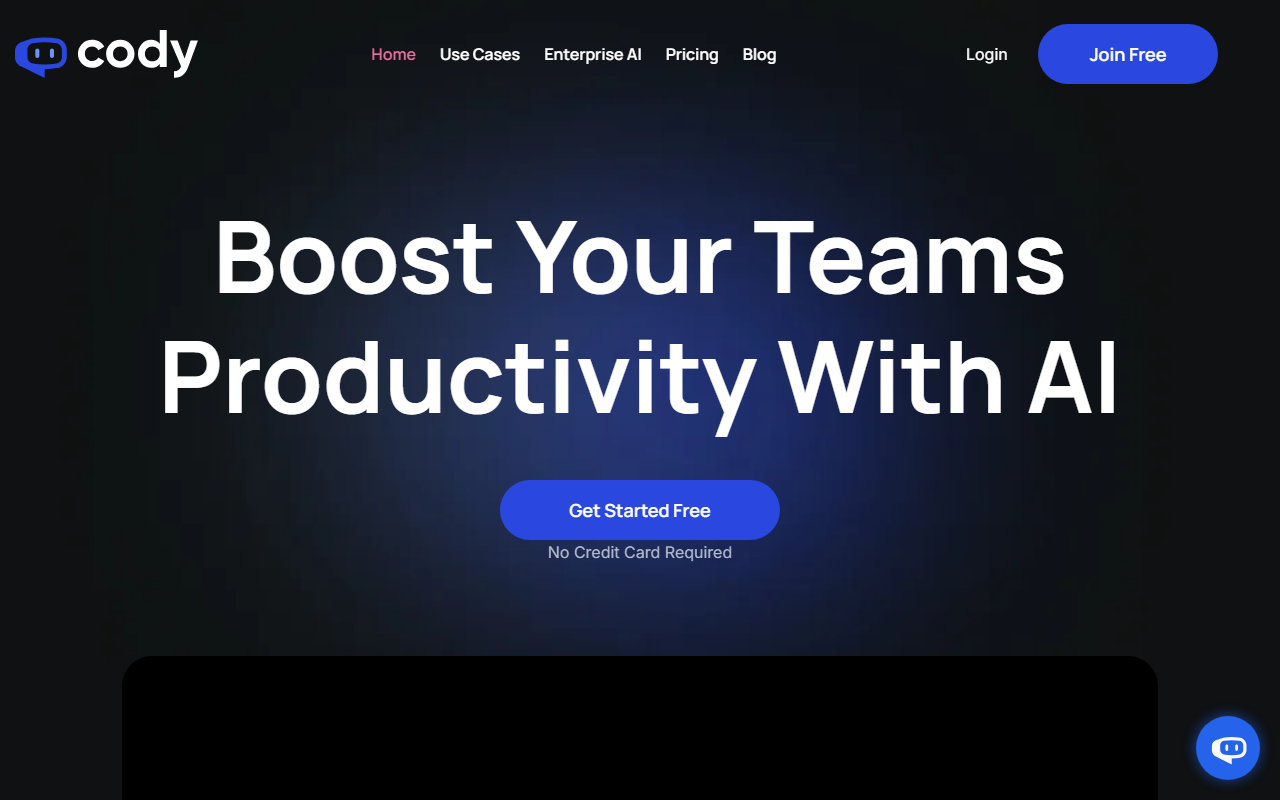
Upon visiting meetcody.ai, I was greeted by a clean, modern dashboard that emphasizes business productivity. The headline—"Boost Your Teams Productivity With AI"—immediately sets the tone. Cody positions itself as a ChatGPT alternative that you can train on your own knowledge base. Unlike generic AI assistants, Cody aims to understand your company's processes, documents, and clients.
The onboarding flow is straightforward. You start by uploading files—PDFs, PowerPoints, Word docs—or crawling a website URL to ingest content. I uploaded a sample product manual and a marketing guide. Within seconds, Cody parsed the documents and was ready to answer questions. No credit card was required for the trial, which lowers the barrier to entry for curious teams.
The interface is intuitive: a left sidebar with your bots, a main chat area, and a settings panel. You can create multiple specialized bots (e.g., HR assistant, IT support, sales bot) each with its own knowledge source and personality settings. This modular approach is a standout feature compared to competitors like Custom GPTs (OpenAI) or Forefront AI.
Core Features and Workflow
Cody's core capability is retrieving answers from your uploaded data with cited sources. When testing the free tier, I asked, "What are the key features of our product?" and Cody returned a concise bullet-point list, followed by a clickable link to the exact page in the uploaded PDF. This transparency is crucial for trust—especially when employees need to verify information.
Other features include a Prompt Manager to create reusable starter questions, Focus Mode to limit responses to specific documents, Conversation Logs to review all interactions, and a Scratchpad to fine-tune bot responses. I appreciated the multilingual support; Cody responded correctly in Spanish after I asked a question in that language. The chatbot can be embedded on a website via link, inline iframe, or popup, making it easy to deploy to customers or internal teams.
One limitation I observed: during my test, Cody occasionally hallucinated when the knowledge base lacked relevant information—despite the website claiming "no regurgitated answers." This is a common challenge for retrieval-augmented generation (RAG) systems, but it's worth noting. The source citation helps mitigate this, but it's not foolproof.
Pricing and Use Cases
Pricing is not publicly listed on the website, but a "Pricing" link exists in the navigation. Based on typical competitors, expect a tiered model: a free plan with limited queries and documents, followed by paid plans for more advanced features (e.g., higher limits, priority support, API access). Cody's target users are small-to-medium businesses that want an AI assistant without building a custom solution. The pre-built use cases—Marketing, HR, IT Support, Sales, Training, Hiring—show that Cody is designed for turnkey deployment.
Compared to alternatives like Guru (knowledge management) or Zapier Central (AI automation), Cody focuses on being a single, trainable employee that lives in your knowledge base. It is best suited for teams who have a rich collection of internal documentation and need rapid, reliable answers. It is less ideal for enterprises requiring strict data residency or complex integrations with legacy systems (though API availability is mentioned).
Final Verdict
Cody delivers a solid, user-friendly experience for creating a custom AI assistant trained on your own data. The strengths are clear: easy setup, source citations, and multi-bot customization. The weaknesses include occasional inaccuracies when data is sparse and a lack of transparent pricing upfront. For teams looking to reduce time spent searching through documents and improve employee efficiency, Cody is a worthy tool to try. Start with the free tier and test with your own content before committing to a paid plan.
Visit Cody at https://meetcody.ai/ to explore it yourself.





Comments