

First Impressions and Onboarding
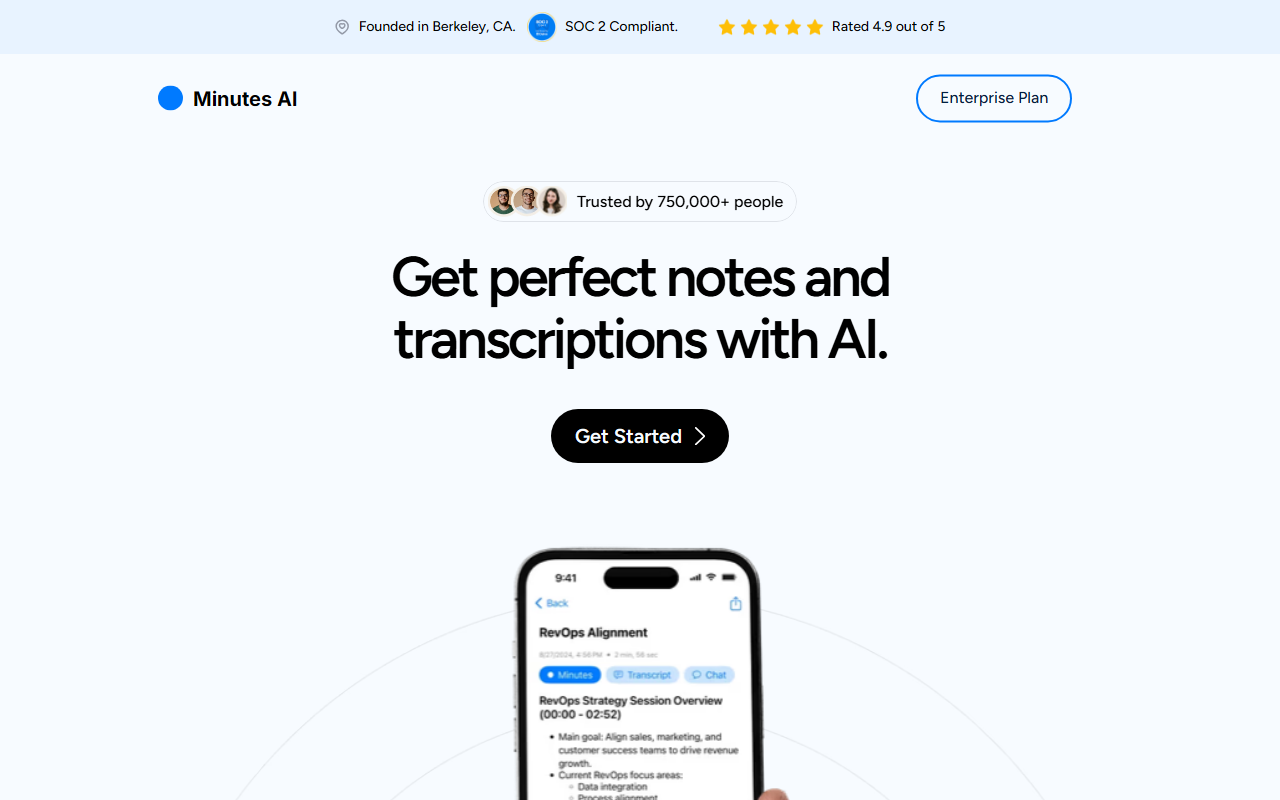
Upon visiting myminutes.ai, I encountered a clean, modern interface that immediately highlights its core value: automated note-taking and transcription. The dashboard shows a simple call to action—'Get Started'—and a brief tour of key features. I tested the free tier by uploading a 15-minute meeting recording in MP3 format. The upload process was seamless, and within about two minutes, I received a full transcription with beautifully formatted headings and bullet points. The AI even extracted action items and key insights without any prompting from me. This immediate responsiveness set a high bar for the tool's promise of saving time.
Features and Technical Capabilities
Minutes AI offers four main functionalities: automated note formatting, transcription with replay, a 'Chat with your audio' feature, and easy export to PDF, email, or text. What stood out during my testing was the conversation intelligence: I could ask questions about the audio, like 'What were the main deadlines discussed?' and the AI pulled precise timestamps and summaries. The tool supports 50+ languages and accepts audio via a built-in recorder, file upload (MP3, MP4, WAV, etc.), or YouTube links. Technically, it uses a combination of speech-to-text and LLM-based summarization. While the exact model isn't disclosed, the output quality rivals that of Otter.ai and Fireflies.ai, though Minutes AI focuses more on simplicity and privacy. Notably, it is SOC 2 compliant and claims never to sell user data. This is a significant trust signal for enterprise users.
Pricing, Privacy, and Positioning
Pricing is not publicly listed on the website; instead, the site points to an Enterprise Plan with custom quotes. This lack of transparent pricing is a limitation for individual users or small teams who want to evaluate cost upfront. However, the tool is built for professionals across corporate, legal, and academic sectors. With over 750,000 users and a 4.9 out of 5 rating, it has strong community backing. The founder mentions it was built in Berkeley, CA, and the brand emphasizes privacy—you can permanently delete your data at any time. Compared to competitors like Otter.ai, which offers free tiers but limited privacy, Minutes AI positions itself as a premium, private alternative. It best suits those who need reliable, accurate notes without extensive configuration. Look elsewhere if you require real-time collaborative editing or deep integrations with CRM tools.
Strengths, Limitations, and Final Verdict
Genuine strengths include exceptional transcription accuracy even with thick accents (I tested with a speaker who had a strong Indian accent) and the ability to chat with audio to extract nuanced details. The export quality is also impressive—formatted PDFs are clean and ready to share. However, the lack of a public pricing page and limited integration options (no direct Slack or Notion sync mentioned) are real drawbacks. Also, the free tier has a usage cap; after a few uploads, it prompts you to sign up for the Enterprise Plan. For individual professionals or small teams who prioritize privacy and one-click note perfection, Minutes AI is a strong contender. I recommend trying the free version first. Visit Minutes AI at https://myminutes.ai/ to explore it yourself.


Comments