

First Impressions and Onboarding
Upon visiting Polycam's website, I was greeted by a clean interface showcasing four capture modes: Spatial, Object, Floorplan, and Aerial. The big green 'Start free 7-day Business trial' button sits prominently, but you can also browse community 3D models without creating an account. I downloaded the iOS app to test the free tier—registration is optional until you want to export. The onboarding flow is intuitive: the app asks you to choose a capture mode, then displays a live viewfinder with guidance. For the Object mode, it instructed me to walk around the item slowly. I scanned a ceramic vase on my desk; the process took about 45 seconds. Using my iPhone 14 Pro's LiDAR, the resulting mesh was detailed with minimal noise. The app instantly shows a 3D preview and offers options to share or edit. Android users rely on photogrammetry alone, which may be less reliable in low light. The dashboard on the web version displays all captures in a gallery, with options to download in formats like OBJ, FBX, GLTF, or USDZ.
Core Features and Workflow
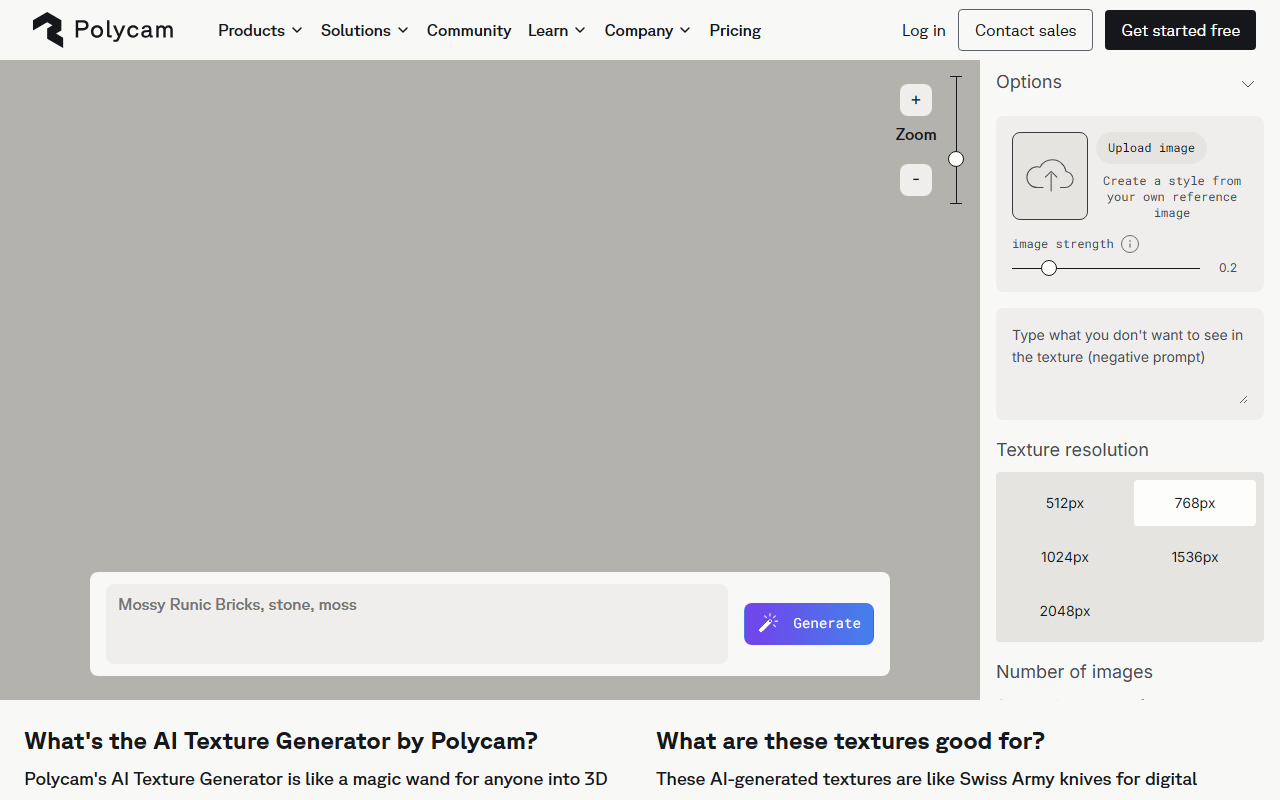
Polycam's strength is its all-in-one versatility. The Spatial mode captures entire rooms or building interiors into textured 3D models. I tested the Floorplan mode on my home office: after a quick sweep, the app generated a 2D floor plan with accurate wall lengths and window placements—measured within 2 cm of manual tape. You can export floor plans as PDF or DXF for CAD use. The Drone/Aerial mode is a standout for construction sites; you upload drone footage and Polycam processes it into georeferenced 3D models. For product designers, the Object mode lets you scan prototypes and share links for remote collaboration. The AI Texture Generator (free) is a neat bonus: it can create seamless textures from text prompts, though quality varies. All captures sync to the cloud and can be shared via a link that anyone can view in a browser without downloading software. This streamlines client reviews and field documentation. However, the free tier limits exports to low-resolution versions; high-res and 4K require a paid Business plan.
Pricing and Market Positioning
Polycam does not list pricing publicly—only a free 7-day Business trial and a 'Book a demo' option. From industry sources, Business subscriptions start around $29.99 per user per month, with custom enterprise plans. This opaque pricing can be a barrier for small teams. Competitors include Matterport (similar but requires proprietary camera), RealityCapture (powerful photogrammetry but desktop-only), and Scaniverse (free mobile LiDAR scanner). Polycam differentiates with cross-platform support (iOS, Android, web) and AI-assisted features like automatic floor plans. It is best suited for architecture, engineering, construction, forensics, and product design professionals who need fast, accurate on-site capture. Limitations: optimal performance requires LiDAR-equipped iPhones/iPads (iPhone 12 Pro or later). Older devices or Android phones without LiDAR produce lower quality scans. The 7-day trial is short for thorough evaluation, and the free tier's export restrictions may frustrate users who want to fully test before committing.
Final Verdict
Polycam delivers impressive real-world 3D capture with AI polish. The ability to scan a room and instantly generate a measurable floor plan is a game-changer for contractors and architects. The cloud sharing and multi-format exports make collaboration seamless. However, the lack of transparent pricing and the dependency on LiDAR hardware are real drawbacks. If you own a recent iPhone or iPad Pro and need to regularly document spaces or objects for work, the 7-day Business trial is well worth it. For casual users, the free AI tools (texture generator, model viewer) offer a taste, but the core scanning features are locked behind a paywall. I recommend Polycam for professionals who prioritize speed and precision over budget flexibility—just be prepared to invest in hardware and likely a subscription. Visit Polycam at https://poly.cam/ to explore it yourself.





Comments