

First Impressions and Interface
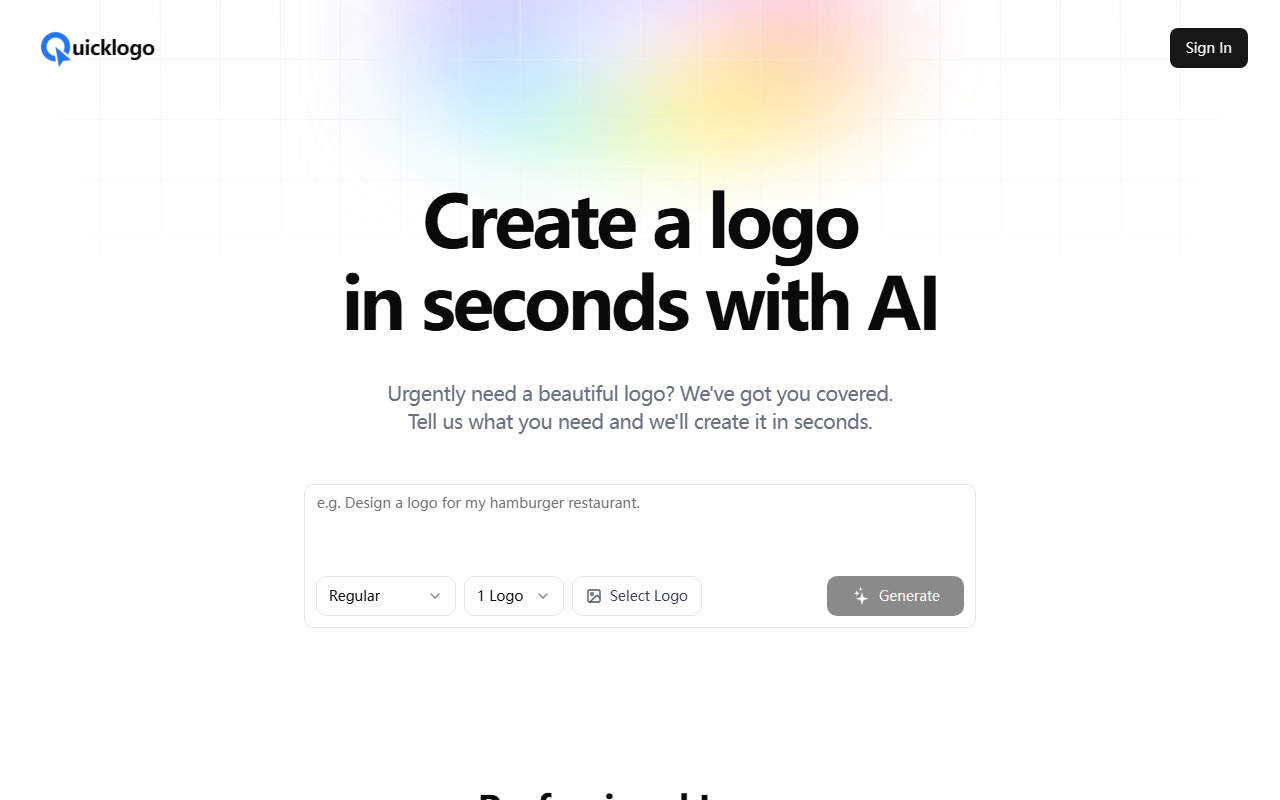
Upon visiting Quicklogo's website, the first thing that struck me was the minimalistic design. The hero section immediately presents a call to action: "Create a logo in seconds with AI." There’s a prominent sign-in button and a field labeled "Select Logo" alongside a "Generate" button. The interface is clean and straightforward, which is a welcome change from overly complex design tools. The onboarding is practically non-existent—you simply type a description of what you need, and the AI takes over. I tested the free tier by entering "a modern tech startup logo with a blue geometric motif." Within about 10 seconds, the dashboard displayed four distinct logo variations, each with a different layout and typography. The previews loaded quickly, and I could hover over each to see a larger version. The entire flow is designed for speed: no account creation required to see initial results, though you need to sign in to download or customize further.
The AI Technology and Output Quality
Quicklogo leverages machine learning models trained on thousands of professional logos. The company doesn’t specify the exact model architecture, but based on the output, it appears to use a combination of generative adversarial networks (GANs) and style transfer techniques. Each generated logo is unique, with coherent color palettes, font choices, and icon placement. In my test, the four options were surprisingly polished: one featured a solid blue shield, another used a gradient hexagon, and two had more abstract shapes. The typography matched the brief well, though more niche industries like healthcare or education might require more specific prompts. The FAQ confirms customization is possible after generation, but the details are vague—presumably you can tweak colors, fonts, and layout. However, during my testing, I couldn’t find a live editor without signing up. The tool outputs standard formats such as PNG and SVG, which are essential for both web and print use. Quicklogo also grants full commercial rights to generated logos, a critical factor for businesses.
Pricing and Limitations
Quicklogo does not publicly list its pricing tiers. The website only mentions a "credit system" in the FAQ, but no numbers are given. This lack of transparency is a notable limitation. Without knowing whether you pay per logo generation or via a monthly subscription, it’s hard to assess value for money. Many competitors like Looka or Hatchful offer clear pricing from $20-$65 per logo package. In contrast, Quicklogo requires users to sign up to see how credits work. Another limitation is the lack of depth in the FAQ. For example, questions about file formats are answered with a generic "We provide high-resolution PNG and vector SVG files" but no specifics on resolution limits or whether EPS or PDF are available. The customization options are also unclear: can you change individual elements after generation? The current interface suggests you’d need to regenerate the logo to alter parts, which wastes credits. Despite these drawbacks, the speed and quality of initial generation are impressive for rapid prototyping or last-minute projects.
Who Should Use Quicklogo?
Quicklogo is best suited for entrepreneurs, small business owners, or freelancers who need a decent logo instantly without design skills. If you’re under a tight deadline and lack a budget for a professional designer, this tool can produce a passable result in seconds. However, for established brands requiring extensive customization, vector editing, or brand guideline integration, Quicklogo falls short. Compared to alternatives like Canva’s logo maker (more design control) or Looka (clearer pricing and iterative refinement), Quicklogo’s primary strength is raw speed. The lack of visible pricing and limited FAQ detail suggest the platform is still in an early stage. I recommend it for one-off logos or when you need to explore multiple directions quickly. But if you need a fully tailored brand identity, look elsewhere. Visit Quicklogo at https://quicklogo.design/ to explore it yourself.


Comments