

First Impressions and Onboarding
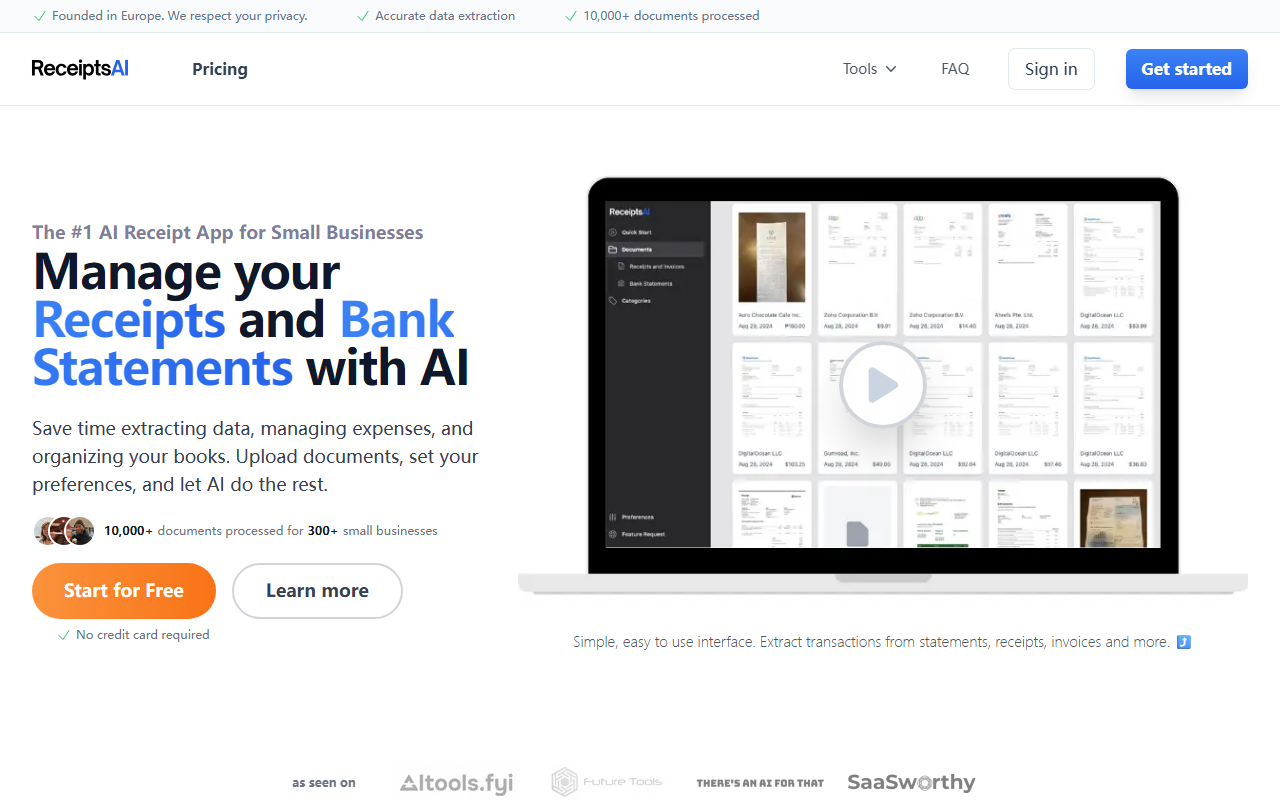
Upon visiting ReceiptsAI’s website, I was immediately struck by its clean, modern design and clear value proposition: “The #1 AI Receipt App for Small Businesses.” The homepage wastes no time, showing a simple interface mockup of receipt uploads and a prominent “Start for Free” button—no credit card required. I clicked through to test the free tier and was guided through a quick onboarding flow. The tool asks you to upload a document (receipt, invoice, or bank statement) and instantly begins parsing. Within seconds, I saw extracted data displayed in a table view: date, merchant, amount, category, and a confidence score. The interface is intuitive; even non-technical users will feel at home. What stood out was the “Transaction View” and “Category Rules” sidebar, hinting at powerful automation beneath the simplicity.
Core Features and AI Performance
ReceiptsAI focuses on one thing: extracting and organizing financial data from documents. It supports PDFs for bank statements, and JPG, JPEG, PNG for receipts and invoices. I uploaded a blurry scanned receipt to test accuracy, and the AI correctly identified the merchant, total, and date—though it flagged a few fields for review. The system lets you manually correct any field, and its “Duplicate Detection” caught a second upload of the same receipt, a huge timesaver. Other features include bank statement categorization (auto-sorts transactions into tax categories), foreign currency conversion, and auto file renaming based on merchant and date. The AI is not perfect—handwritten receipts or poor scans will need manual editing—but for clear digital documents, it rivals tools like Dext or Expensify. A notable strength is the “Bulk Transaction Renaming” and “Search” functions, which make audit prep effortless.
Pricing, Privacy, and Support
Pricing is refreshingly transparent: a free tier that appears to be “forever” with no credit card required (likely limited by number of documents per month). Paid tiers are not explicitly listed on the site, but the FAQ confirms cancellations anytime. Privacy is a core selling point—ReceiptsAI is founded in Europe and follows bank-level encryption (both in transit and at rest). Data is never shared with third parties. Customer support, as evidenced by multiple verified reviews, is exceptionally responsive; the founder Ronald personally answers questions and feature requests. This level of service is rare in AI tools and adds significant trust. The free tier is generous enough to test thoroughly, and the learning curve is near zero.
Who Should Use ReceiptsAI?
ReceiptsAI is ideal for freelancers, solopreneurs, and very small businesses (under 10 employees) who need a lightweight, no-fuss expense tracker. It shines for users who hate manual data entry and want a tool that feels more like a smart assistant than an ERP system. However, it has limitations: no mobile app (only web), limited file formats (e.g., no HEIC or email forwarding), and no API or advanced multi-currency accounting integrations. Larger companies with complex workflows should look at tools like QuickBooks or Xero instead. That said, for its target audience, ReceiptsAI delivers exceptional value. The combination of AI accuracy, clean interface, and stellar support makes it a strong contender in the AI office space.
Visit ReceiptsAI at https://receiptsai.com/ to explore it yourself.


Comments