
First Impressions and Interface
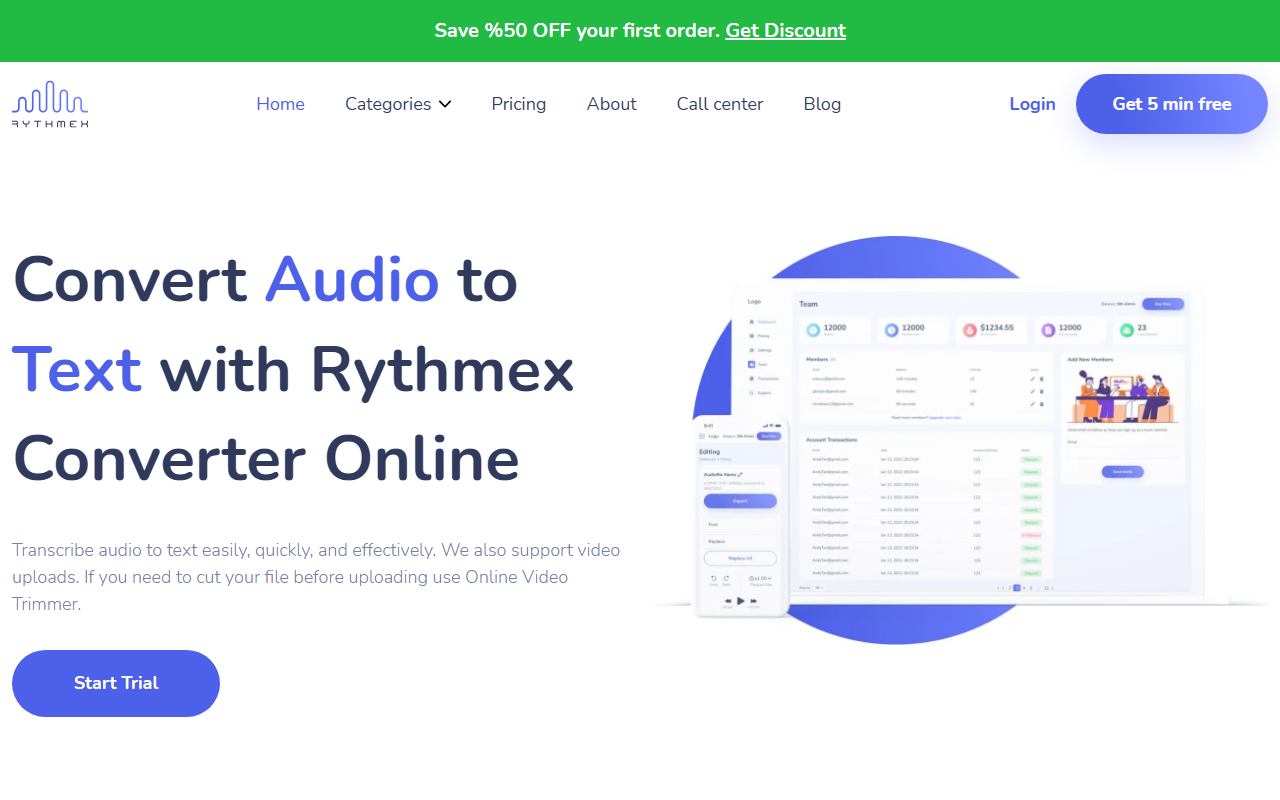
Upon visiting the Rythmex homepage, I was greeted by a clean, modern design with a clear call to action: a free 5‑minute trial and a 50% discount on the first order. The dashboard is minimal—just a drag‑and‑drop upload area with a language selector. No account is required to test the free tier, which is a refreshing start. I uploaded a short MP3 interview file and within seconds it was processed, displaying a “successfully transcribed” prompt that asks you to sign up to view the full text. This step is a slight friction point, but the signup process itself is straightforward (email or Google login).
Core Transcription Capabilities
Rythmex supports over 140 languages and more than 20 audio/video formats (MP3, WAV, MP4, OGG, etc.). During my test with a 3‑minute English interview, the transcription returned in about 90 seconds. The output was reasonably accurate—maybe 85–90% for clean speech—though it struggled slightly with overlapping voices. You can choose language variants (e.g., English US, British, Australian), which is a nice touch. The tool also offers an API for call centers or enterprise integration, but I did not test that. Compared to Otter.ai, Rythmex has broader language support but lacks real‑time transcription and advanced speaker identification.
Editing and Post‑Processing
After signing up, I accessed the built‑in editor. The interface shows a timeline with the audio waveform, segmented text, and speaker labels. You can play back the audio, edit individual sentences, and use keyboard shortcuts to speed up corrections. The editor also lets you add timestamps and change speaker names. I found the editing workflow smooth, though the text highlighting sometimes lagged behind the playback. For professionals like journalists or podcasters, this editor is a solid productivity boost—saving the need to export to another tool for polishing.
Pricing, Limitations, and Recommendation
Pricing is not publicly listed on the website beyond the trial and first‑order discount. This lack of transparency is a notable limitation. Another downside: the free trial only gives 5 minutes of audio, and you must sign up to see results longer than a few seconds. For heavy users, the subscription cost is unknown until you engage with sales. Strengths include the wide language and format support, plus the integrated editor. The tool is best suited for freelancers, small businesses, and students who need occasional, multilingual transcription. Larger teams should look at Rev or Sonix for clearer pricing and higher accuracy. If you value language variety and a fast browser‑based workflow, give Rythmex a try—just be prepared to inquire about costs. Visit Rythmex at https://rythmex.com/ to explore it yourself.






Comments