

First Impressions: A Platform Built for Sales Velocity
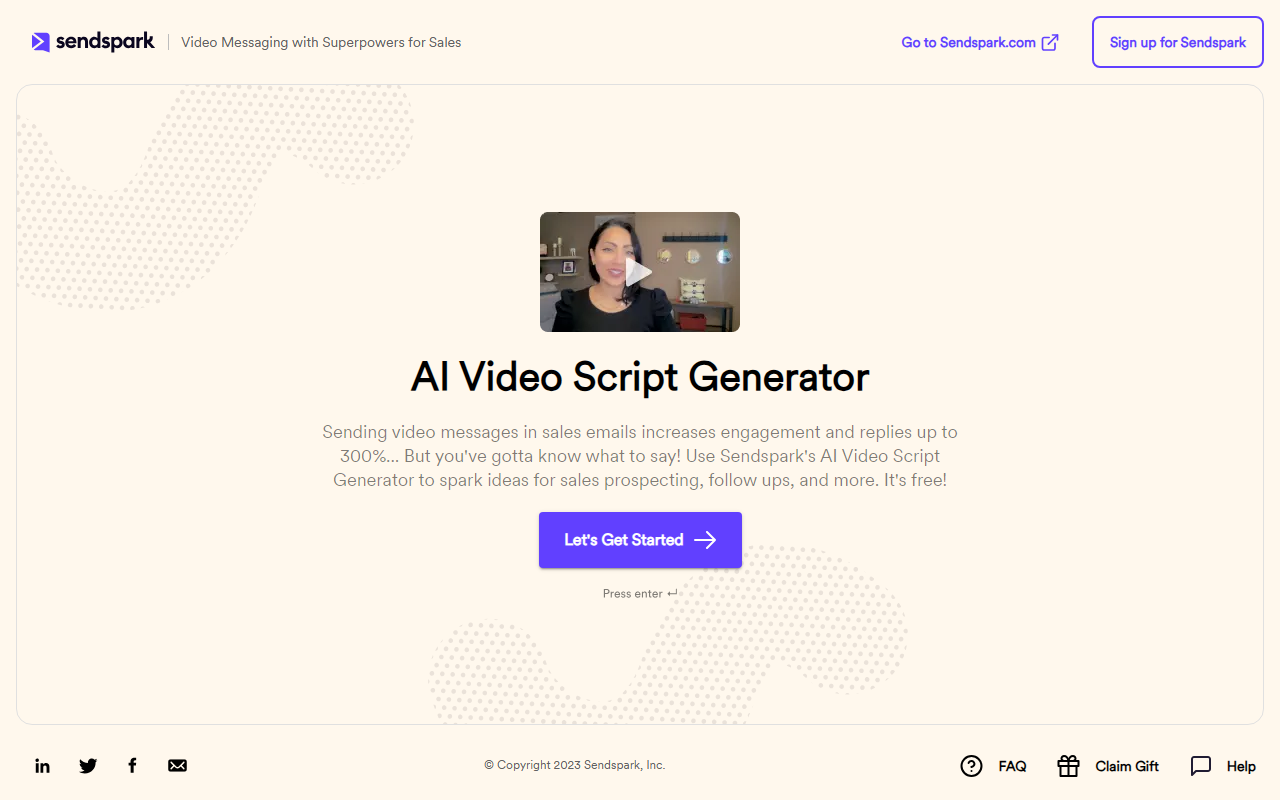
Upon visiting the Sendspark website, I was immediately struck by the clear value proposition: record one video, and let AI personalize it at scale. The dashboard is clean and focused on the sales workflow. The onboarding flow guides you through recording a single video with a placeholder for the viewer’s first name, then importing contacts via CSV, CRM, or API. In testing the free tier (which allows a limited number of videos), I recorded a 30-second intro and used the AI personalization feature to generate videos for three test contacts. The process was remarkably fast — each personalized video took only a few seconds to render, complete with a custom website background and the prospect’s name woven into the script. The UI is optimized for speed, not creative editing, which makes sense for its intended audience: busy sales development representatives and account executives.
AI-Driven Personalization: How It Works and What It Delivers
The core innovation here is the voice cloning and dynamic video assembly. Sendspark’s AI captures your tone, pacing, and inflection from the original recording, then inserts placeholders like [First Name] and company-specific backgrounds seamlessly. The result is a video that feels genuinely tailored, not stitched together. The platform also supports combining videos — for example, adding a custom intro to a pre-recorded demo — and automatically generates personalized thumbnails that show the recipient’s name, which significantly boosts email open rates. Detailed viewer analytics track watch percentage, drop-off points, and actions taken (like clicking a calendar link). I was able to see exactly when my test prospect opened the video and how much they watched. Compared to Loom’s basic analytics or Vidyard’s more complex setup, Sendspark strikes a balance between simplicity and actionable data.
Under the hood, Sendspark likely uses a combination of text-to-speech and video compositing APIs — the exact technology isn’t disclosed, but the output quality is high, with minimal artifacts in the voice clone. The platform integrates with popular CRMs (Salesforce, HubSpot) and marketing automation tools, and offers a REST API for custom workflows. Pricing is not publicly listed on the website, which is a common practice for enterprise-focused sales tools, but it signals that pricing is likely usage-based or seat-based, and requires a demo. The website mentions 50,000+ companies using Sendspark and a 4.8/5 rating on G2 with 350+ reviews, which suggests strong user satisfaction in the sales community.
Strengths and Real Limitations
Sendspark’s greatest strength is the time savings it offers sales teams. Instead of recording dozens or hundreds of individual videos, you record one and let AI do the heavy lifting. The personalized thumbnails and embedded calendars are small touches that have a big impact on conversion. I also appreciate the focus on security — videos are hosted on Sendspark’s infrastructure with privacy controls, so you can manage access and expiration. However, the tool has notable limitations. The AI voice cloning, while impressive, still sounds slightly robotic in certain phonetic contexts, especially with longer names or uncommon words. If you’re trying to convey deep empathy or complex emotion, the personalization might feel thin. Additionally, the platform is hyper-focused on sales outreach — it’s not a general-purpose video creation tool. Marketers looking to create polished, cinematic content for social media will find it too simplistic. There’s no advanced editing timeline, green screen effects beyond basic backgrounds, or stock music library. It’s a scalpel, not a Swiss Army knife.
Who Should Use Sendspark — And Who Shouldn’t
Sendspark is best suited for B2B sales development reps, account executives, and revenue operations teams who run high-volume email sequences and want to stand out in crowded inboxes. It’s particularly effective for SDRs who need to book meetings quickly. Customer success and recruiting teams will also benefit from the personalization at scale. On the other hand, if your workflow involves one-off, highly creative videos for brand campaigns, Stick around with Loom or use a dedicated video editor. The lack of transparent pricing is a minor hurdle — most competitors like Vidyard offer clear per-user monthly plans — but given the potential ROI, a demo is worthwhile for any sales team generating more than 50 outreaches per month. I recommend trying the free tier to see if the AI voice quality meets your standards, then negotiating an enterprise plan if it does.
Visit Sendspark at https://sendspark.com/ to explore it yourself.


Comments