

First Look: Conversational AI Meets App Creation
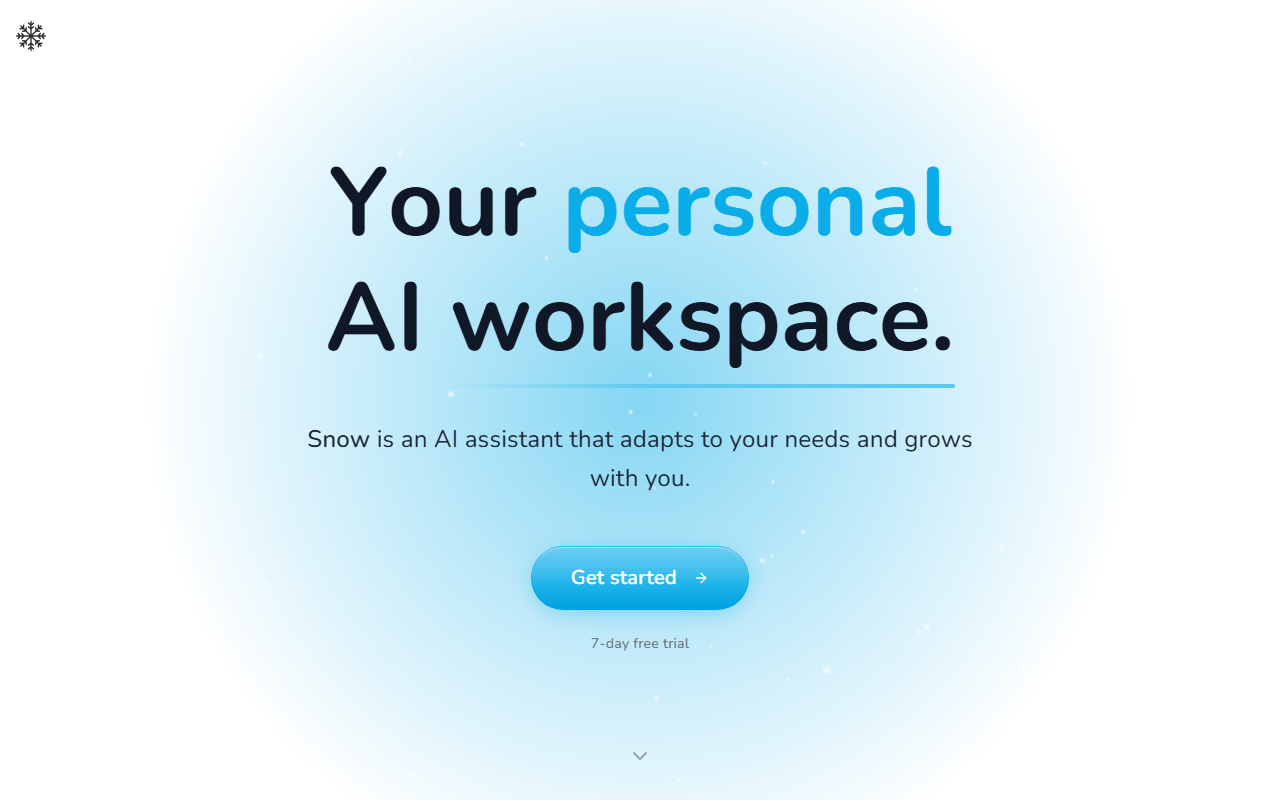
Upon visiting Snowchat.ai, I was greeted by a clean, modern dashboard that emphasizes one core promise: your AI, your tools, one system. Snow starts as a familiar chat interface, but the real differentiator becomes clear when you explore the App Library. Unlike typical AI office tools that only generate text, Snow lets you describe any tool you need, and it builds a real, interactive app that lives inside the platform. I tested the demo by asking for a simple habit tracker, and within seconds, Snow generated a functional app with storage, a daily check-in toggle, and a progress summary—all accessible from the chat or as a standalone panel.
The onboarding flow is smooth: you get a 7-day free trial with no credit card required, and the demo mode showcases the app builder immediately. The interface splits naturally into a conversation pane and an app workspace, and you can keep an app open side by side with your chat. This dual-window approach feels intuitive, especially for users who juggle multiple tasks. Snow’s context memory is also notable—it remembered my earlier habit tracker preferences when I later asked it to draft a weekly report, pulling data directly from the app.
Core Features: App Ecosystem and Live Data Integration
Snow’s standout feature is its ability to turn natural language prompts into fully interactive apps. The platform provides out-of-the-box capabilities for each app: persistent storage, file uploads, text and image AI generation, schedules, push notifications, email digests, and even live data from sources like weather, flights, places, search, finance, and shopping. I tested the weather integration by building a small forecast app; Snow correctly pulled live data for my location and displayed it as an interactive card with hourly and weekly views.
Apps aren’t isolated—they plug into Snow’s chat. For example, you can ask Snow to “check my budget app and tell me if I’m overspending on dining this month,” and it will query the app’s stored data and respond with a visual breakdown. The App Library also lets you publish your creations or install apps built by others, fostering a community-driven repository. This architecture feels like a hybrid between ChatGPT’s plugin system and Notion’s database flexibility, but with more automation potential.
Workflow Value and Limitations in Daily Use
I spent an afternoon building a few custom apps: a journal with photo uploads, a price tracker with push notifications, and a Slack-like daily briefing that sends me a morning digest. The automation aspect is strong—you can set schedules (e.g., “send me top headlines every day at 8 AM”) and even have Snow proactively message you if you miss a habit. This “Snow reaches out” feature feels like having a proactive assistant rather than a reactive chatbot.
However, there are real limitations. The app builder, while impressive, occasionally produces results that need manual tweaking. When I asked for a more complex app—a project manager with dependencies and Gantt charts—Snow generated a basic version but couldn’t handle true project management complexity. Additionally, the platform currently lacks native integrations with external tools like Google Calendar or Slack, though it supports email and notifications. Pricing is also a question mark: the website only advertises a 7-day free trial, with no further tiers or costs publicly listed. This opacity may concern potential adopters.
Pricing, Comparisons, and Final Verdict
Snow positions itself against tools like Notion AI (which offers AI writing within documents) and ChatGPT’s plugin ecosystem (which provides external integrations). Unlike Notion AI, Snow emphasizes building functional apps over just enhancing existing docs. And unlike ChatGPT, Snow keeps the context and apps persistent across sessions, making it more suited for ongoing workflows. The integration of live data (finance, weather, travel) gives it an edge for real-time decision making.
I recommend Snow for power users, solopreneurs, and small teams who want to automate repetitive tasks and build custom tools without writing code. If you frequently find yourself switching between a note-taking app, a task manager, and a chat tool, Snow could unify them. But if you need deep enterprise integrations or prefer mature, proven platforms, it may be wise to wait for more details on pricing and third-party support. For now, Snow is a promising but still maturing AI office solution.
Visit Snow at https://snowchat.ai/ to explore it yourself.





Comments