

First Impressions and Onboarding
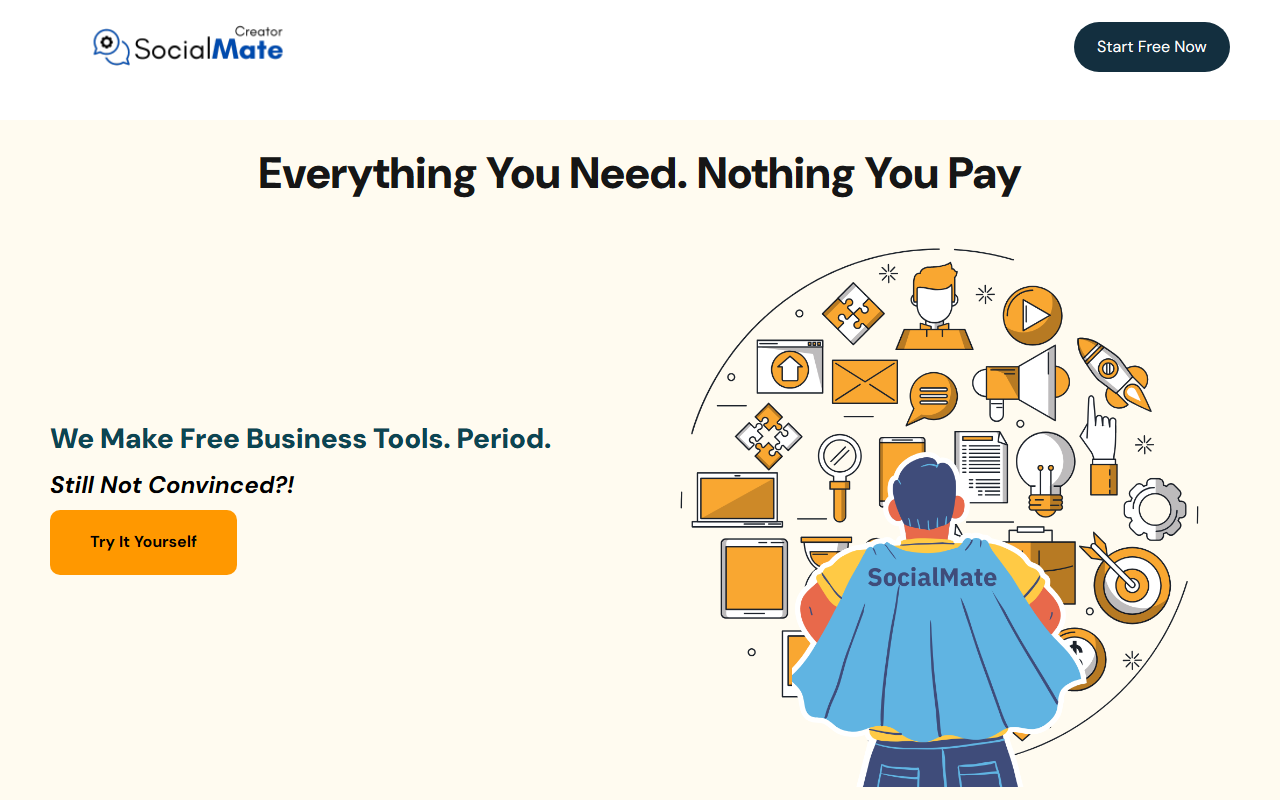
Upon visiting SociaMate's website, the first thing that strikes you is the aggressive messaging around cost. The homepage repeats "$0" and "Free Forever" in large, confident type. There is no pricing page because there is no pricing—no paid tiers whatsoever. The onboarding flow is equally minimalist. After clicking "Start Free Now," I was asked to create an account with just an email and password. No credit card was required, as promised. Once inside, the dashboard is clean but sparse, with a single prominent card labeled "Creator." There are no other tools visible yet, which might disappoint users expecting a full suite. The system immediately asks you to input your own API keys before you can generate anything, which is a crucial detail that is somewhat buried on the landing page.
Inside the Creator Tool
The Creator is the core of SociaMate. It claims to generate text, images, and voiceovers. When I tested the text generation feature, I was prompted to enter an API key—I used my OpenAI key. After that, the interface allowed me to select a writing tone, length, and topic. The response speed was identical to what I get from OpenAI directly, because SociaMate is essentially a wrapper. The image generation also uses the API key’s model (e.g., DALL-E). There is no unique AI model here; SociaMate is a user interface for existing APIs. That is not a flaw, but it means the quality depends entirely on the provider. The tool does offer a clean, distraction-free writing environment with basic formatting options. However, I noticed the voiceover feature was not functional without a separate API key for a text-to-speech service, which adds complexity. For a tool marketed as an all-in-one platform, it lacks integrated capabilities.
Pricing: The Catch in the Free Promise
SociaMate is 100% free to use—no subscriptions, no hidden fees, no limitations on usage within the platform. That part is true. However, the catch is that you must provide your own API keys, and those keys incur costs from the underlying providers (OpenAI, etc.). So while SociaMate itself costs $0, you are paying elsewhere. This is a clever model: SociaMate acts as a free interface, but the user assumes the computational cost. Unlike competitors like Jasper or Copy.ai, which bundle AI access into monthly subscriptions, SociaMate passes that cost directly to you. For users who already have API keys or use services like OpenAI, this can be cost-effective. But for those expecting a completely free AI tool with no external charges, this is misleading. The website should be more transparent about this requirement upfront.
Who Should Use SociaMate?
SociaMate is best suited for developers, tech-savvy marketers, and small business owners who already manage API keys and want a clean, no-frills interface for generating content without paying another subscription. It is also a good option for those who want to test different AI models easily without committing to a paid platform. However, if you are a beginner looking for a plug-and-play AI writer with no technical setup, or if you want a tool that generates content without managing external billing, look elsewhere. Tools like Writesonic or Rytr offer free tiers with built-in AI, albeit with limits. SociaMate’s greatest strength is its simplicity and truly free platform, but its limitation is the dependency on external API keys, which may confuse non-technical users. I recommend it as a supplementary tool for experienced users—not as a primary AI solution for beginners.
Visit SociaMate at https://socialmate.app/ to explore it yourself.





Comments