

First Impressions: The Visual Editor and Onboarding Experience
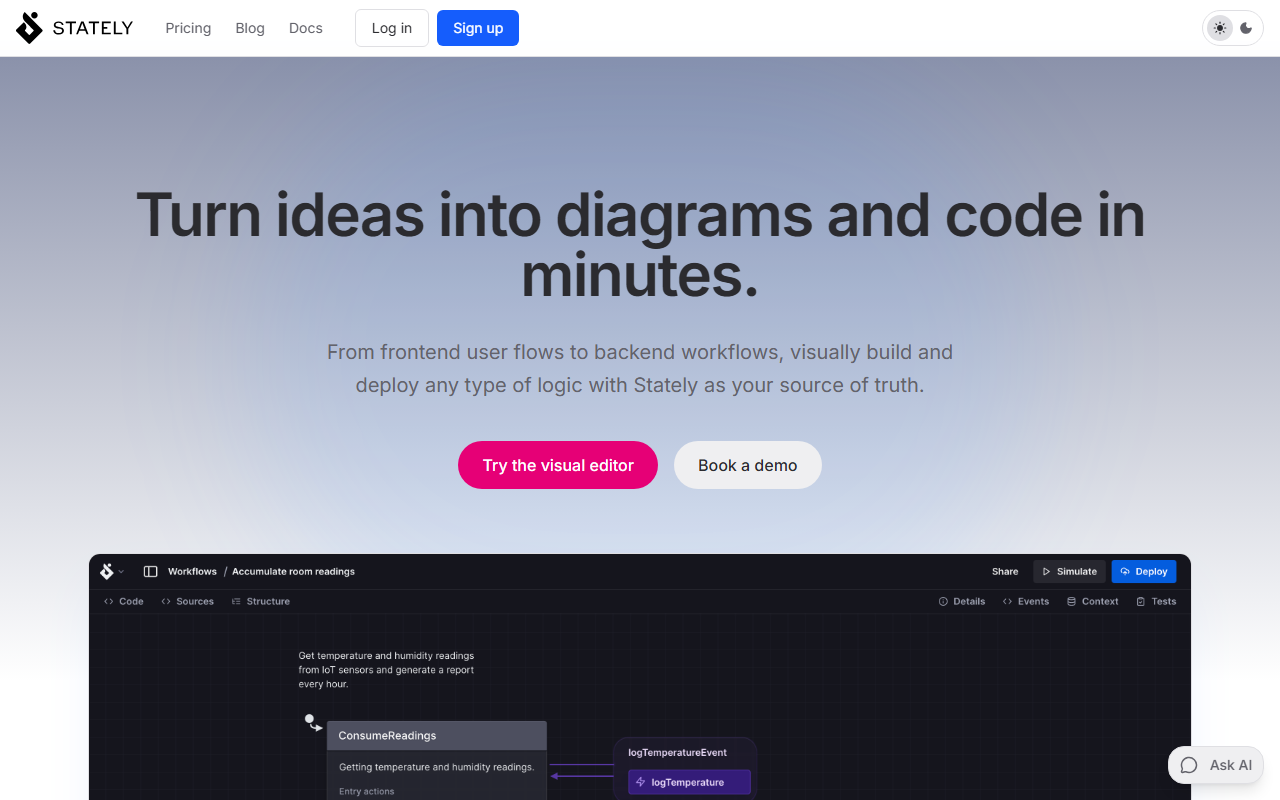
Upon visiting Stately at stately.ai, I was immediately struck by the clean, modern interface. The landing page prominently features an "Ask AI" prompt, inviting you to describe a workflow and have it turned into a visual state machine. I decided to test the free tier by clicking "Try the visual editor." The onboarding flow walks you through creating a simple state machine: you define states (e.g., idle, loading, success, error) and transitions between them using the drag-and-drop canvas. The editor feels responsive and intuitive, even for someone not deeply familiar with statecharts. A sidebar offers AI assistance to generate flows from natural language—I typed "show a login flow with retry logic" and within seconds Stately produced a diagram with proper states and guards. The visual feedback loop is immediate: you can simulate the behavior, inspect transitions, and even generate a prototype React app with one click. This hands-on experience convinced me that Stately is not just a diagramming tool—it's an executable logic platform.
Core Technology: State Machines, XState, and Bidirectional Sync
At the heart of Stately is XState, an open-source library for managing state in JavaScript and TypeScript apps using state machines and statecharts. Stately extends this with a visual editor that offers bidirectional updates: change the diagram, and the code updates; edit the code, and the diagram reflects the changes. During my testing, I modified a state transition in the visual editor and saw the corresponding JSON and TypeScript code update in real time. This is a game-changer for team collaboration—non-developers can design logic visually, while developers can dive into code without losing alignment. The AI integration goes beyond generation: it can suggest variants, uncover edge cases, and even write tests. I found the automatic test generation particularly impressive; it produced Jest-compatible tests that covered all defined transitions. Stately also supports importing and visualizing existing Redux or Zustand logic, making it easier to adopt without rewriting everything. Integration with VS Code via an extension and GitHub sync further streamline the development workflow. The ability to export diagrams as Markdown, Mermaid, or JSON adds flexibility for documentation.
Pricing and Market Positioning
Stately does not publicly list detailed pricing on its website. The main call-to-action offers a free sign-up for the visual editor, which suggests a freemium model. For teams needing advanced features—such as unlimited AI generations, team collaboration, version history, or priority support—you must book a demo to get custom pricing. This is common for tools targeting enterprise or professional developers. Compared to alternatives like Mermaid (which is text-based) or Draw.io (purely diagramming), Stately stands out because it generates executable code and integrates deeply with a runtime library (XState). It also competes with tools like Lucidchart for visual design, but Stately's focus on state machines and AI-powered workflows gives it a distinct niche. For developers already using XState (which counts users at Netflix, Microsoft, and T-Mobile), Stately is a natural companion. However, if you only need static diagrams, simpler tools may be more cost-effective.
Strengths, Limitations, and Who Should Use It
Stately's greatest strength is its ability to bridge the gap between visual design and executable code. The AI-assisted generation speeds up prototyping, and the bidirectional sync ensures the diagram never becomes stale. The platform is also remarkably robust for team collaboration—multiple stakeholders can contribute. That said, it has genuine limitations. The reliance on statecharts and XState introduces a learning curve; developers new to state machines may feel overwhelmed. AI generation, while helpful, can produce overly complex diagrams that need manual refinement. Additionally, the lack of transparent pricing may deter small teams or independent developers. Stately is best suited for frontend developers, software architects, and product teams building complex UI flows or backend workflows (e.g., payment processing, multi-step forms). If you work in React, Vue, or Svelte and deal with intricate state logic, Stately can become your source of truth. For simpler needs, stick with lightweight tools. Overall, Stately is a powerful, forward-thinking tool that earns its place in a developer's arsenal. Visit Stately at https://stately.ai/ to explore it yourself.


Comments