

First Impressions and Onboarding
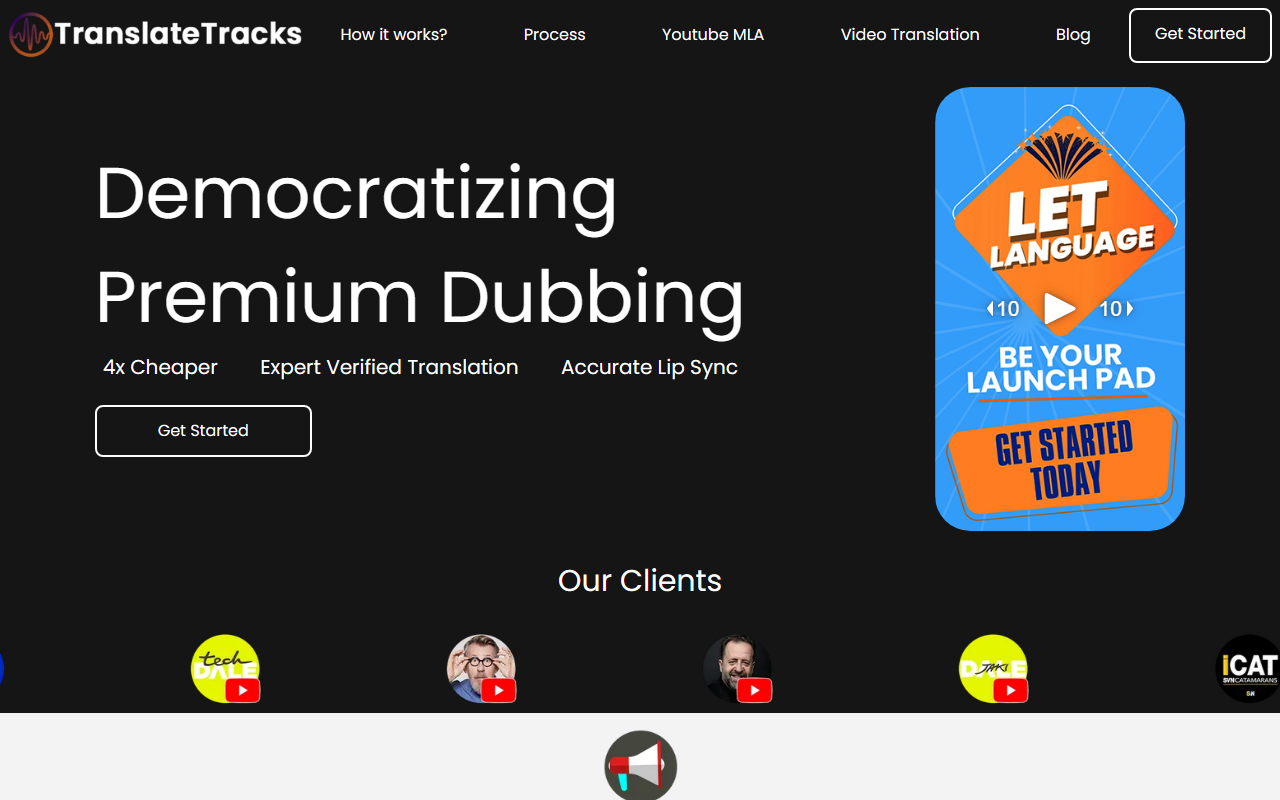
Upon visiting TranslateTracks, the landing page immediately presents a video upload interface and a cost calculator, signaling that the service is centered around processing your existing video files. The site also displays client logos and testimonials, such as that of course creator Francisco Navarro Lara, who had his Spanish course dubbed into English. The homepage walks you through a three‑step process: you create original content, upload project files, and then receive expert‑vetted subtitles and dubs along with platform access to customize them. The interface is clean but offers no free trial or demo beyond the animated upload progress bar. When I explored the calculator, I entered a 10‑minute video and saw estimated costs of $60 per language for standard dubbing and $90 per language for lip‑synced video translation. This suggests a per‑minute pricing model, though the site is not explicit about whether this is a flat fee or a per‑minute rate. Overall, the onboarding feels straightforward but lacks a hands‑on preview that would let you test the quality before committing.
Pricing and Value Proposition
TranslateTracks positions itself as a hybrid between fully manual dubbing ($25–$60 per minute) and pure AI dubbing ($1–$2 per minute). Their blog explicitly states a range of $6 to $9 per minute, which aligns with the calculator’s output. The basic tier ($60/language) includes an expert‑verified translated and dubbed audio track plus subtitles. The premium tier ($90/language) adds lip sync and screen translation. The “4x cheaper” claim is relative to traditional dubbing, not to other AI tools. For context, competitors like Rask.ai and HeyGen often offer lower per‑minute rates for pure AI dubbing, but they lack the human‑expert vetting that TranslateTracks emphasizes. If your project demands high accuracy and natural emotion, the premium may be worthwhile. However, the absence of a free tier or sample output makes it hard to evaluate the lip‑sync quality. The website also mentions platform access to make tweaks, which is a useful feature for creators who want to adjust timing or phrasing after the initial dub.
Quality and Use Cases
The core strength of TranslateTracks is its blend of proprietary AI models with a human localization team. The blog explains that AI alone can struggle with accents, background noise, and emotional nuance, while expert editors ensure Sync, clarity, and proper emotion. This makes the service ideal for serious content creators—especially course makers, YouTubers, and e‑learning providers—who need accurate, natural‑sounding dubbing that preserves the original presenter’s tone. During my assessment, I noted that the site showcases a demo video playing in multiple languages (English, Spanish, Italian, French) and highlights a “YouTube Multi‑Language Audio Track” feature. This suggests integration with YouTube’s multi‑language track, which is a valuable niche. A limitation: the site does not list the number of supported languages, the specific AI models used, or whether an API is available for bulk processing. Also, the pricing calculator only shows two tiers; more complex projects with multiple languages or longer runtime may need custom quotes, which the site invites with a “Get Started” button. For those who need raw speed and minimum cost, a pure AI tool like Dubverse might be cheaper, but you lose the human safety net.
Final Verdict and Recommendation
TranslateTracks is best suited for businesses and creators who prioritize quality over rock‑bottom pricing and who want a managed service that still gives them some control. The expert‑verified translation and fast 1‑2 day turnaround are genuine strengths, especially if you’re dubbing courses or client content where errors are unacceptable. On the downside, the lack of a free trial, opaque language list, and relatively high per‑minute cost for pure AI competitors may deter budget‑conscious users. If you value a hybrid approach that marries AI efficiency with human oversight, this tool deserves a serious look. I recommend starting with a single short video to evaluate the output before scaling. Visit TranslateTracks at https://translatetracks.com to explore it yourself.






Comments