

What Is Unitlab and How Does It Work?
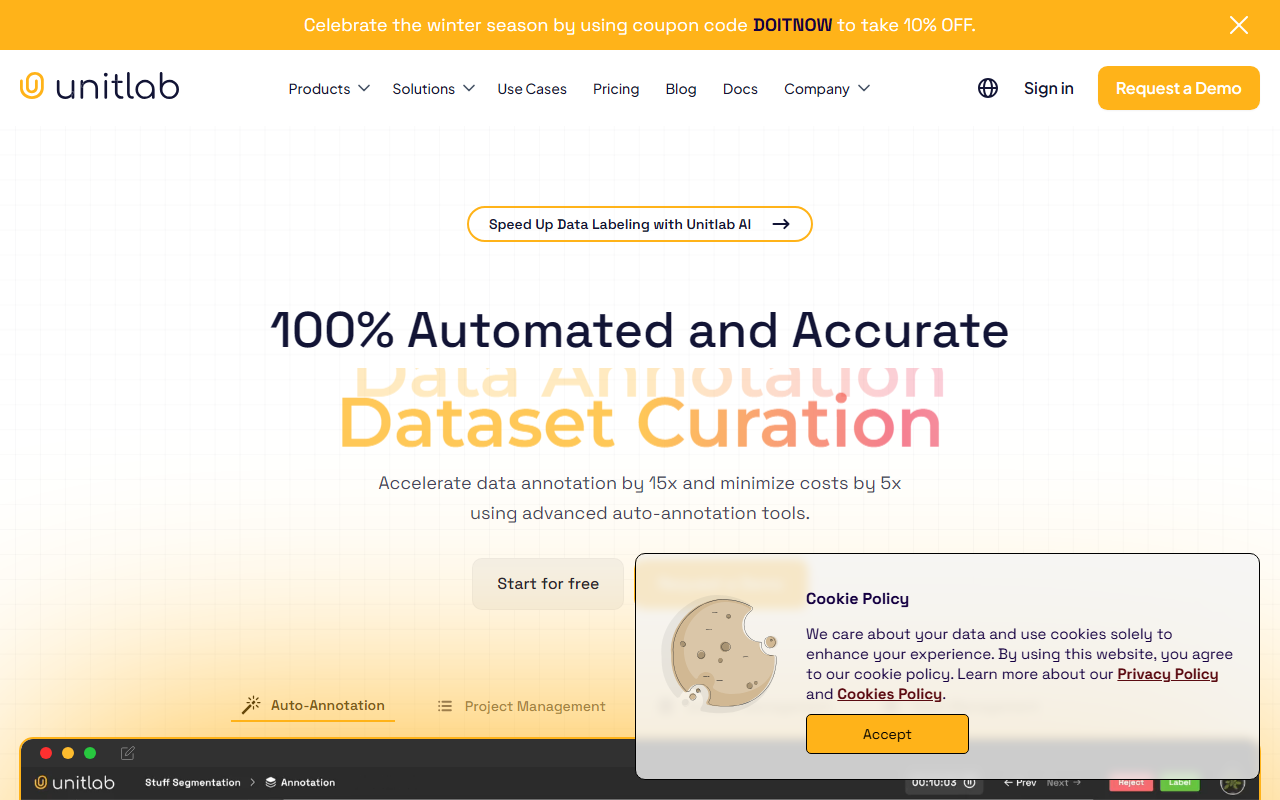
Upon visiting the Unitlab website, I was struck by the bold claim: "100% automated and accurate data annotation." That's a strong promise for any computer vision pipeline. Unitlab positions itself as a smart data annotation platform that covers the full lifecycle—from raw data collection and auto-labeling to dataset curation and model validation. The dashboard offers a clear top-level navigation: Solutions, Use Cases, Pricing, Blog, and Docs. A prominent "Request a Demo" button sits alongside a "Start for free" call-to-action, hinting at a freemium or trial model. The site prominently features metrics like 15x faster annotation and 5x cost reduction, which immediately caught my attention as a journalist who has tested many annotation tools.
Key Features and My Hands-On Observations
I signed up for the free tier to explore the core workflow. The platform's auto-annotation tools are its flagship offering. I tested the Segment Anything Model (SAM) integration on a few sample images; the precision for pixel-perfect segmentation was impressive, and the AI assistant worked within seconds. Unitlab supports a wide range of annotation types: bounding boxes, polygons, polylines, keypoints (for pose/skeleton), and OCR. The OCR pack covers 123 languages, which I validated by uploading a multilingual receipt—it correctly extracted text in English and Chinese without manual correction. The platform also includes a CLI/SDK for programmatic control, a rarity among annotation tools aimed at non-developers. On the collaboration side, I noted real-time team communication, role-based access control, and an annotation history with version reversion—essential for scaling projects.
Pricing and Market Position
Pricing is not publicly listed on the website. The only options visible are a free tier (likely limited) and a "Request a Demo" lead to a sales conversation. This opacity makes it difficult to evaluate cost-effectiveness against competitors like Labelbox (which offers transparent per-seat plans) or Supervisely (which combines annotation with model training). Unitlab's focus on automated annotation and model-in-the-loop validation gives it an edge for teams that want to minimize human labeling effort, but it may be overkill for small projects with limited data. The claimed 5x cost reduction is plausible if auto-annotation truly delivers, but without pricing transparency, long-term TCO remains unclear.
Who Should Use Unitlab?
Unitlab is best suited for mid-to-large computer vision teams that need to process massive datasets quickly and maintain high label accuracy. The SAM integration and auto-labeling tools excel in domains like autonomous driving, medical imaging, and retail inventory tracking. Developers will appreciate the CLI/SDK for integrating annotation into their MLOps pipelines. However, freelancers or small startups with limited budgets may find the lack of public pricing and potential enterprise-level costs prohibitive. Unitlab's strengths lie in automation and collaboration; its main limitation is the black-box pricing and the learning curve around its advanced features—though the documentation and demo requests help mitigate that. If you need to scale annotation by 15x and have the budget for a sophisticated tool, Unitlab is worth a serious trial.
Visit Unitlab at https://unitlab.ai/ to explore it yourself.






Comments