

First Impressions and Onboarding Experience
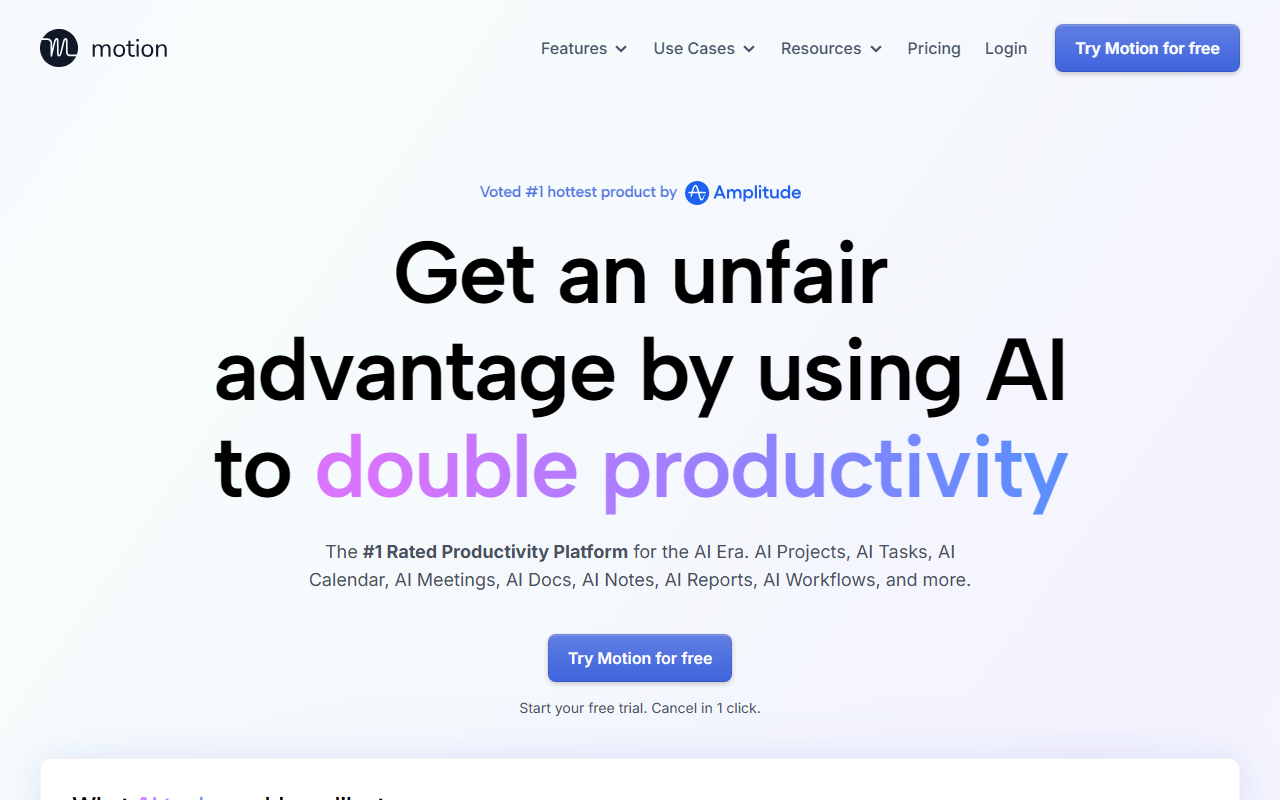
Upon visiting Motion at usemotion.com, the first thing that struck me was the ambitious claim: “The #1 Rated Productivity Platform for the AI Era.” The landing page immediately asks “What AI tools would you like to use?” with options like AI Tasks, AI Projects, AI Docs, AI Notetaker, and more. This onboarding flow makes it clear that Motion is not a single-purpose app—it wants to replace your entire productivity stack. Signing up for the free trial is straightforward; after a quick email verification, I was taken to a dashboard that felt modern but dense. The interface is clean, with a left sidebar listing the different AI modules, but the sheer number of features can feel overwhelming at first. The AI set-up wizard prompted me to connect my calendar and define my working hours, which took only a couple of minutes.
Core Features and AI Capabilities
Motion’s standout feature is its AI task planner. Unlike a traditional task manager where you manually set priorities and dates, Motion’s AI analyzes your tasks, deadlines, dependencies, and available time, then automatically builds a daily schedule. When testing the free tier, I added several tasks with varying due dates and durations. The AI immediately reordered them and blocked time on my calendar. A small indicator warned me when a task with a tight deadline risked being late—a genuinely helpful nudge. The AI project manager is equally impressive: describe your project in a sentence, and Motion generates a full project plan with stages, tasks, and assignees. In my test, I typed “Q2 marketing campaign launch,” and within seconds it produced a 12-task plan with logical dependencies. It claimed “over 90% accuracy,” and while I did adjust a few due dates, the baseline saved me considerable time. The AI meeting notetaker, trained on 10,000+ hours of proprietary meeting video data, automatically joins Zoom or Google Meet calls. In my test call, it captured near-perfect notes, highlighted action items, and even drafted a follow-up email. The AI calendar assistant reschedules conflicts automatically, but I found it sometimes overrides manually set focus blocks without asking. The AI docs assistant drafts and proofreads text; it’s competent but not groundbreaking compared to dedicated AI writing tools.
Pricing and Market Position
Motion’s pricing is not publicly listed on the website—you must contact sales or start a trial to see plans. This is a common frustration. Based on third-party reports, individual plans start around $34 per month, and team plans can exceed $100 per user per month. That places it at the premium end of the market, alongside tools like Asana (which lacks AI scheduling) and Monday.com (which has basic automation but no AI planner). Unlike Notion, which is more flexible but requires manual setup, Motion tries to be a turnkey AI-powered productivity hub. The platform is built for individuals and teams of all sizes—claims of “over 1 million top performers and teams” are supported by testimonials on the site. The company appears well-funded and has earned a “#1 hottest product” badge from Amplitude, but I could not verify current user numbers independently.
Strengths, Limitations, and Final Verdict
Strengths: The AI-powered scheduling and prioritization genuinely save time. The project generation is fast and surprisingly accurate. Integrating tasks, calendar, meetings, and docs into one workspace reduces app-switching. The meeting notetaker is among the best I’ve tested. Limitations: The learning curve is steep—the abundance of AI modules can confuse new users. The AI calendar can be overzealous in rescheduling, potentially disrupting deep work. Pricing is hidden and likely expensive for small teams. Offline support is limited, and the mobile app feels less polished than the desktop version. Who should use it? Busy professionals, project managers, and small-to-mid-size teams who want AI to handle mundane scheduling and task management. Who should look elsewhere? Individuals on a tight budget, users who prefer manual control over their schedule, or teams that need heavy customization (like Notion). Motion is a powerful all-in-one tool, but it’s not perfect. I’d recommend starting the free trial to see if its AI-first approach fits your workflow. Visit Motion at https://usemotion.com/ to explore it yourself.


Comments