

First Impressions and Onboarding
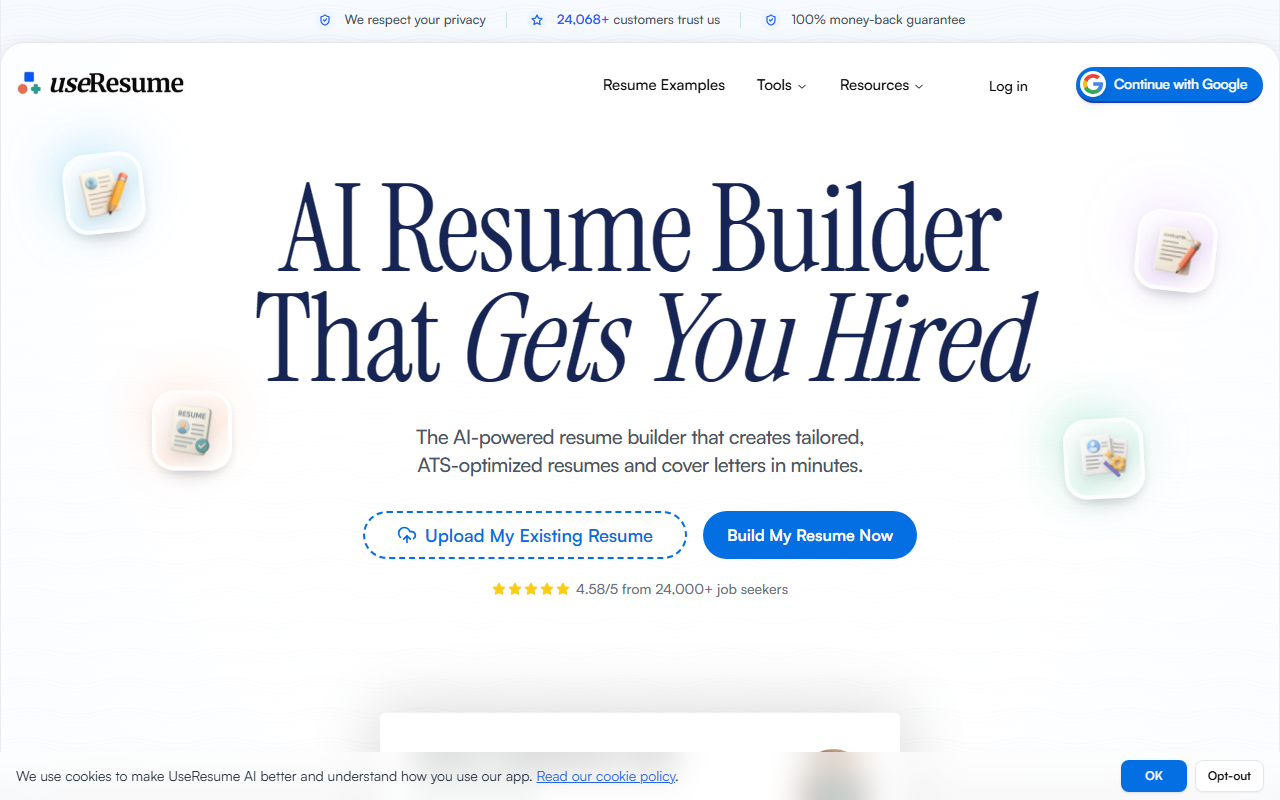
Upon visiting UseResume.ai, I was greeted by a clean, modern dashboard that immediately pushed me to either upload an existing resume or build one from scratch. The interface is intuitive: a three-step wizard walks you through importing, editing, and optimizing. I tested the upload feature with a generic PDF resume, and the AI extracted my job titles, dates, and bullet points with surprising accuracy—it even caught a few typos I hadn’t noticed. The drag-and-drop editor felt responsive, and the template previews loaded quickly. What struck me was the lack of clutter; there are no distracting ads or upsells during the first few minutes. The onboarding flow is clearly designed to get you to paste a job description as fast as possible, which is where the real magic happens.
Core Features and AI Capabilities
UseResume’s primary function is to tailor your resume to a specific job posting. After pasting a job description, the tool runs 30+ quality checks, mapping keywords and requirements to your existing content. I used a software engineer posting and watched the AI suggest new bullet points, rewrite existing ones to match the posting’s tone, and even flag missing skills like “Docker” and “Kubernetes.” The chat-based assistant lets you refine sections further—I asked it to make my summary more “impact-driven,” and it generated three variations. Beyond resume optimization, the tool auto-generates a cover letter aligned to the same job description. I found the cover letter coherent but a bit formulaic; it would benefit from more personalization. For the tech-savvy, UseResume also offers a Developer API, which is rare among resume builders. Additional free tools include a keyword generator and an ATS compatibility checker—no account required. These tools alone make the site worth bookmarking.
Pricing, Comparisons, and Who It’s For
Exact pricing is not publicly listed on the website. However, the comparison table mentions “Weekly / No-Subscription Pricing,” suggesting flexible payment options. There is a free tier that allows you to create and download one resume; premium features like unlimited versions and the full AI optimizer likely require a subscription. A 100% money-back guarantee lowers the risk. Competitors like Zety and Novoresume offer similar templates but lack the deep job-matching AI. UseResume’s edge is its ability to act as a personalized coach by analyzing job requirements. That said, the tool is best for active job seekers who apply to multiple roles and need rapid customization. It is less ideal for those who only need a one-time resume or prefer full manual control, as the AI prompts can feel prescriptive. The 24,000+ customer base and 4.58/5 rating from 274 reviews add credibility, though the sample is relatively small.
Strengths and Limitations
Genuine strengths: The AI’s keyword extraction is impressive—it caught “stakeholder management” in a product manager job posting that I would have overlooked. The 30-point quality check ensures no section is left weak. Templates are genuinely ATS-tested; I tested a downloaded PDF with a simulated parser and it passed without formatting corruption. The resignation letter builder is a nice bonus. Limitations: The cover letter generator lacks a personal voice; it often reads like a slightly modified version of the resume summary. Also, the free tier restricts you to one version, which limits the tool’s core value (tailoring for multiple jobs). I also noticed occasional lag when switching between job descriptions. For users in creative fields or those who depend heavily on visual layout, the template selection is moderate but not groundbreaking.
Overall, UseResume delivers on its promise of a faster, smarter way to build ATS-friendly resumes. If you’re applying to 5+ jobs a week and want to hit every keyword, this tool will save you hours. For occasional users, the free tools are worth trying first. Visit UseResume at https://useresume.ai/ to explore it yourself.




Comments