

First Impressions and Onboarding
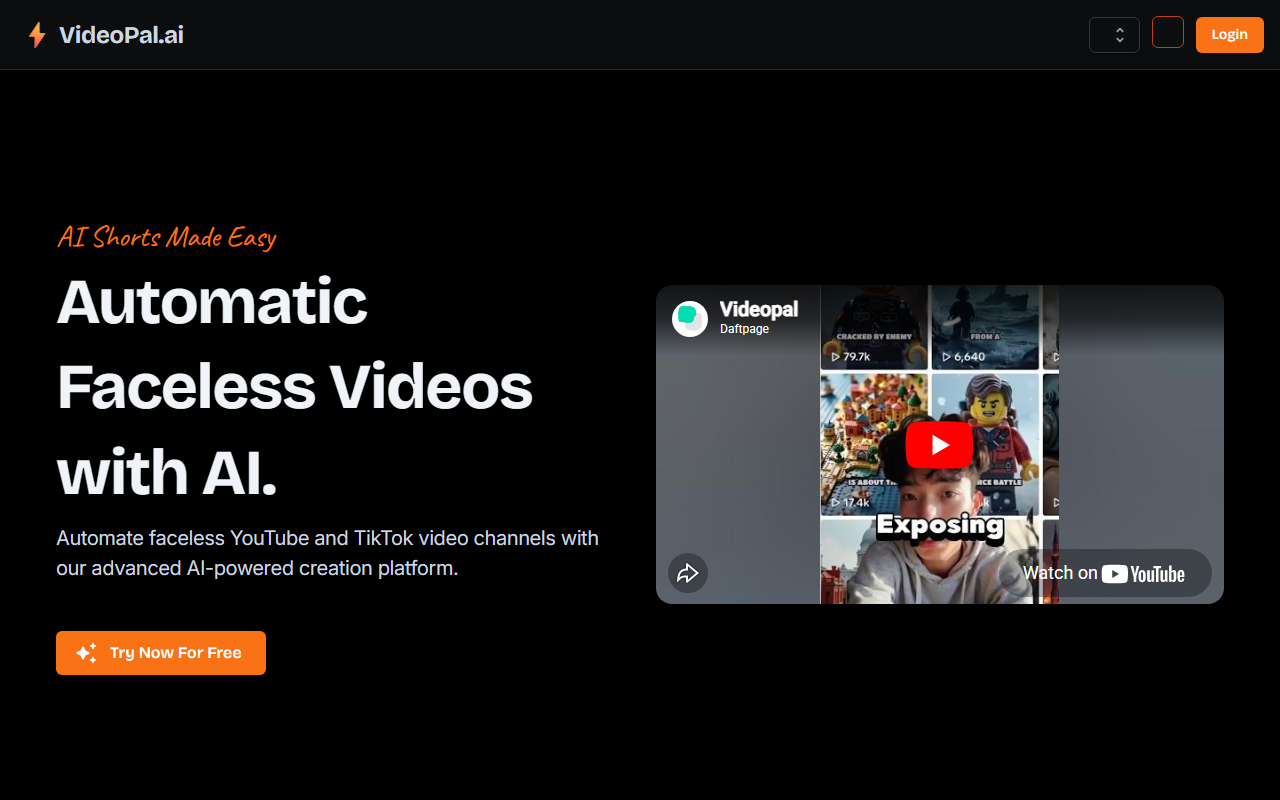
Upon visiting VideoPal.ai, I was greeted by a clean landing page emphasizing "Faceless AI Videos Made Easy." The sign-up flow is straightforward—email or Google login—and within minutes I was on the dashboard. The interface is minimal: a single button to create a new series, a list of existing series, and a preview section. The onboarding wizard immediately prompted me to choose a niche from a preset list (e.g., "History Facts," "Tech News") or enter a custom prompt. I selected "Ancient Rome" and set a 60-second length. The AI claimed it would generate the first video automatically within 5-15 minutes. I waited, and indeed about eight minutes later, a notification popped up. The preview showed a vertical video with AI-generated script, synthetic voiceover, stock-style visuals, and background music. I could edit the script and title before scheduling.
Core Features and Technology
VideoPal focuses on solving a specific problem: maintaining a consistent publishing schedule for faceless short-form channels without manual editing. Each series generates a new video on a recurring schedule—every few days or daily depending on the plan. The underlying AI handles scriptwriting, text-to-speech, image generation (likely via a model like Stable Diffusion or DALL·E), and video assembly. The platform explicitly states that every video is unique; it does not reuse footage like some competitors. It supports 18 languages and offers vertical 9:16 format only. The automation is its core strength: you set a series, connect TikTok or YouTube Shorts (only those two at launch), and the AI posts on your behalf. I tested the free tier, which allows one video total (no recurring posts). The editing interface is basic but functional—I could tweak the script, change the title, adjust music volume, and preview before confirming.
Pricing and Value
VideoPal offers four tiers. The Free plan ($0) gives you a single video, no watermark on that one video, but the video includes a small watermark. Starter at $19/month posts three times a week, includes one series, and removes watermarks. The Pro at $39/month posts once daily, still one series. The Master at $69/month posts twice daily, again one series. Notably, all paid plans cap you at a single series. For creators wanting multiple topic channels, this is a limitation. Compared to competitors like InVideo or Pictory, which offer more templates and longer videos, VideoPal is laser-focused on automation and uniqueness. For context, Synthesia targets avatars and longer videos, while VideoPal is strictly short-form faceless content.
Strengths, Limitations, and Verdict
Strengths: The biggest win is genuine uniqueness—each video is freshly generated, not a template clone. The automation works reliably; after initial setup, I barely touched anything. Multilingual support is robust, and the preview-and-edit workflow gives you control. The pricing is reasonable for a service that saves hours of manual work.
Limitations: You can only create short videos (under 90 seconds). Only TikTok and YouTube Shorts are supported; no Instagram Reels yet (though the FAQ says future platforms). No custom voice cloning or image uploads—you're tied to AI-generated assets. The single-series cap on paid plans feels restrictive; if you want two niches, you need multiple accounts. Long-form is in development but not available.
Who should try VideoPal? Busy content creators, faceless channel operators, or businesses wanting a consistent short-form output without hiring editors. Who should look elsewhere? Anyone needing long-form, horizontal video, or multi-platform cross-posting beyond the current two. I recommend starting with the free tier to test video quality, then upgrading to Pro if the automation fits your workflow. Visit VideoPal at https://videopal.ai/ to explore it yourself.






Comments