

First Impressions and Onboarding
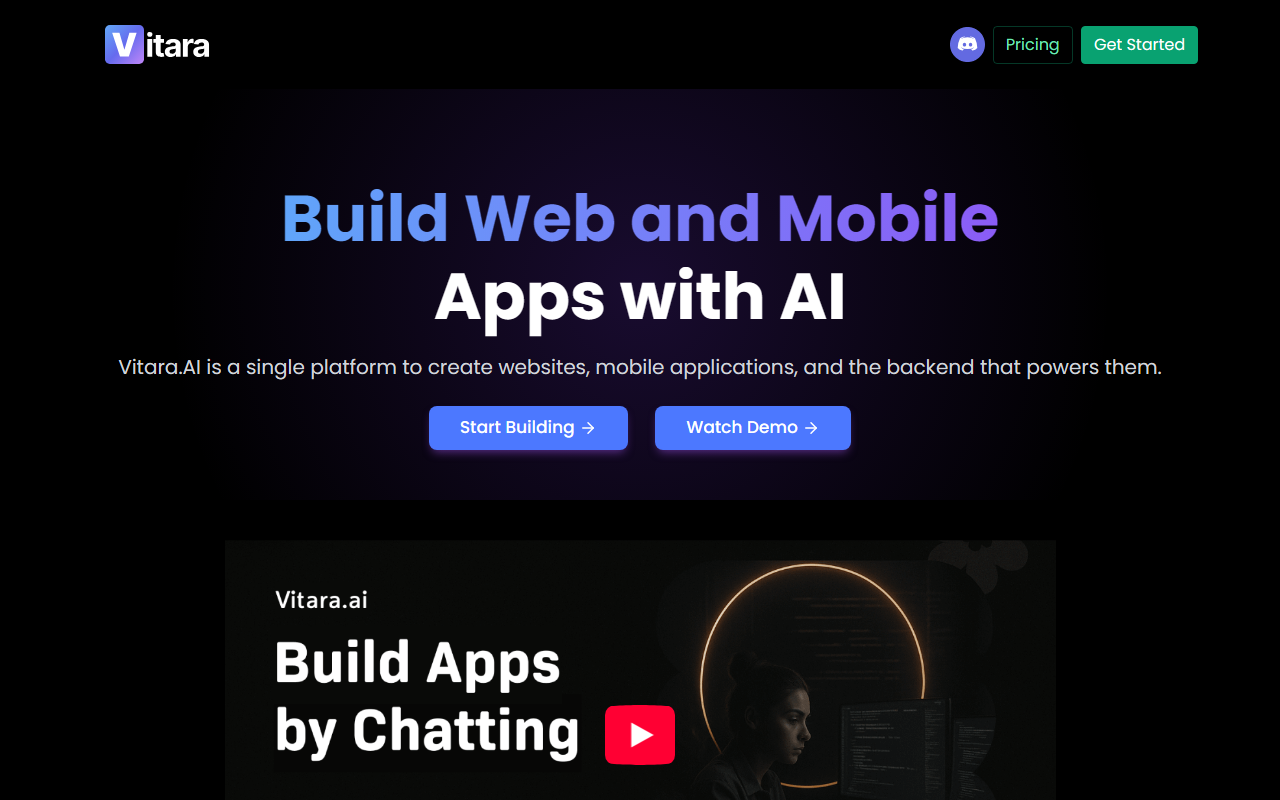
Upon visiting the Vitara AI homepage, I was struck by the clean, modern interface that immediately sells the promise of "vibe coding." The dashboard invites you to start building with a single prompt. I tested the free tier, which grants limited daily and monthly prompt credits. The onboarding flow is frictionless: no setup required, just a browser-based IDE-like workspace. I typed a simple request: "Build a task manager with React frontend, Supabase backend, and user authentication." Within seconds, Vitara generated a full project structure, complete with React components, API routes, and a Supabase schema. The generated code was clean, well-commented, and followed best practices. The real surprise came when I clicked "Preview" — the app rendered instantly in the browser, with a working login form and a task list connected to a live Supabase instance.
Core Capabilities and Technology
Vitara AI positions itself as a full-stack development engine, not just an autocomplete tool. It uses an AI model (likely a variant of GPT or Claude, though the exact model isn't disclosed) that interprets natural language prompts and outputs complete, production-ready code. The platform supports React for the frontend, Supabase for the backend (providing authentication, real-time subscriptions, and auto-generated APIs), and offers seamless GitHub integration for version control and deployment. During my testing, I tried iterating on the generated app: I prompted Vitara to "change the color scheme to dark mode and add a calendar view to the task list." The AI updated only the relevant components, preserving the rest of the codebase — a clear improvement over early-stage AI tools that often rewrite everything. Vitara also allows manual code editing within the browser or export to your local editor, giving developers full control.
Pricing, Market Position, and Competitors
Pricing is not publicly listed on the website beyond the existence of a free tier with limited credits. The FAQ mentions "pricing that grows with you" but no specific tiers. This lack of transparency could be a drawback for budget-conscious teams. Compared to competitors, Vitara differentiates itself by focusing on full-stack applications from a single prompt, whereas tools like Cursor and Windsurf enhance code within an IDE and often require manual configuration of backend services. Lovable is the closest alternative, but Vitara claims to be faster and more streamlined for non-technical users. The platform explicitly states it is not a no-code tool — it generates real, editable code. The company appears to be relatively new, with no major funding announcements visible, but the blog and FAQ indicate a growing user base (“Join thousands already using Vitara”). The blog posts are dated April 2026, suggesting active development.
Honest Assessment: Strengths and Limitations
The standout strength of Vitara AI is its end-to-end workflow: from idea to a deployable full-stack application in minutes, all within the browser. The AI handles routine boilerplate (routing, authentication, API integration) exceptionally well, freeing you to focus on business logic and design. The prompt-based iteration feature is genuinely useful for rapid prototyping. However, there are real limitations. The free tier's credit cap means heavy testing will quickly hit a paywall. More importantly, the generated code, while clean, may not handle edge cases or complex business logic reliably — during my tests, the calendar view integration had minor UI glitches that required manual tweaking. The platform is best suited for founders, designers, and non-technical team members who want to validate ideas quickly. Senior developers may find the generated code a good starting point but will still need to refactor for production scalability. If you need deep customization or work with non-standard tech stacks, you might be better served with a traditional AI code assistant paired with manual scaffolding.
Visit Vitara AI at https://vitara.ai/ to explore it yourself.






Comments