

First Impressions and Onboarding
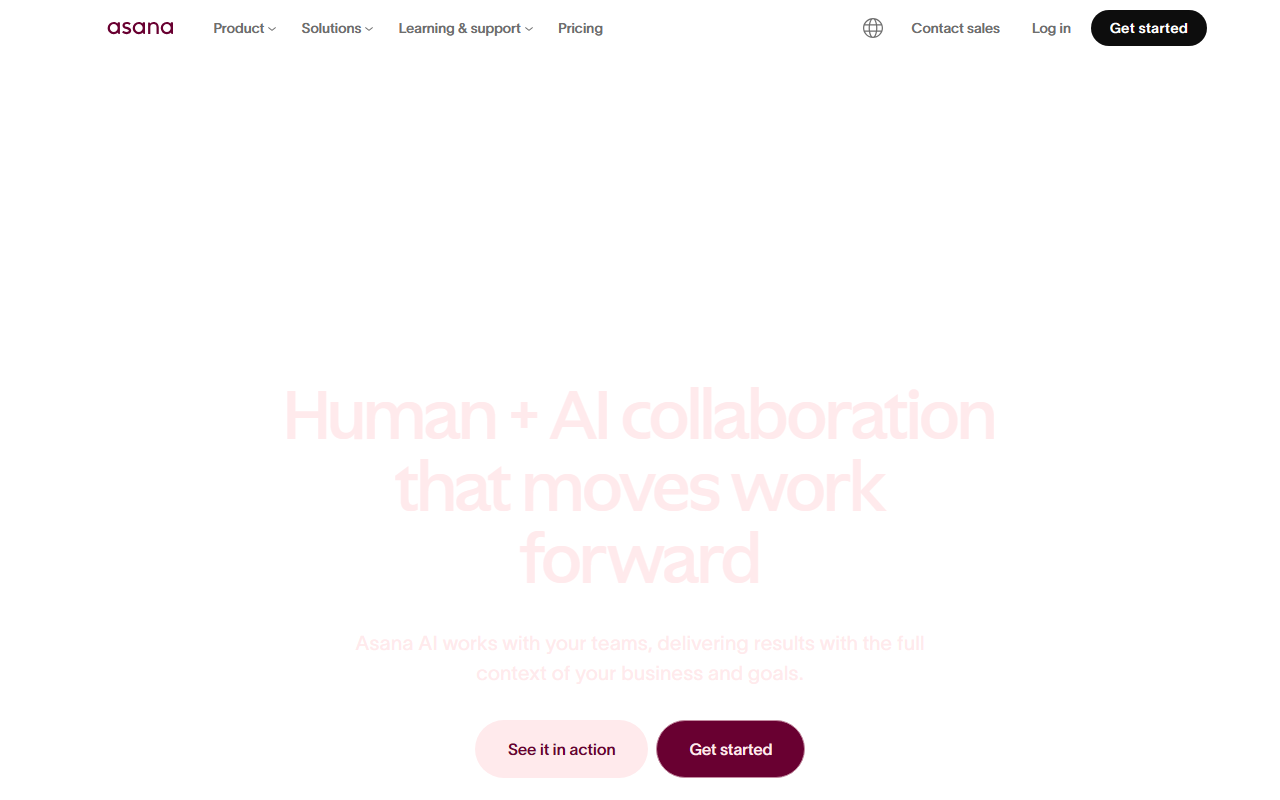
Upon visiting Asana’s site, the landing page immediately emphasizes AI integration with the tagline “Supercharge your teams with AI that gets work done.” The interface is clean, with a clear navigation bar linking to product overview, solutions, and pricing. I signed up for the free Personal plan to test the onboarding flow. The process asks a few questions about team size and use case, then presents a pre-built template (e.g., campaign management or product launch). I chose the “Project intake” template and was guided through a sample board with columns for requests, in progress, and done. The dashboard shows a project timeline, assigned tasks, and a quick-add button for new items. The free tier includes basic project management but lacks advanced AI features; a banner prompts upgrading to Starter or Advanced to unlock AI Teammates and automations.
AI Capabilities and Workflow Integration
Asana’s AI features are the main differentiator. Asana AI offers two core components: AI Teammates and Smart Assists. AI Teammates act as virtual team members that can suggest next steps, re-prioritize tasks, and even draft updates based on project context. When testing the Starter plan (14-day trial), I created a task and typed “What’s next?” The AI Teammate analyzed dependencies and suggested three follow-up actions, complete with assigned owners and due dates. Smart Assists appear inline: while writing a task description, the AI offers to rephrase for clarity or expand details. The AI Studio lets admins build custom automation workflows using natural language prompts. For example, I told it “when a task is marked high priority, notify the project lead and move it to the top of the list.” The automation was set up in seconds. Asana also integrates with over 300 tools like Slack, Google Workspace, and Jira. One limitation: the AI features are only available on paid plans (Starter and above), and the advanced AI capabilities are gated behind the Enterprise tier. The free Personal plan feels restrictive for AI testing.
Pricing and Market Positioning
Pricing is not publicly listed on the website beyond naming tiers: Personal (free), Starter (paid), Advanced (paid), and Enterprise (custom). Common industry knowledge indicates Starter starts around $10.99/user/month, Advanced near $30/user/month, and Enterprise varies. Asana targets both mid-market and enterprise teams, boasting that 85% of Fortune 100 companies use the platform. It positions itself as a “platform for human + AI collaboration,” competing with tools like Monday.com (strong on visual dashboards) and ClickUp (more all-in-one but less polished AI). Asana’s chief advantage is its native AI integration aligned with work context — not just generic chatbots. The government-specific Asana Gov product adds compliance for agencies. However, the complexity of its feature set may overwhelm small teams; Trello or simpler tools might suffice for basic task management.
Who Should Use Asana?
Asana is best suited for medium to large teams that manage cross-functional projects and want AI to reduce manual updates and context-switching. Marketing, IT, and operations departments benefit from the goal tracking and resource management features. Genuine strengths include the AI’s context awareness (it knows your project structure), the 300+ integrations, and the Forrester Wave leader recognition. A real limitation: the AI features are locked behind premium tiers, and the setup learning curve can be steep for non-technical users. For a freelancer or a two-person startup, the free plan offers basic task lists but you’ll outgrow it quickly. My recommendation: try the free Personal plan to see if the interface works for you; if you need AI, opt for the Starter plan. Asana delivers on its promise of human+AI collaboration, making it a strong choice for teams that value structure and intelligence over sheer simplicity.
Visit Asana at https://asana.com/ to explore it yourself.













Comments