

First Impressions and Onboarding
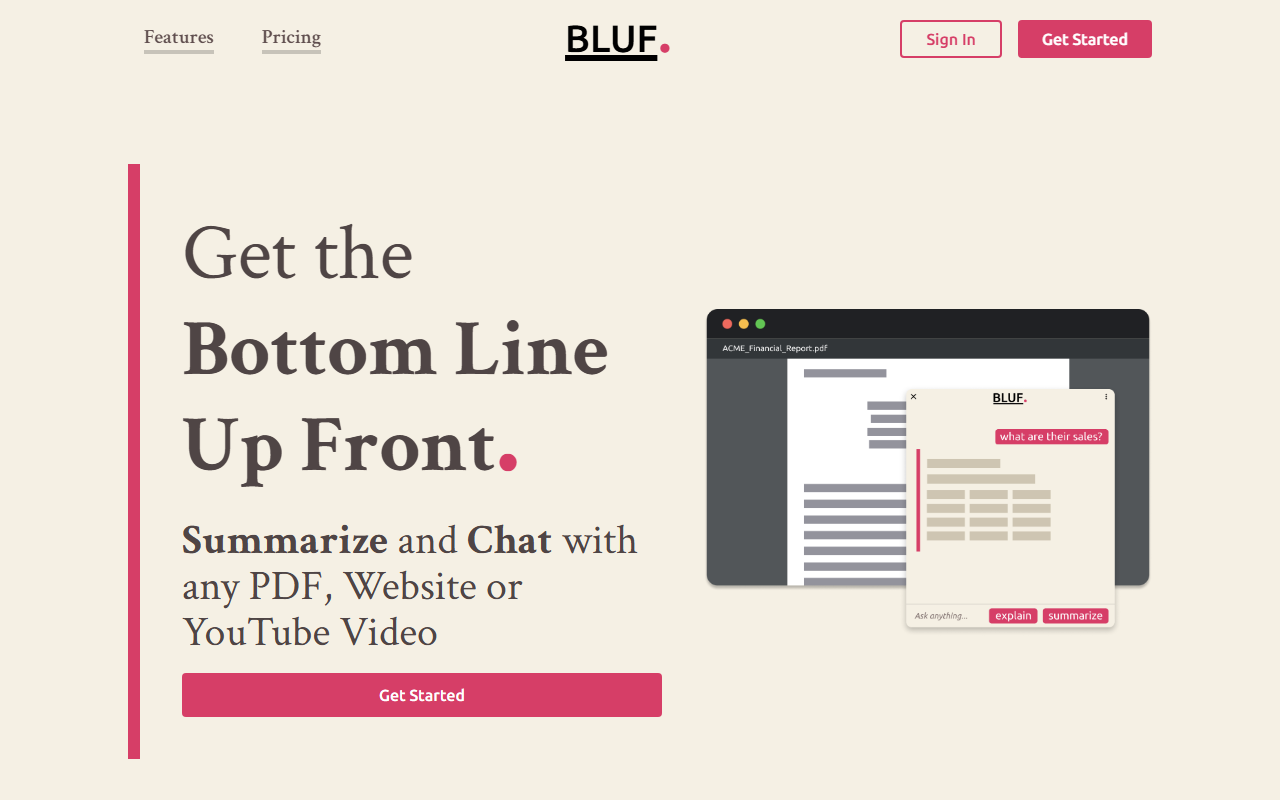
Upon visiting the BLUF website, I was greeted by a clean, no-nonsense landing page that immediately explains the tool's core value: "Get the Bottom Line Up Front." The tagline and the description make it clear that BLUF is an AI-powered browser extension designed to summarize and explain content from websites, PDFs, and YouTube videos. Installation is straightforward—the website prominently lists supported browsers: Chrome, Firefox, Edge, and Opera. I installed the Chrome extension in under 30 seconds and was offered a quick tour. The dashboard is minimal; when I right-clicked on a long news article, the "Summarize" and "Explain" options appeared, along with the keyboard shortcut Shift + Alt + B. Onboarding is smooth, with no account required to test the free tier. The extension’s popup interface is simple and responsive, offering a text input box for follow-up questions.
Core Features and Performance
BLUF offers three main actions: Summarize, Explain, and Ask. When testing the free tier on a 3,000-word blog post, the Summarize feature returned a bulleted list of key points in under two seconds. The Explain option rephrased a technical paragraph into plain language, which is ideal for complex topics. The Ask feature allows follow-up questions; I asked for a deeper dive on a specific statistic and received a concise, accurate response. The extension also handles partial page selection—a useful workaround for documents exceeding the word-per-page limit. Under the hood, BLUF uses OpenAI's models (as stated in the FAQ), sending content to OpenAI but claiming not to retain prompt data. The FAQ notes that prompts over 30 days are not kept by OpenAI. API availability is not mentioned, but the extension is fully local-browser integrated. The “Wide Compatibility” claim holds up: I tested it on a local PDF and a YouTube video transcript, and both worked seamlessly.
Pricing and Target Audience
Pricing is clearly listed with three tiers: Free ($0/month, 25 prompts, 20,000 words/page), Standard ($4/month, 200 prompts, 50,000 words/page), and Professional ($10/month, unlimited prompts, 200,000 words/page). The free tier is generous enough for light users, while the Professional plan suits heavy researchers. BLUF is best suited for students, journalists, researchers, and busy professionals who need to quickly digest long-form content. Compared to alternatives like SummarizeBot (which handles files and chats) or ChatGPT (which requires manual copy-paste), BLUF stands out for its deep browser integration and dedicated summarize/explain buttons. However, one limitation: the word-per-page cap on lower tiers can be restrictive for very long documents, and the FAQ warns against using the Ask feature for large pages—users must rely on the dedicated buttons for optimal performance. The extension lacks offline capability and only supports OpenAI, not other LLMs.
Verdict: Who Should Use BLUF?
BLUF delivers on its promise of quick, accurate summaries and explanations without bloated features. Its strengths are ease of use, seamless integration with common browsers, and clear pricing. The primary limitation is the prompt-based pricing model—25 prompts per month on free tier may feel tight for daily users. Additionally, the need to send content to OpenAI might raise privacy concerns for sensitive documents, though the FAQ provides transparency. I recommend BLUF for anyone who regularly consumes long articles, research papers, or video transcripts and wants to save time. It is less ideal for users needing recurring unlimited summaries on a shoestring budget (consider the Professional plan at $10) or those who require full offline functionality. Overall, BLUF is a polished, purpose-built tool that excels at its core task. Visit BLUF at https://bluf.ai/ to explore it yourself.













Comments